
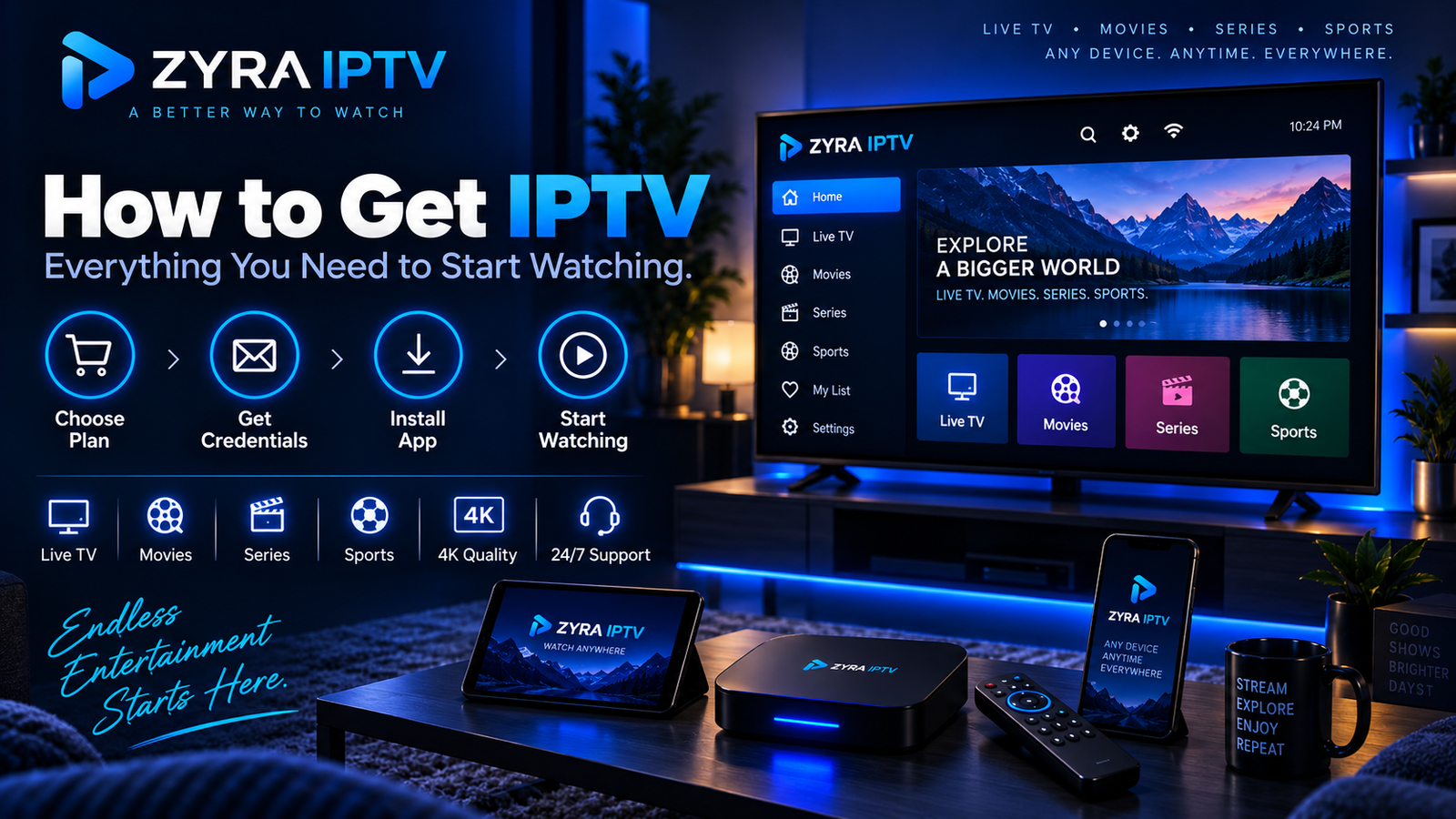
If you are wondering how to get IPTV, the basic process is straightforward. You need a reliable internet connection, a compatible viewing device, an IPTV service or subscription, and the appropriate IPTV app or player. After subscribing, the provider normally gives you the account or connection details required to load the service into your chosen app.
The exact setup varies between providers and devices, so it is important to verify compatibility before purchasing anything. This guide explains the complete process from choosing a service to starting your first stream.
What Do You Need to Get IPTV?
Before subscribing, make sure you have the basic parts of an IPTV setup.
| Requirement | What it does |
|---|---|
| Internet connection | Delivers television streams to your device |
| Compatible device | Displays the IPTV service |
| IPTV provider | Supplies access to live TV or other included content |
| IPTV app or player | Organises and plays the streams |
| Login or playlist details | Connects the player to your subscription |
You may already own most of what you need.
Depending on the provider and setup method, IPTV can potentially be used on Smart TVs, Android TV devices, phones, tablets, computers, and other compatible streaming hardware. Always confirm support for your specific device before subscribing.
Step 1: Decide What You Want to Watch
Before looking for a provider, identify your viewing requirements.
Consider whether you mainly want:
- live television
- sports
- news
- local channels
- international programming
- movies
- TV series
- on-demand content
- an Electronic Programme Guide (EPG)
- catch-up features
This helps you avoid choosing a service simply because it advertises a very large channel count.
A smaller lineup containing the programming you actually watch may be more useful than thousands of irrelevant channels.
When evaluating one option, you can review the Zyra IPTV channel information and compare the published content with your own requirements.
Regional availability may differ, so users in Australia, the United States, and Canada should verify the content relevant to their own market.
Step 2: Find and Evaluate an IPTV Provider
If you are asking how can I get IPTV, choosing the provider is one of the most important steps.
Potential services can be discovered through search engines, recommendations, technology communities, comparison websites, and other online sources. Finding a provider is only the beginning. You should still investigate it before purchasing.
Check for:
- clear subscription information
- content relevant to you
- supported setup methods
- connection limits
- customer support
- renewal terms
- cancellation information
- refund conditions
- privacy information
- understandable payment terms
Be cautious about making a decision based entirely on anonymous recommendations or a single ranking page.
The U.S. Federal Trade Commission recommends checking sellers and products before buying online, reading reviews from several sources, reviewing refund policies, and keeping purchase records. It also warns that HTTPS indicates an encrypted connection but does not prove that a seller is legitimate.
Step 3: Check Your Device Before Subscribing
Your next step is deciding where you will watch IPTV.
Common categories include:
- Smart TV
- Android TV
- smartphone or tablet
- computer
- compatible streaming hardware
Do not assume every IPTV service works with every operating system or application.
Ask the provider:
- Is my device supported?
- Which IPTV player should I use?
- How will I receive the connection details?
- Are there separate instructions for my device?
- How many simultaneous streams does the subscription permit?
If you need a general overview of installation methods, the IPTV installation guides explain Zyra IPTV’s device-oriented setup process.
Step 4: Choose an IPTV App or Player
An IPTV subscription and an IPTV player are not always the same product.
The provider supplies access to the television service. The player is the application that displays and organises the streams.
Depending on the service, you may receive information such as:
- username
- password
- server URL
- playlist URL
- M3U information
- another supported connection format
Your provider should tell you which setup method applies.
When downloading an app, use a trusted source whenever possible. Google states that Play Protect checks Android apps for potentially harmful behaviour, scans apps from Google Play and other sources, and can warn about, disable, or remove potentially harmful applications.
Avoid downloading unfamiliar software simply because someone in a forum provides a link.
Step 5: Subscribe and Keep Your Account Details
Once you have verified the provider, device, and setup method, you can choose an appropriate subscription.
Before paying, check:
- subscription duration
- billing currency
- total price
- number of connections
- automatic renewal conditions
- cancellation procedure
- refund policy
- trial conditions, if applicable
Keep your order confirmation and account information somewhere secure.
Do not share IPTV usernames, passwords, playlist links, or server credentials publicly. Depending on how the provider authenticates accounts, those details may provide access to your subscription.
Step 6: Install the Player on Your Device
Installation depends on the device.
For example, a Smart TV may use an application available through its supported app environment, while another device may use a different IPTV player.
Do not assume the instructions for one platform apply to another.
If you are planning to watch on television, the Smart TV IPTV setup guide provides a dedicated starting point for that type of installation.
Follow the instructions supplied for your particular service and device rather than copying settings from unrelated providers.
Step 7: Add Your IPTV Login Details
After installing the appropriate player, open it and locate the account, playlist, or provider login option.
The exact fields depend on the application.
You may be asked for information such as:
- username
- password
- server address
- playlist URL
Enter the details exactly as provided. Even a missing character can prevent the service from loading correctly.
If copying credentials from an email or message, check that you have not accidentally included spaces before or after the text.
Once authenticated, the application may need some time to load channels, categories, VOD information, or EPG data.
Step 8: Test the Service Before Changing Settings
When the channel list appears, start with a basic test.
Check:
- several live channels
- channel switching
- EPG information
- movies or series if included
- audio and video playback
- your most important content categories
Avoid changing advanced player settings immediately.
If everything works properly with the default configuration, unnecessary changes can make troubleshooting more difficult later.
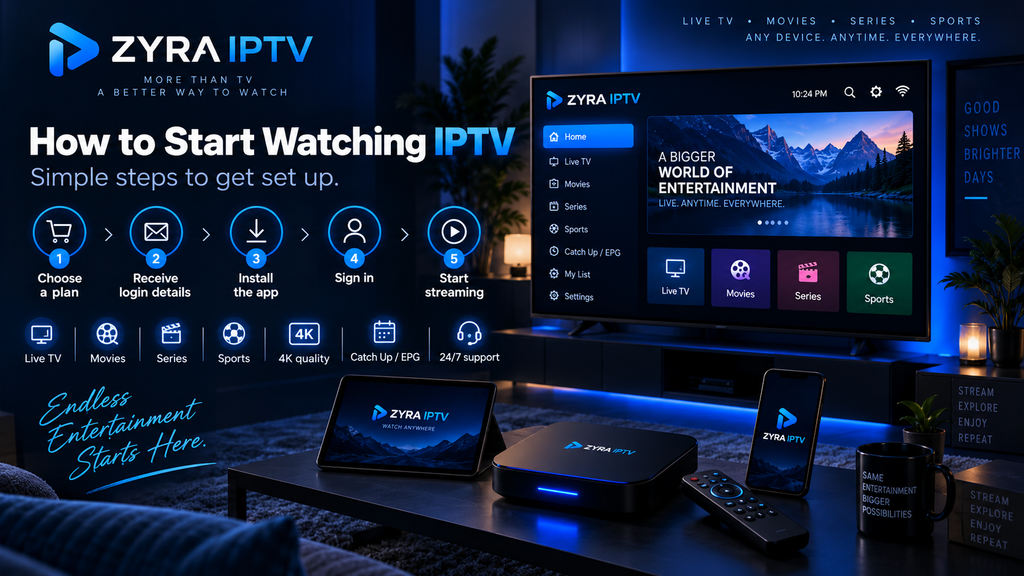
What Internet Connection Do You Need for IPTV?
IPTV depends on continuous network delivery.
Your experience can be influenced by:
- internet connection quality
- Wi-Fi signal strength
- network congestion
- video resolution
- other devices using your connection
- IPTV application
- streaming hardware
- source stream quality
There is no single speed that guarantees perfect performance for every IPTV service or video format.
If playback works over Ethernet but struggles over Wi-Fi, your local wireless network may be part of the problem. Moving closer to the router, reducing network congestion, or using a wired connection where practical can help isolate the cause.
Do You Need an IPTV Box?
Not necessarily.
Whether additional hardware is required depends on your existing devices and the service you choose.
If your current Smart TV, Android TV device, computer, or another supported platform can run the necessary IPTV player, you may not need a dedicated box.
Before buying new hardware:
- Check the devices you already own.
- Verify the provider’s supported setup methods.
- Identify the required IPTV app.
- Buy additional hardware only if it is genuinely necessary.
This can prevent unnecessary setup costs.
Should You Use an IPTV Trial First?
A trial can be useful when available because it lets you test the service under your own viewing conditions.
During a trial, focus on:
- channels you actually watch
- your main device
- EPG functionality
- streaming quality
- channel loading
- support quality
- performance during normal viewing times
Do not assume that every trial is free. Read the price, duration, renewal, and cancellation conditions before starting.
Common Mistakes When Getting IPTV
Beginners can avoid many problems by watching for a few common mistakes:
- subscribing before checking device compatibility
- choosing solely by channel count
- paying for a long plan before testing the service
- installing apps from unknown sources
- ignoring renewal or cancellation terms
- confusing an IPTV player with an IPTV subscription
- assuming multiple supported devices means multiple simultaneous streams
- entering login details incorrectly
- changing advanced app settings before testing the default setup
A few minutes of preparation can make the initial setup much easier.
Frequently Asked Questions
How do I get IPTV?
Choose an IPTV provider, confirm that it supports your device, purchase an appropriate subscription, install the required IPTV player, and enter the login or playlist details supplied by the provider.
How can I get IPTV on my Smart TV?
First verify that your service supports an appropriate setup for your television. Then install the compatible player and add the connection details supplied by your IPTV provider.
What is IPTV and how do I get it?
IPTV is television delivered using IP-based network technology. To access a consumer IPTV service, you typically need internet access, a compatible device, an IPTV provider, an appropriate player, and valid subscription credentials.
Do I need an IPTV subscription and an IPTV player?
In many setups, yes. The IPTV service provides the content access, while the player is the software used to display it. The exact arrangement varies by provider.
Can I get IPTV without a box?
Potentially. A separate box may not be necessary if your existing device supports the required IPTV setup. Always check compatibility before purchasing additional hardware.
Can I use one IPTV subscription on multiple devices?
That depends on the subscription. Device compatibility does not automatically mean multiple simultaneous streams are allowed, so check the provider’s connection limits.
Start With the Right IPTV Setup
Learning how to get IPTV is mainly about putting the correct pieces together: a suitable provider, compatible device, reliable internet connection, appropriate IPTV player, and valid account details.
Choose your service carefully, confirm compatibility before paying, use trusted app sources, read the subscription terms, and follow the correct installation instructions for your device.
If you want to compare a current IPTV option and its available setup information, you can review Zyra IPTV before deciding whether it matches your viewing requirements.
