
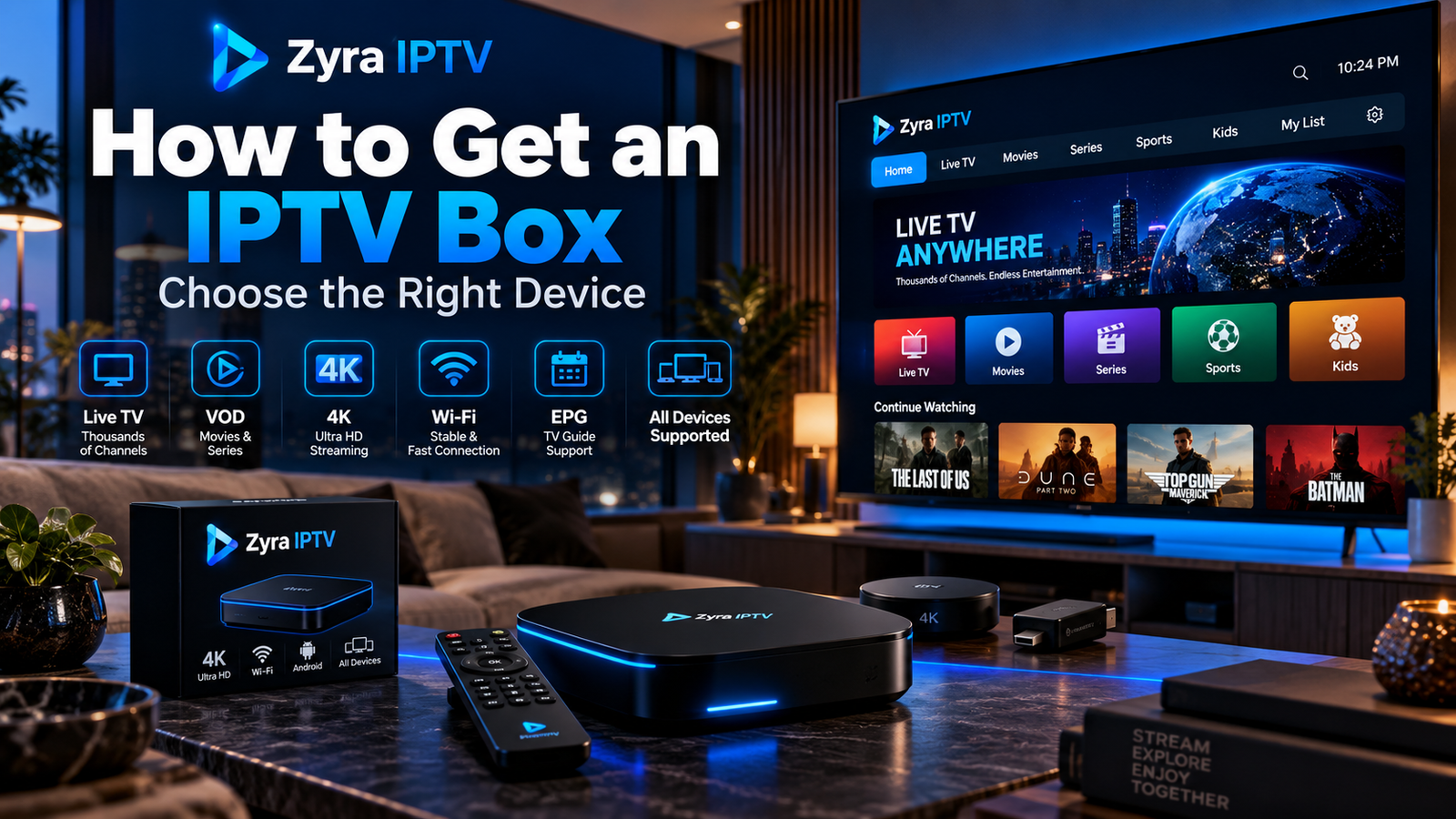
If you are searching for how to get IPTV box hardware, you do not necessarily need a device sold specifically as an “IPTV box.” A compatible streaming box that connects to your TV, runs the IPTV app you need, and supports your provider’s login method can serve the same purpose.
Before buying anything, check whether your Smart TV already supports your IPTV player. If you still need external hardware, compare the operating system, app availability, Ethernet and Wi-Fi support, video formats, storage, and HDMI requirements.
This guide explains where to get an IPTV box, what specifications matter, and how to avoid buying hardware that does not match your setup.
What Is an IPTV Box?
An IPTV box is a set-top streaming device that connects to a television and receives video through an IP network.
It normally connects to your TV through HDMI and accesses the internet through Wi-Fi or Ethernet. You then install a compatible IPTV player or use a provider-specific interface.
The box and the IPTV subscription are separate things.
Buying a streaming box does not automatically give you:
- television channels
- movies or series
- an IPTV subscription
- an M3U playlist
- username and password credentials
- an EPG
Those normally come from your authorized television or IPTV service.
Do You Actually Need an IPTV Box?
Check your existing television before buying another device.
You may not need a box if your Smart TV already:
- supports a suitable IPTV app
- runs the app smoothly
- connects reliably to the internet
- supports the video formats you use
An external box becomes more useful when your television has limited app support, older software, weak performance, or no suitable IPTV player.
You can review Zyra IPTV’s Smart TV setup information before deciding whether additional hardware is necessary.
How to Get an IPTV Box
The safest buying process is to separate the hardware decision from the television subscription.
1. Identify Your IPTV Login Method
Before choosing hardware, find out how your IPTV service expects you to sign in.
Common methods include:
| Login method | Information typically required |
|---|---|
| Account login | Server URL, username and password |
| M3U | M3U playlist URL |
| Portal | Portal URL and supported device information |
| Provider app | Provider-specific account credentials |
Not every application supports every method.
Buying a box first and discovering later that your preferred player cannot use your account is an avoidable problem.
2. Choose the Operating System
The operating system determines which apps are available.
Common choices include Android TV or Google TV, Fire TV, tvOS on Apple TV, and provider-specific set-top box software.
For users who want access to Android TV applications, a Google TV or Android TV device can be practical. Zyra IPTV also provides a separate Android TV installation guide for compatible setups.
Apple TV uses tvOS, while Amazon Fire TV devices use Amazon’s platform. An app available on one platform should not automatically be assumed to exist on another.
Always search the relevant official app store before purchasing the hardware.
3. Buy From a Reputable Hardware Source
You can get streaming hardware from:
- the device manufacturer’s official store
- authorized electronics retailers
- established online retailers
- your television or internet provider, if it offers compatible hardware
Be more cautious with unknown sellers advertising boxes that already contain large collections of premium channels or “lifetime IPTV.”
The hardware itself should be evaluated separately from any bundled content service.
What Features Should an IPTV Box Have?
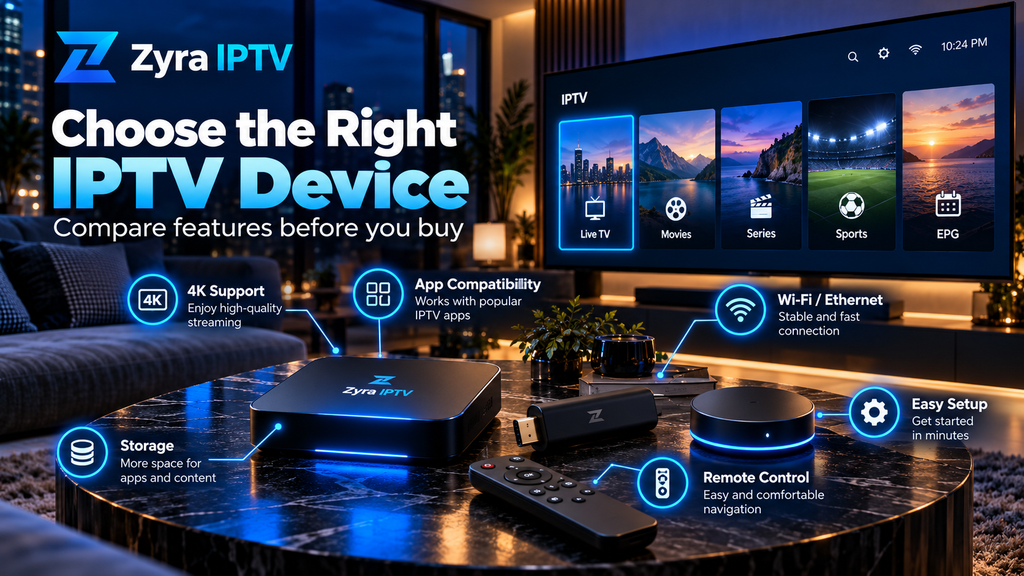
You do not need the most expensive device, but several features can make IPTV easier to use.
App Compatibility
This should come first.
Confirm that the specific IPTV player you intend to use supports the box’s operating system.
Do not rely only on statements such as “supports IPTV.” That phrase does not tell you which apps, login formats, or codecs are supported.
HDMI Connection
Most current streaming boxes connect to a television through HDMI.
Check that your television has an available compatible HDMI input. Some boxes also require an HDMI cable that is not included in the package.
Ethernet or Good Wi-Fi
A stable network connection matters for streaming.
Ethernet can be useful when your television is near the router or when Wi-Fi is inconsistent.
For example, Google’s current Google TV Streamer specifications list built-in 10/100/1000 Mbps Ethernet, dual-band Wi-Fi, 4 GB of memory, 32 GB of storage, Android TV OS, and video output up to 4K HDR at 60 fps. Google Store
Those specifications illustrate the types of features worth checking. They do not mean every IPTV user needs that particular device.
Video Format Support
If you watch high-resolution streams, check the device’s supported resolutions and codecs.
Common terms include:
- 1080p
- 4K
- HDR
- H.264
- H.265 or HEVC
- Dolby Vision
- HDR10
A box supporting 4K does not make every IPTV channel 4K. The source stream must also be available at that resolution.
Storage and Memory
Storage is used for apps, application data, and system updates.
Memory affects how smoothly the operating system and applications can run.
More is not automatically better for video quality. A more powerful box cannot improve a low-resolution source stream.
Android TV, Apple TV or Fire TV?
There is no universal winner because IPTV app availability differs between platforms.
| Platform | Worth considering when |
|---|---|
| Android TV / Google TV | You want Android TV apps and flexible app selection |
| Apple TV | Your required player supports tvOS and you use Apple’s ecosystem |
| Fire TV | Your IPTV app supports Fire TV and you prefer Amazon’s platform |
| Provider-specific box | Your service requires dedicated hardware or portal access |
Apple’s current Apple TV 4K specifications, for example, list Wi-Fi 6, HDMI 2.1 and either 64 GB storage on the Wi-Fi model or 128 GB with Gigabit Ethernet on the Wi-Fi + Ethernet version. Apple
Again, hardware capability is only useful if your required IPTV player is available for that platform.
Should You Buy an Android IPTV Box?
An Android TV or Google TV device can be convenient when your IPTV player is available through its supported app ecosystem.
Do not confuse official Android TV or Google TV devices with every generic box advertised simply as “Android.”
Generic devices may differ in:
- operating system interface
- official app-store access
- software updates
- DRM support
- remote-control optimization
- manufacturer support
Check the exact model instead of relying on a listing that only says “Android IPTV box.”
Should You Buy an IPTV Box With Ethernet?
Ethernet is useful but not mandatory.
Consider it when:
- your Wi-Fi signal is weak near the television
- your network is congested
- you prefer a wired connection
- the box will remain permanently beside the TV
Stable Wi-Fi can also work well.
If your playback buffers, do not immediately blame the box. The source stream, internet connection, Wi-Fi quality, server, application settings, and video bitrate can all influence playback.
Should You Buy a 4K IPTV Box?
Choose 4K hardware if you have a compatible 4K television and expect to use 4K content.
For example, Google’s current streamer supports output up to 4K HDR at 60 fps. Google Store Apple also states that a compatible 4K and HDR television is required to use those capabilities on Apple TV 4K. Apple
The key distinction is that the box supports the resolution. It does not guarantee that your IPTV provider supplies every channel, movie, or programme in 4K.
IPTV Box vs Streaming Stick
A streaming stick can also run IPTV when it supports the appropriate player.
The choice between a stick and box generally comes down to features rather than IPTV itself.
A box may provide:
- Ethernet
- more storage
- additional ports
- larger hardware
- different processor or memory options
A stick may be:
- smaller
- easier to hide behind a television
- sufficient for a simple setup
Do not buy a box simply because it looks more powerful. If a smaller device supports your app and network requirements, it may already be enough.
What to Avoid When Getting an IPTV Box
Pay particular attention to listings that make vague promises.
Be cautious if a seller focuses on claims such as:
- “all channels forever”
- “lifetime premium IPTV”
- “every sports package included”
- “no subscription ever required”
- enormous channel counts without explaining the service
- modified or cracked applications
Also avoid choosing hardware solely because it advertises extreme resolution numbers or large storage figures.
Verify specifications through the manufacturer whenever possible.
What to Do After You Get the Box
Once the device arrives:
- Connect it to your television through HDMI.
- Connect its power supply.
- Select the correct HDMI input.
- Connect the box to Wi-Fi or Ethernet.
- Complete system updates.
- Open the supported app store.
- Install your IPTV player.
- Enter the login details supplied by your provider.
- Allow your playlist, channels and EPG to load.
- Test several streams.
If you need device-specific help after purchasing the hardware, the IPTV installation guides cover the broader setup process.
Can You Buy an IPTV Box Without a Subscription?
Yes.
The box and television service can be purchased separately.
In fact, separating them can make it easier to understand exactly what you are paying for.
The box provides the hardware and software platform. The IPTV provider supplies the account or content source.
Before subscribing to any service, verify its device requirements and available programming independently.
Frequently Asked Questions
How to get IPTV box hardware?
Choose a compatible streaming device from a reputable manufacturer or retailer after confirming that it supports your IPTV player, login method, television connection and network requirements.
Does an IPTV box include IPTV?
Not automatically. The box is hardware. A separate IPTV subscription, authorized playlist, or other television service may still be required.
Can I buy any Android box for IPTV?
Not every Android-based box offers the same apps, software support or video capabilities. Check the exact model and required IPTV application first.
Do I need an IPTV box for a Smart TV?
Not always. If your Smart TV already supports your IPTV application and performs well, an external box may be unnecessary.
Is Ethernet required for IPTV?
No. Wi-Fi can work when the connection is stable. Ethernet is useful when you want a wired connection or your wireless network is unreliable.
Should I buy a 4K IPTV box?
A 4K-capable device makes sense if you have a 4K television and use compatible 4K content. The box alone cannot convert every source into true 4K.
Can an IPTV box work on an older TV?
It can if the television has a compatible input required by the box, usually HDMI for current streaming hardware.
Choose the IPTV Box Around Your Actual Setup
Understanding how to get IPTV box hardware is mainly about choosing a device that matches your television, IPTV application, login method, and home network.
Check app compatibility first, then compare HDMI requirements, Ethernet or Wi-Fi, video support, storage, software updates, and manufacturer support. Also consider whether your Smart TV already does everything you need before purchasing extra hardware.
Once you have selected a compatible device, you can review Zyra IPTV and its current setup information to determine how your chosen hardware fits with the available IPTV installation options.
