
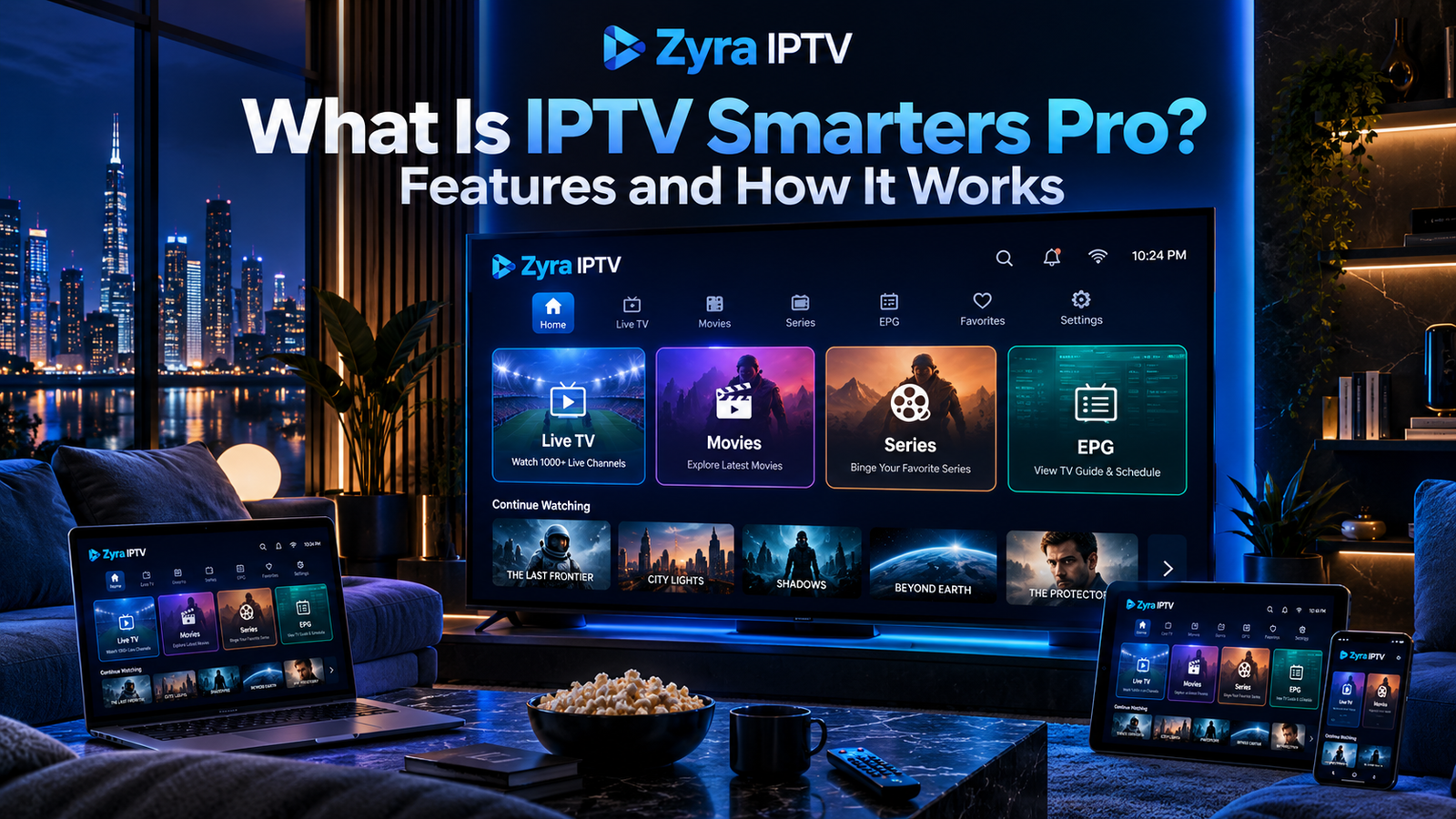
If you are wondering what is IPTV Smarters Pro, it is best understood as an IPTV and OTT media player used to organize and play content supplied by a separate service or playlist. The player itself does not automatically provide television channels, movies, or an IPTV subscription.
The current Smarters Pro platform describes its software as a cross-platform media player that can work with compatible playlists and content supplied by the user or their service provider. It specifically states that it does not sell or provide IPTV subscriptions or channel packages.
That distinction is important. IPTV Smarters Pro is the player interface, while your IPTV provider supplies the account, playlist, or authorized content source.
What Does IPTV Smarters Pro Do?
IPTV Smarters Pro provides an interface for accessing compatible IPTV and OTT content on supported devices.
Depending on the version and platform, the player can organize content into sections such as:
- Live TV
- Movies
- TV series
- Electronic Program Guide
- Favourites
- Recently watched content
- Multiple playlists
The official Smarters Pro feature pages currently list capabilities including M3U playlist support, multiple playlists, EPG integration, favourites, parental controls, Picture-in-Picture, search, and Chromecast support.
The available features may differ between operating systems and app versions, so check the current official information for your device before installing.
Is IPTV Smarters Pro an IPTV Provider?
No.
This is one of the most common misunderstandings.
IPTV Smarters Pro is a media player. It does not automatically include a television subscription.
You generally need a separate IPTV service or another authorized content source.
A typical setup involves three separate parts:
| Part | Purpose |
|---|---|
| IPTV provider or content source | Supplies authorized content or account access |
| IPTV Smarters Pro | Organizes and plays that content |
| Device and internet connection | Runs the player and receives the stream |
The official Smarters Pro site specifically warns users that upgrading the application does not include media content or a streaming subscription.
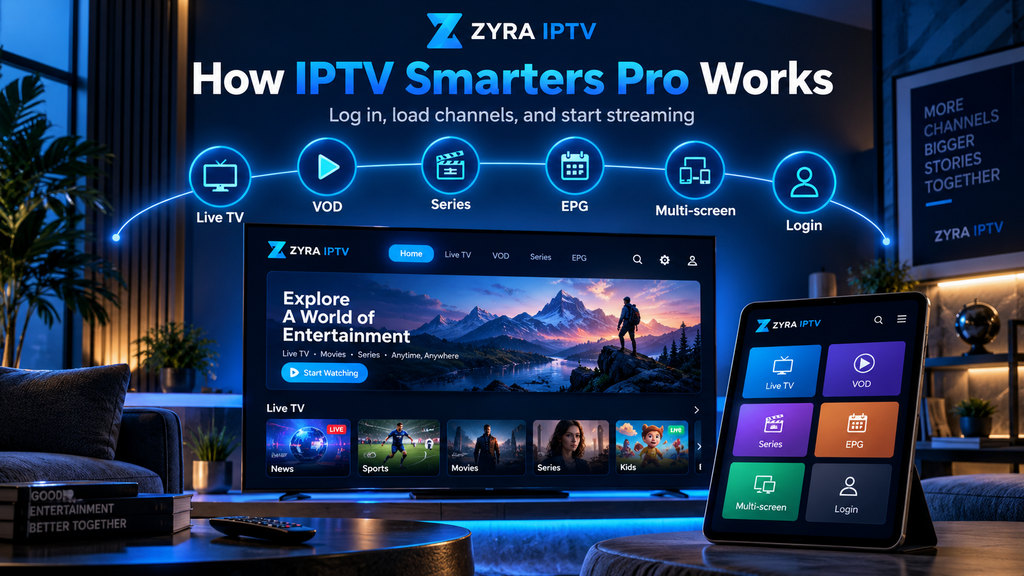
How Does IPTV Smarters Pro Work?
The general process is straightforward.
Step 1: Install the Player
Install the appropriate Smarters Pro application for your supported device.
Availability depends on the operating system and region.
Do not assume that an app with “IPTV Smarters Pro” in its title is necessarily the official application. Several similarly named apps from unrelated developers currently appear in major app stores.
When possible, start from the official Smarters Pro website and follow its current download instructions.
Step 2: Obtain Your IPTV Login Information
Your IPTV provider may supply information such as:
- Username
- Password
- Server URL
- M3U playlist
- M3U URL
- Another supported playlist or account format
The official Smarters Pro instructions state that login credentials should come from your service provider.
Keep this information private.
Step 3: Add Your Account or Playlist
Open the app and choose the appropriate login method.
Depending on your version, you may be able to enter a playlist or service credentials.
Smarters Pro currently documents support for M3U and JSON playlists, while other official support pages also describe account-based login methods for certain platforms.
Enter the details exactly as your provider supplied them.
Step 4: Let the Player Load Your Content
Once authentication succeeds, the player can organize the information supplied by your provider.
What appears depends on your account.
You might see live television, movies, series, or EPG information, but none of these should be assumed to be available simply because the player supports them.
What Login Details Does IPTV Smarters Pro Need?
The exact details depend on your provider and app version.
A common account-based setup can require:
| Login detail | Purpose |
|---|---|
| Username | Identifies your account |
| Password | Authenticates the account |
| Server URL | Connects the player to the provider |
| Playlist URL | Loads compatible media sources |
Some IPTV services instead provide an M3U playlist.
If you are unsure which method your subscription uses, ask your provider before changing settings.
For broader information about entering IPTV credentials and installing applications, review the Zyra IPTV installation guides.
Does IPTV Smarters Pro Support M3U?
Yes, the current official Smarters Pro site lists M3U among its supported playlist formats.
An M3U playlist is a text-based file or URL containing references to media streams.
The playlist may include information such as:
- Channel names
- Stream addresses
- Groups
- Channel identifiers
- Metadata used by compatible players
The M3U playlist itself normally comes from your content provider or another authorized source.
Do not use random private playlists found online or share credential-containing M3U URLs publicly.
What Is EPG in IPTV Smarters Pro?
EPG stands for Electronic Program Guide.
It provides scheduling information for television channels, such as:
- Current programme
- Upcoming programme
- Start time
- End time
- Programme description
Smarters Pro currently lists EPG support among its features.
However, the player cannot create accurate programme schedules by itself. Suitable EPG information must be available from the configured source.
If live channels work but programme information is missing, the problem may be related to EPG data rather than the video stream.
What Are the Main IPTV Smarters Pro Features?
Current official documentation lists a range of media-management and playback features.
Multiple Playlists
Smarters Pro supports multiple playlists, allowing compatible content sources to be managed within the application.
Favourites
Users can mark selected content as favourites for easier access.
Parental Controls
The platform lists parental control functionality among its supported features. Availability and implementation can vary by version and platform.
EPG Support
Compatible programme-guide information can be displayed alongside television channels.
Search
The official feature list includes master search for finding content across supported categories.
Picture-in-Picture
Picture-in-Picture support is also listed for compatible versions, allowing video to continue in a smaller window while performing another task.
Do not assume every feature is available on every device. Confirm the current capabilities of the exact version you plan to install.
Which Devices Can Use IPTV Smarters Pro?
The official Smarters Pro site currently references support across platforms including Android, iOS, Android TV, Smart TVs, Windows, macOS, and web-based access, although availability can differ between versions and regions.
For Android-based television setups, the Zyra IPTV Android TV guide explains the broader installation process.
If you plan to use a television application directly instead of an external streaming box, the Smart TV IPTV guide covers that setup route.
Always verify the exact app through the official developer before downloading.
Why Are There So Many Apps Called IPTV Smarters Pro?
This is an important issue for current users.
Searching major app stores for “IPTV Smarters Pro” can return several applications from different developers using similar names. Current search results include multiple unrelated apps with that phrase in their titles.
The official Smarters Pro website also warns that third parties may copy its name or branding and recommends verifying the official domain and developer information.
Before installing:
- Start from the official Smarters Pro website.
- Check the listed download method for your platform.
- Verify the developer or seller name.
- Avoid modified APK files from unknown websites.
- Do not enter IPTV credentials into an app you cannot verify.
This is especially important because IPTV login details may provide access to your subscription.
Is IPTV Smarters Pro Free?
The answer depends on the current version and platform.
The official Smarters Pro service offers a premium version that unlocks additional functionality. Its current premium page specifically states that paying for activation does not provide channels.
App-store pricing can also vary by platform, developer, country, and version.
Because similarly named third-party apps exist, do not assume that every “IPTV Smarters Pro” listing uses the same pricing model.
Check the official source before paying.
Does IPTV Smarters Pro Include Channels?
No channels should be assumed to come with the player.
The official Smarters Pro site states that it does not provide or sell media content, streaming services, or IPTV subscriptions.
Your channel lineup comes from the separate service or authorized playlist you connect.
If you are comparing a subscription, review the provider’s current channel information rather than assuming the IPTV player controls which channels are included.
Why Is IPTV Smarters Pro Not Working?
Several different problems can prevent the player from working correctly.
| Problem | What to check |
|---|---|
| Login rejected | Recheck username, password, and server URL |
| Playlist not loading | Verify the M3U URL or playlist source |
| Channels missing | Check the provider account or playlist |
| EPG missing | Verify programme-guide data |
| App crashes | Check updates and device compatibility |
| Streams buffer | Test the internet connection and source stream |
| Wrong app installed | Verify the official developer and download source |
If the app opens normally but no content appears, first verify your provider credentials.
If all other streaming apps also have connection problems, troubleshoot Wi-Fi or Ethernet before assuming Smarters Pro is responsible.
IPTV Smarters Pro vs IPTV Service
These terms should not be confused.
IPTV Smarters Pro: the player.
IPTV service: the source supplying your subscription or authorized content.
M3U playlist: one method of supplying stream information.
EPG: programme scheduling data.
Device: the Smart TV, Android TV box, phone, tablet, computer, or other hardware running the player.
Understanding these separate components makes IPTV troubleshooting much easier.
Frequently Asked Questions
What is IPTV Smarters Pro?
IPTV Smarters Pro is a media player used to access and organize compatible IPTV or OTT content supplied separately by a service provider or playlist source.
Does IPTV Smarters Pro provide IPTV channels?
No. The current official Smarters Pro documentation says the application does not provide or sell channels or IPTV subscriptions.
Do I need an IPTV subscription for Smarters Pro?
You need a compatible authorized content source. This may be an IPTV provider account, M3U playlist, or another format supported by your version of the app.
Can IPTV Smarters Pro use M3U playlists?
Yes. M3U support is listed in current official Smarters Pro documentation.
Is IPTV Smarters Pro available on Smart TVs?
Smarters Pro currently lists Smart TV platforms among its supported environments, but exact availability depends on device, operating system, app version, and region.
Is IPTV Smarters Pro the same as an IPTV provider?
No. It is the player used to access compatible media sources. The service provider is separate.
Understanding IPTV Smarters Pro Before Setup
So, what is IPTV Smarters Pro? It is a media player that helps users organize and play compatible IPTV and OTT content. It can support features such as playlists, EPG, favourites, search, parental controls, and other playback functions, depending on the platform and version.
The most important point is that the player itself does not supply a television subscription. You still need valid login details or a compatible playlist from an authorized source.
Also verify that you are downloading the correct application because several similarly named apps currently exist.
If you are preparing an IPTV setup and need help understanding your device, player, and login method, visit Zyra IPTV and review the available installation information for your preferred platform.
