
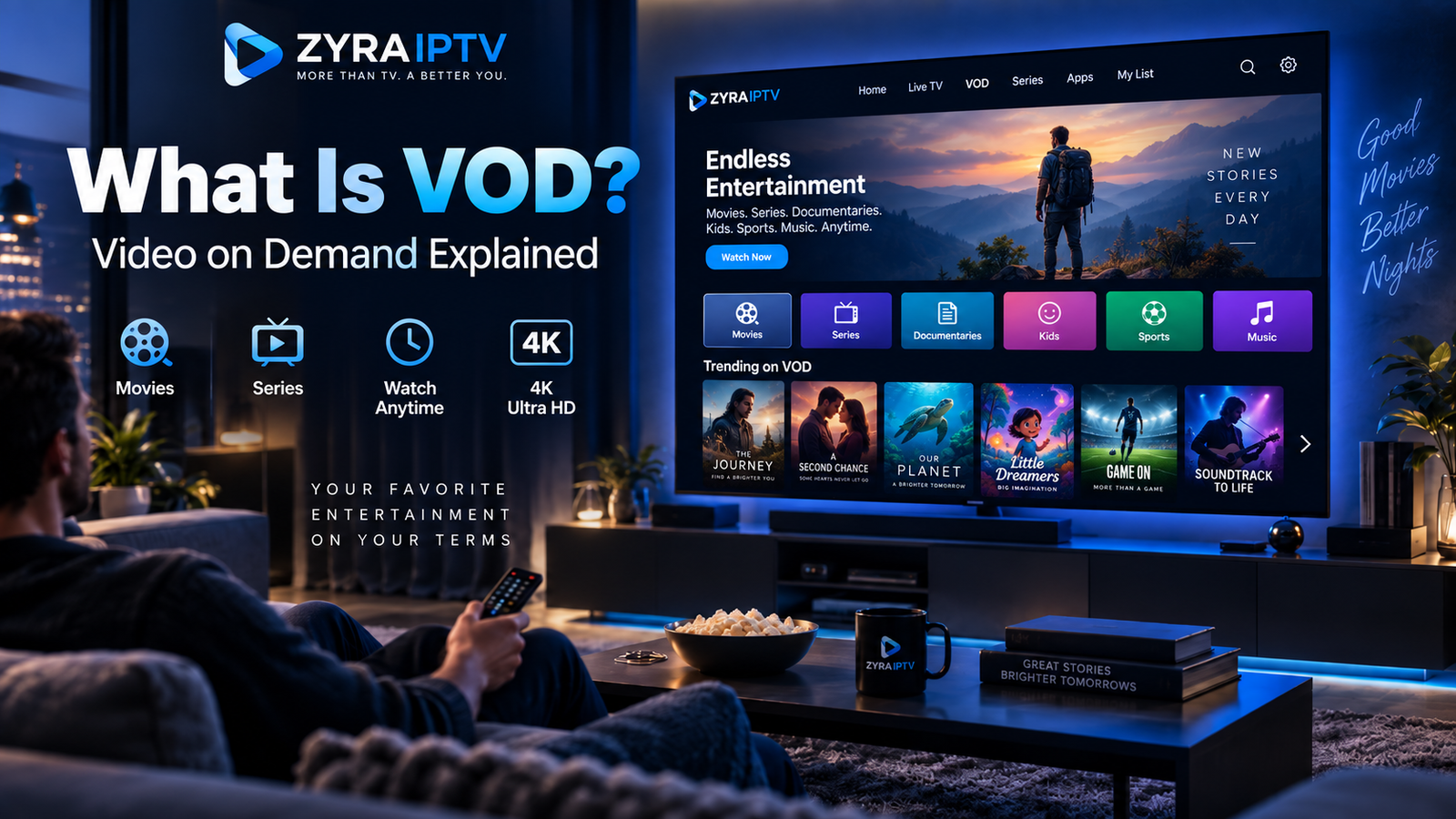
What is VOD? VOD stands for Video on Demand. It is a way of watching movies, television programmes, recorded streams, and other videos whenever you choose, rather than waiting for a scheduled broadcast.
For example, instead of tuning in at a specific time to watch a movie on a live television channel, you open an on-demand library, select the movie, and press play.
VOD is used by streaming platforms, television providers, IPTV services, and video-sharing websites. However, the content, playback features, pricing, and availability depend on the individual service.
This guide explains how VOD works, its different types, and what to look for when comparing on-demand entertainment options.
What Does VOD Stand For?
VOD stands for Video on Demand.
The important part is “on demand.” It means the viewer chooses when to start an available video instead of following a broadcaster’s fixed schedule.
Common examples include:
- Selecting a movie from a streaming library
- Watching an episode of a television series
- Replaying a previously recorded livestream
- Opening an educational video whenever needed
- Renting a film for a limited viewing period
Not every video service offers the same content or controls. Some provide extensive libraries, while others focus on a particular category or type of programme.
How Does Video on Demand Work?
Most internet-based VOD services store video content on servers and deliver it to compatible devices when viewers request it.
The basic process is straightforward.
- A provider makes a video available in its library.
- You open the service through an application, website, or compatible television device.
- You select a movie, episode, or recording.
- The service retrieves the requested content.
- Playback begins, provided your account and device have access.
When you stream a video, your device receives the content progressively through the network instead of requiring you to download the entire file first.
Some services also offer offline downloads, but this is an additional feature rather than a requirement of VOD.
The viewing experience depends on the platform, internet connection, video format, device, and applicable content permissions.
VOD vs Live TV: What Is the Difference?
The main difference is who controls the viewing schedule.
Live television follows a timetable. You watch whatever the channel is broadcasting at that moment.
VOD allows you to choose an available programme and start it when you want.
| Feature | VOD | Live TV |
|---|---|---|
| Viewing time | Selected by the viewer | Determined by the broadcast schedule |
| Content | Available on-demand titles | Currently scheduled programmes |
| Starting from the beginning | Generally supported | Depends on the service |
| Pausing and seeking | Common, but varies | Requires supported playback features |
| Typical example | Selecting a movie from a library | Watching a scheduled news bulletin |
A television service can provide both live TV and VOD through the same application.
For instance, an IPTV player may have separate sections for live channels, movies, and TV series.
What Is VOD in IPTV?
IPTV stands for Internet Protocol Television. It describes television delivered through IP-based networks.
VOD is a viewing model in which content is available when requested.
The two concepts are related, but they are not identical.
An IPTV service may offer live television alongside a separate VOD section containing movies or series. When you select an available title, the application requests that specific video rather than switching to a scheduled television channel.
However, VOD is not automatically included in every IPTV subscription.
The catalogue, supported devices, playback controls, and content availability depend on the provider and plan.
If you are unfamiliar with IPTV applications, the IPTV installation guides explain the general setup options for different devices.
What Types of Video on Demand Are Available?
VOD describes how viewers access content. It does not determine how they pay for it.
Several common business models exist.
SVOD: Subscription Video on Demand
SVOD gives viewers access to an available content library through a subscription.
The subscription may renew monthly, annually, or according to another billing arrangement.
Content remains accessible subject to the service’s terms, catalogue changes, and subscription status.
AVOD: Advertising-Based Video on Demand
AVOD provides access to on-demand video supported by advertising.
Viewers may encounter advertisements before or during playback.
Some AVOD services are free to access, while others combine subscriptions and advertising.
TVOD: Transactional Video on Demand
TVOD charges for individual titles or transactions.
For example, a viewer may rent or purchase a particular movie instead of subscribing to an entire library.
Rental periods, playback restrictions, and purchase conditions vary.
PVOD: Premium Video on Demand
PVOD generally refers to premium content made available for an additional payment, sometimes through an early-access release.
The term does not guarantee that every new film or event is available through premium rental.
| Model | Meaning | Typical payment approach |
|---|---|---|
| SVOD | Subscription Video on Demand | Recurring subscription |
| AVOD | Advertising-Based Video on Demand | Advertising-supported access |
| TVOD | Transactional Video on Demand | Individual rental or purchase |
| PVOD | Premium Video on Demand | Additional payment for premium access |
Some platforms combine several models. A subscription service, for example, may offer an included catalogue alongside separately priced rentals.
Is VOD the Same as Catch-Up TV?
Not exactly.
VOD generally refers to a library of videos that viewers can select when they want.
Catch-up TV allows viewers to watch certain programmes after their original television broadcast.
For example, a programme that aired yesterday may appear in a catch-up section for a limited period.
The key distinction is how the content becomes available.
A VOD library may contain movies and series unrelated to a recent television broadcast. Catch-up typically focuses on programmes previously shown on a channel.
Some providers offer both services, but neither feature should be assumed to be included automatically.
What Does VOD Mean on Twitch?
On Twitch, a VOD usually means a recording of a previous livestream that viewers can watch after the broadcast ends.
This use of the term is slightly different from a movie library, but the underlying idea is the same: the video is available for playback on the viewer’s schedule.
For example, someone who misses a creator’s livestream may watch the saved broadcast later if the recording is available.
A full broadcast recording, a highlight, and a short clip are not necessarily the same thing.
Twitch’s official help documentation distinguishes between past broadcasts, highlights, and clips. Availability depends on the creator’s settings and the platform’s applicable retention rules.
What Features Can a VOD Service Include?
VOD platforms may provide several functions that make watching content more convenient.
Depending on the service, these can include search, categories, playback controls, subtitles, audio-language options, and watch-history features.
Some applications also support:
- Continue watching
- Episode selection
- Personal watchlists
- Parental controls
- Offline downloads
- Multiple viewing profiles
These are possible features, not universal requirements.
For instance, a streaming service may support offline downloads on a phone but not on every Smart TV application.
Always check the actual capabilities of the platform you intend to use.
Can You Watch VOD on a Smart TV?
Yes, many Smart TVs can access on-demand video through compatible applications.
Other common viewing options include streaming devices, computers, smartphones, and tablets.
However, an application must support your device’s operating system, and you need permission to access the selected content.
Before installing an IPTV player, confirm that it supports the VOD functions supplied by your provider.
For television-based installation information, review the Smart TV IPTV guide.
Remember that installing a media player alone does not automatically provide a movie or series library.
Does VOD Require an Internet Connection?
Internet-based VOD generally requires a suitable connection for streaming.
Playback performance depends on several factors, including video bitrate, resolution, network stability, and device capability.
Higher-bitrate video typically uses more data than lower-bitrate content.
If playback frequently buffers, check your Wi-Fi signal, other network activity, and device performance.
Offline viewing is different. Some services allow authorized downloads through their applications, but download permissions, expiry periods, and supported devices vary.
Do not assume every VOD title can be saved for offline playback.
What Should You Check Before Choosing a VOD Service?
A large advertised library does not necessarily mean a service contains the movies or programmes you actually want.
Before subscribing, examine the following:
Content availability: Search for specific movies or series rather than relying only on catalogue-size claims.
Regional access: Confirm availability in your country. Licensing arrangements can affect which titles are offered.
Playback features: Check subtitles, audio options, video quality, and any offline functionality you need.
Device compatibility: Verify that the service supports your television or preferred streaming device.
Subscription conditions: Review the payment currency, renewal terms, cancellation process, and any separate rental charges.
Content authorization: Look for clear information about the provider and its rights to distribute the programming.
A service offering live television and VOD should also make it clear which features are actually included in the subscription.
Frequently Asked Questions
What is VOD?
VOD means Video on Demand. It allows viewers to select available video content and watch it at a time of their choosing rather than following a fixed television schedule.
What does VOD stand for?
VOD stands for Video on Demand.
Is VOD the same as Netflix?
No. Netflix is an example of a streaming service that offers on-demand content. VOD is the broader viewing model used by many different services.
Is VOD free?
Not necessarily. VOD may be subscription-based, advertising-supported, available through individual rentals, or offered through a combination of payment models.
Does IPTV include VOD?
Some IPTV services include on-demand movies and television series, while others focus on live channels. Check the individual subscription before purchasing.
Can I download VOD movies?
Only when the platform provides an authorized offline-download feature. Not every title, application, or device supports downloads.
Is a Twitch VOD a recorded livestream?
Yes. On Twitch, the term commonly refers to a saved broadcast that can be watched after the original livestream, provided the recording remains available.
Conclusion: Understanding Video on Demand
VOD, or Video on Demand, gives viewers control over when they watch available video content. It can include movies, television series, recorded livestreams, and other programmes.
The main difference from live television is that you select the video and start playback yourself. VOD can be offered through subscriptions, advertising, rentals, or premium purchases.
Before choosing a service, confirm its content availability, device compatibility, playback features, and subscription terms.
If you are exploring IPTV alongside on-demand entertainment, visit Zyra IPTV and review its current service information to see whether its available features match your viewing needs.
