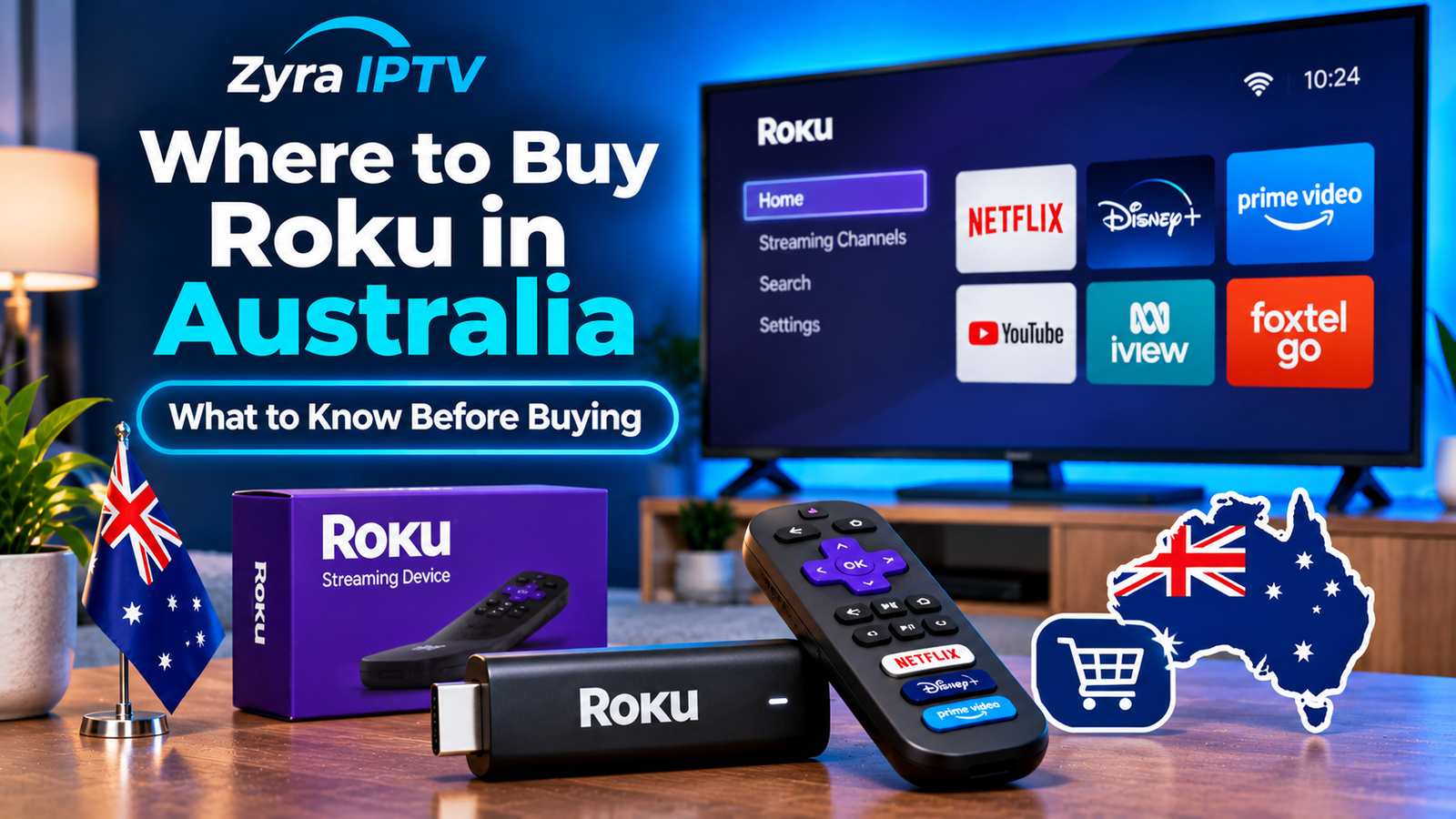
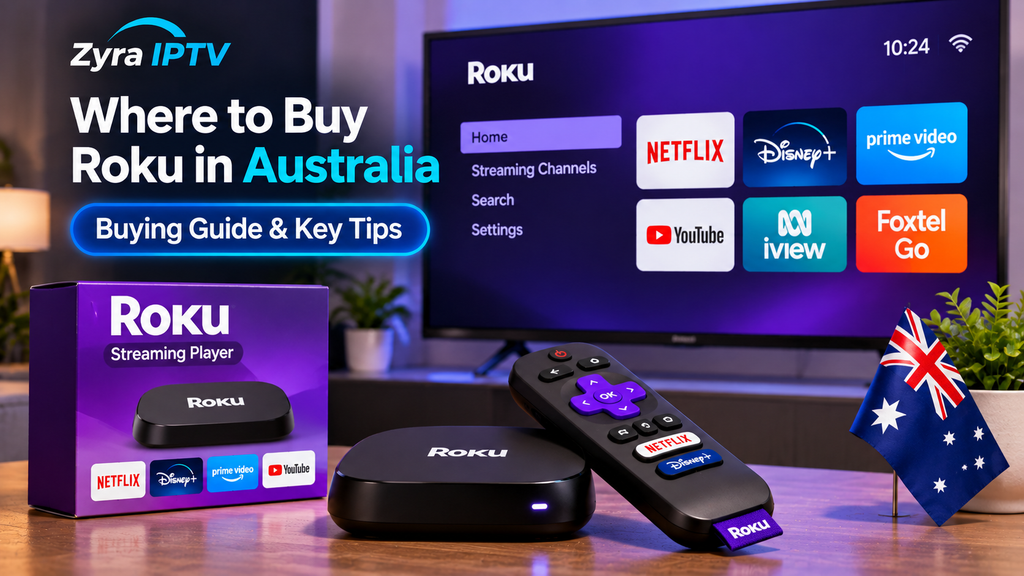
If you are wondering where to buy Roku in Australia, the situation is a little different from markets such as the United States. Roku has an Australian platform and Australian Streaming Store, but standalone Roku streaming players are not as widely stocked by major Australian electronics retailers as some competing devices.
At the time of writing, Australian shoppers can find Roku hardware through online marketplaces such as Amazon Australia and eBay Australia, including Roku Streaming Stick and Roku Streaming Stick 4K models. Before buying, however, check the exact model, seller location, warranty arrangements and whether the apps you want are available in the Australian Roku Streaming Store.
That last point matters because buying a Roku device from overseas does not automatically give you access to every US Roku app or streaming service.
Can You Buy Roku in Australia?
Yes. Roku operates an Australian version of its platform, and Australia is listed as one of the countries with its own Roku Streaming Store.
Roku’s Australian website also provides information specifically for local users, including setup instructions, Australian streaming apps and account information.
However, the hardware retail situation is less straightforward.
Unlike some countries where Roku promotes direct purchases through large national retailers, Australian buyers will often encounter Roku streaming players through third-party marketplace sellers or imported stock.
That means you should pay attention to the exact product rather than buying solely because the listing says “Roku.”
Where to Buy Roku in Australia
Amazon Australia
Amazon Australia is one place where Roku products may appear through marketplace listings.
Availability changes frequently because listings can come from different sellers, and some products may be imported rather than Australian retail stock.
Before ordering, check:
- the exact Roku model number
- whether the item is new or refurbished
- seller location
- estimated delivery time
- return conditions
- warranty information
- whether a compatible power adapter is included
Do not assume that every Amazon Australia listing represents an officially distributed Australian Roku model.
eBay Australia
eBay Australia currently has a broad selection of Roku streaming devices, including Roku Streaming Stick, Streaming Stick Plus and Streaming Stick 4K models. Current listings include both locally stocked and overseas products.
Because eBay is a marketplace, listings vary substantially.
You may encounter:
- new Roku devices
- imported US or European models
- used Roku players
- older discontinued models
- Roku Powered Telstra TV devices
- devices without remotes or accessories
Check the full description carefully before purchasing.
An inexpensive old Roku is not necessarily a better deal if it no longer supports the applications you want.
Does Roku Officially Work in Australia?
Yes, Roku currently recognises Australia as a supported market.
Its developer documentation lists Australia as an official Roku Streaming Store region.
Roku’s Australian website also highlights locally relevant apps such as 7plus, 9Now, Stan, Netflix, Paramount+, Prime Video and Apple TV, while noting that channel availability varies by country.
The Australian Roku Streaming Store currently contains applications including 9Now, Prime Video, Apple TV, Tubi, BritBox and Spotify.
This is important because older information online sometimes suggests Roku is essentially a US-only platform. That is no longer an accurate description of Roku’s current Australian presence.
What to Check Before Buying a Roku
The biggest mistake is treating every Roku device as identical.
1. Check the Model
Roku has released many generations of streaming players.
Current product families internationally include devices such as:
- Roku Streaming Stick
- Roku Streaming Stick Plus
- Roku Streaming Stick 4K
- Roku Ultra
Different models support different video standards and features. Roku currently describes its Streaming Stick as an HD device, while its Streaming Stick Plus and higher models support 4K on compatible televisions.
If your TV is only Full HD, paying extra for a premium 4K model may provide limited benefit.
If you have a 4K television, check that the specific Roku model supports the resolution and HDR formats you want.
2. Check the Region
Imported Roku devices can be sold in Australia, but regional differences still matter.
Roku maintains different Streaming Stores according to country, and the apps available in one market are not guaranteed to exist in another. Roku explicitly notes that its stores differ because of distribution agreements and copyright requirements.
You should therefore check the Australian Roku Streaming Store before purchasing specifically for one streaming service.
3. Check Australian App Availability
Do not buy a Roku purely because you saw a particular US app demonstrated in a YouTube review.
Roku says channel availability varies by country.
Australian users currently have access to a range of familiar services through the local store, but individual applications can still be added, removed or changed.
If your main purpose is watching one specific service, confirm that service first.
4. Check the Power Supply
Imported streaming devices can arrive with a power adapter intended for another country.
Some Roku models can be powered through USB, while others may have different power requirements.
Check the listing to make sure you receive everything needed for safe use in Australia. Do not rely on photos alone.
5. Check Warranty and Returns
A marketplace purchase may have different warranty arrangements from a locally distributed electronics product.
Find out:
- who provides the warranty
- where returns must be sent
- whether return postage is covered
- whether the seller is based in Australia
- whether the unit is new, refurbished or used
This becomes especially important when buying imported electronics.
How Does Roku Work in Australia?
Roku connects your television to internet-based streaming applications.
A typical setup involves:
- connecting the Roku device to an HDMI port
- supplying power
- selecting the correct HDMI input
- connecting Roku to your Wi-Fi network
- creating or signing in to a Roku account
- adding compatible streaming apps
Roku’s official setup process follows the same basic sequence: connect the device, select the television input, prepare the remote, connect to Wi-Fi and complete the on-screen activation.
A Roku account is required to activate Roku hardware and access its entertainment platform. Roku states that creating an account itself is free.
Does Roku Have a Monthly Fee?
There is no general monthly Roku device fee simply for owning and using the platform.
Roku says there are no monthly equipment rental fees, while individual paid streaming services can still require separate subscriptions.
For example, installing an app such as Netflix or another subscription service does not make that service free.
Some applications are free, some are ad-supported, and others require payment.
What Australian Apps Are Available on Roku?
Roku’s Australian platform currently promotes a mixture of international and Australian streaming applications.
Examples include:
- 7plus
- 9Now
- Stan
- Netflix
- Prime Video
- Paramount+
- Apple TV
- Plex
- Tubi
- Spotify
Roku’s Australian website specifically lists Australian catch-up services such as Stan, 7plus and 9Now.
The current Australian Streaming Store also confirms apps including 9Now, Prime Video, Apple TV, BritBox and Tubi.
Availability can change, so check Roku’s Australian store when a particular service is essential to your buying decision.
Can You Use Roku for IPTV?
Roku and IPTV are related to internet television, but they do not work exactly like Android TV devices.
Roku uses its own Roku OS and Streaming Store. It is not the same as an Android TV or Google TV device where users may be accustomed to installing Android APK applications.
For IPTV specifically, you need to confirm that an appropriate Roku-compatible application exists and supports the setup method required by your service.
Do not assume that an IPTV app available for Android TV, Fire TV or another platform will also have a Roku version.
If IPTV is your main reason for buying a streaming device, Zyra IPTV’s IPTV guides can help you compare setup approaches across different device types.
For viewers who prefer platforms with broader IPTV app support, the Android TV setup guide may also be useful before deciding which hardware to buy.
Roku vs Other Streaming Devices in Australia
Roku is only one way to turn a television into an internet streaming device.
Australian buyers may also consider:
| Device type | Main consideration |
|---|---|
| Roku | Simple interface and Roku Streaming Store |
| Apple TV | Strong integration with Apple’s ecosystem |
| Google TV / Android TV | Broad Android app ecosystem |
| Fire TV | Amazon-focused streaming platform |
| Smart TV apps | No separate streaming stick required |
The best choice depends on the applications you actually want to use.
For conventional services such as Netflix or Prime Video, several platforms may work well. For IPTV players, specialist apps or sideloaded software, device operating system support becomes much more important.
Zyra IPTV’s Smart TV installation guidance covers another option for users whose televisions already support the applications they need.
Is an Old Telstra TV the Same as a Modern Roku?
Not exactly.
Australian marketplace listings often include old Telstra TV boxes described as being powered by Roku. These devices were based on Roku technology but should not automatically be treated as equivalent to a current Roku Streaming Stick.
Current eBay Australia listings still include older Telstra TV and Telstra TV2 hardware alongside modern Roku players.
Buying old hardware purely because it is cheap can create compatibility problems if apps, firmware or services are no longer supported.
For most buyers, checking current device support is more important than saving a small amount on a discontinued player.
Is Roku Worth Buying in Australia?
Roku can make sense if the Australian Roku Streaming Store contains the services you use and you prefer its interface.
It becomes a less obvious choice if:
- your required app is not available on Roku
- you depend heavily on Android-specific apps
- you need sideloading flexibility
- the device must be imported at a significant premium
- local warranty support is important to you
The most useful approach is to decide which apps you need first, then choose the streaming device.
Buying hardware first and investigating compatibility afterward can leave you with a device that does not support your preferred viewing setup.
Frequently Asked Questions
Where can I buy Roku in Australia?
Roku devices can currently be found through online marketplaces including Amazon Australia and eBay Australia. eBay Australia presently lists several Roku Streaming Stick models from both Australian and overseas sellers.
Does Roku work in Australia?
Yes. Australia has an official Roku Streaming Store, and Roku maintains an Australian website and local app catalogue.
Can I buy Roku directly from Roku in Australia?
Roku has an Australian web presence, but direct availability of standalone players can differ from its better-established retail markets. Check Roku’s current Australian pages and authorised retail options before assuming a model can be purchased directly.
Does Roku have Australian TV apps?
Yes. Roku’s Australian platform currently lists services such as 9Now, and its Australian website highlights services including 7plus, 9Now and Stan.
Do imported Roku devices work in Australia?
They may work, but you should check region, power requirements, Australian app availability, warranty coverage and the precise model before purchasing.
Can Roku stream 4K?
Selected Roku devices support 4K. Roku currently lists its Streaming Stick Plus and Streaming Stick 4K among 4K-capable models, while its standard Streaming Stick targets HD streaming.
Conclusion
If you are researching where to buy Roku in Australia, online marketplaces such as Amazon Australia and eBay Australia are among the most obvious places to look, particularly for Roku Streaming Stick models. However, the cheapest listing is not automatically the best purchase. Check the model, seller, region, power supply, warranty and Australian app availability before ordering.
If your main goal is internet television or IPTV rather than general streaming apps, compare device compatibility before choosing Roku. Zyra IPTV provides IPTV setup information for different television and streaming platforms, which can help you decide whether Roku or another device better suits your viewing setup.