
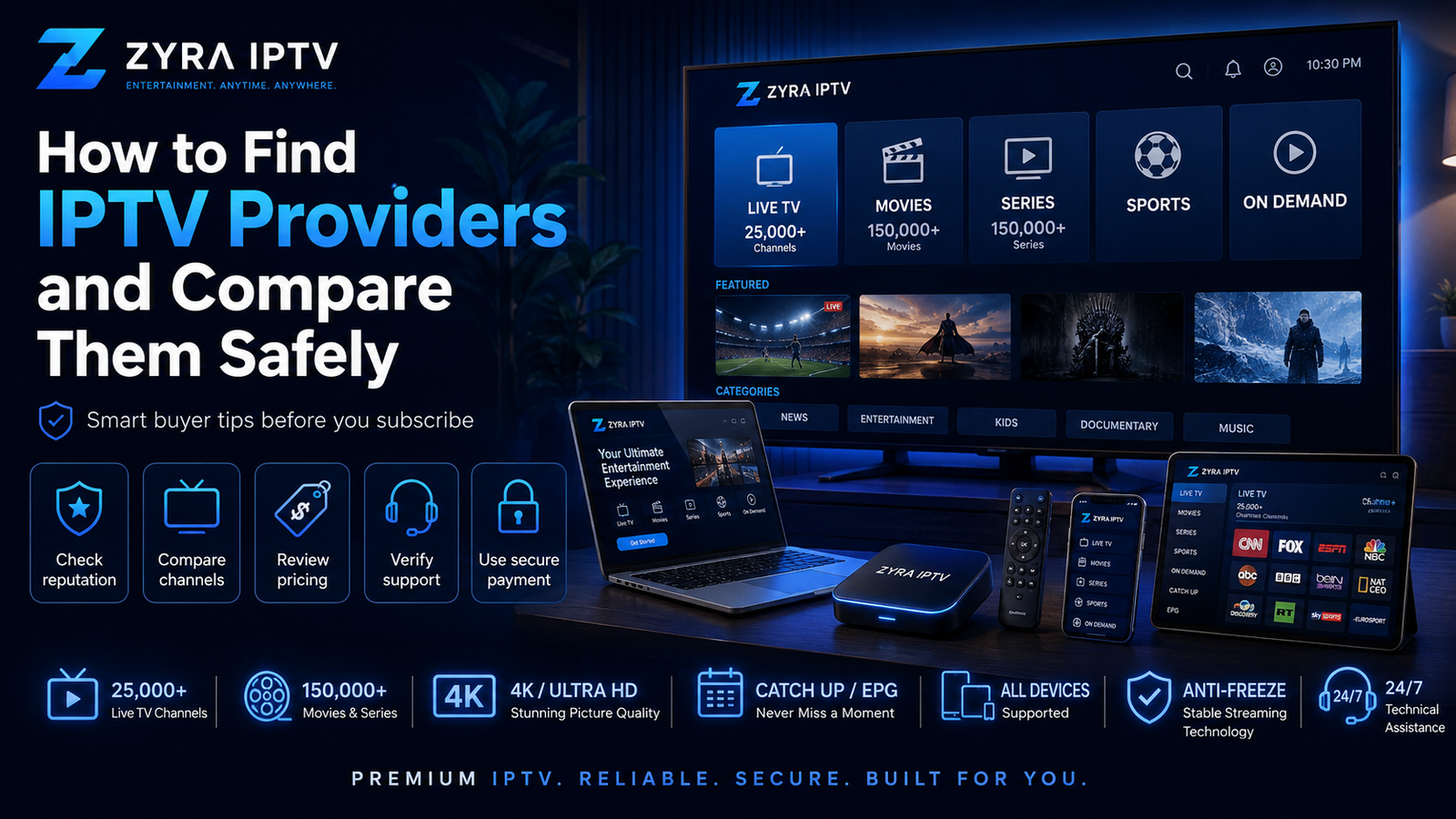
If you are researching how to find IPTV providers, the safest approach is to build a shortlist from verifiable sources and then compare each service carefully before paying.
Do not choose a provider simply because it appears repeatedly in a forum, has thousands of channels in an advertisement, or claims to be the best. Start with your location, viewing needs, devices, and budget. Then check the provider’s website, content information, subscription terms, support, security, reviews, and trial options.
Finding providers and choosing between them are separate steps. First discover realistic options, then verify which one actually fits your requirements.
Where Can You Find IPTV Providers?
There is no single directory containing every IPTV service available worldwide.
Depending on your market, potential providers may appear through:
- search engines
- established streaming comparison websites
- television and telecommunications companies
- recommendations from people you know
- app stores
- device ecosystem searches
- technology forums and communities
- streaming and IPTV review websites
Each source has strengths and weaknesses.
A search engine can provide many options quickly, but high placement does not automatically mean a provider is suitable. Forums can reveal real customer experiences, but they can also contain advertising, referral posts, outdated recommendations, and promotional accounts.
The goal should therefore be to use discovery sources to build a shortlist, not to treat them as proof that a provider is trustworthy.
1. Start With Your Viewing Requirements
Before searching for provider names, define what you need.
Write down:
- your country or region
- must-have channels
- sports you regularly watch
- preferred languages
- live TV requirements
- movie and TV series preferences
- devices you plan to use
- number of simultaneous viewers
- approximate budget
- whether you need EPG or catch-up features
This immediately eliminates providers that do not match your needs.
It also prevents you from being distracted by enormous advertised channel numbers when you may only care about a relatively small group of channels.
Availability can differ between Australia, the United States, and Canada, so check the region relevant to you rather than assuming every provider supplies identical content everywhere.
2. Use Search Engines to Build a Shortlist
Search engines are one of the simplest ways to discover IPTV services, but use specific searches.
Instead of searching only for “IPTV”, try combinations related to what you need, such as:
- IPTV provider for Smart TV
- IPTV service with sports
- IPTV provider for Android TV
- IPTV service for your country
- IPTV provider with trial
- IPTV service with EPG
Open several provider websites and compare them side by side.
Do not immediately purchase from the first result. Search visibility is not the same as service quality, content authorization, or customer satisfaction.
A useful shortlist may contain three to five providers that appear to meet your basic requirements.
3. Check the Provider’s Official Website
Once you find a provider, move from discovery to verification.
Look for clear information about:
- subscription options
- content categories
- supported setup methods
- number of connections
- payment process
- renewal terms
- cancellation
- refunds
- customer support
- privacy and terms
A provider’s own website is still a marketing source, so its claims should not automatically be considered independent evidence.
However, unclear or contradictory information on the provider’s own website is a reason to investigate further.
When assessing available programming, compare what you need with the provider’s actual published lineup. For example, you can review Zyra IPTV’s channel information rather than relying solely on a general claim about channel quantity.
4. Search Reviews From Multiple Sources
Reviews can help you identify recurring problems or strengths, but do not rely on one platform.
The U.S. Federal Trade Commission recommends checking reviews across multiple sources, considering who wrote them, looking at how recent they are, and not relying on star ratings alone. The FTC warns that reviews can be fake, deceptive, manipulated, or influenced by incentives.
Look for specific comments about:
- billing
- support
- cancellations
- device setup
- missing channels
- service interruptions
- renewal experiences
Be cautious when many reviews use nearly identical wording or when accounts appear to exist primarily to promote one provider.
Negative reviews also require context. A buffering complaint, for example, might involve the provider, the viewer’s Wi-Fi, the app, or the device.
5. Use Reddit and Forums as Leads, Not Proof
Community discussions can help when researching how to find an IPTV provider, particularly because users often discuss setup experiences and providers that may not appear prominently in ordinary search results.
However, forum recommendations should be treated carefully.
An IPTV-related Reddit thread, for example, includes users recommending trials and personal referrals, while other participants warn about spam, bots, promotional accounts, and communities dominated by sellers.
Use forums to discover names and questions worth investigating.
Do not send money simply because an anonymous account says a provider is reliable.
A better process is:
- Find a provider mentioned in a discussion.
- Locate its official website independently.
- Check its published terms.
- Research the provider outside that forum.
- Test the service if a suitable trial is available.
6. Check Device Compatibility Before Comparing Prices
A provider may appear attractive until you discover that its setup does not suit your device.
Determine whether you plan to watch through:
- Smart TV
- Android TV
- iPhone or iPad
- computer
- streaming device
- another supported platform
Then check which IPTV app or player is needed and how the account is configured.
Some services may use an M3U playlist, while others may use account credentials, portal information, or another setup method.
If you are unfamiliar with these processes, Zyra IPTV’s IPTV installation guides can help you understand common setup requirements before evaluating providers.
7. Compare the Content You Will Actually Watch
Channel count should not dominate your decision.
Create a small checklist of your must-have content and verify those items first.
For example:
| Requirement | What to verify |
|---|---|
| Local TV | Relevant channels for your region |
| Sports | Specific leagues, events, or broadcasters |
| Movies | Whether the available catalogue suits you |
| International TV | Countries and languages you need |
| EPG | Whether programme information is supported |
| Catch-up | Which channels support it |
| VOD | Relevant movie and series availability |
Also remember that a listed channel does not guarantee identical availability forever. Programming and regional distribution can change.
8. Look for a Trial or Short Commitment
A trial can help you assess factors that are difficult to judge from a website.
During testing, check:
- important channels
- picture quality
- channel switching
- EPG behaviour
- on-demand playback
- your main device
- support responsiveness
- performance during your normal viewing hours
Do not spend the entire test browsing random channels. Focus on the content you expect to watch regularly.
If no trial is available, a shorter subscription may reduce the commitment compared with immediately purchasing a long-term plan.
Always read the conditions first.
9. Review Payment, Renewal, and Refund Terms
Before paying, know exactly what happens after checkout.
Check:
- total price
- currency
- subscription duration
- automatic renewal
- cancellation process
- refund eligibility
- connection limits
- who receives the payment
The FTC advises online shoppers to research sellers, read refund policies, compare options, and keep purchase records. It also notes that HTTPS encrypts the connection but does not prove that a seller itself is legitimate.
Keep receipts, emails, and copies of important subscription terms.
10. Check Security Before Installing an IPTV App
Finding a provider sometimes leads to installing an unfamiliar IPTV app or APK.
Before doing so, verify:
- the app developer
- the download source
- requested permissions
- whether the software is available through a trusted source
- whether security warnings appear
Avoid instructions that ask you to disable important device protections permanently or provide credentials unrelated to IPTV.
For a more detailed security checklist, see Is IPTV Safe to Use?
Quick IPTV Provider Comparison Checklist
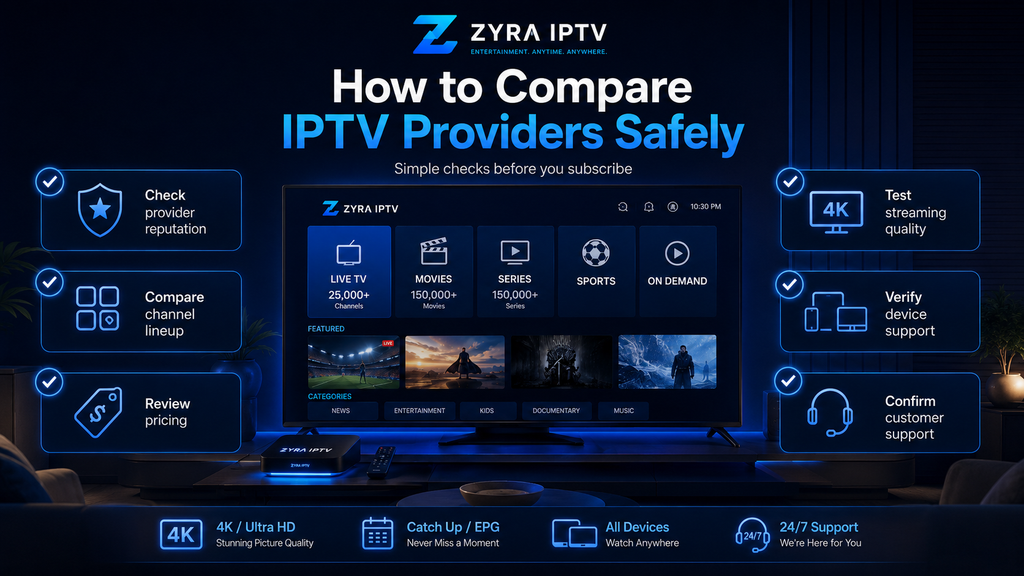
Before choosing from your shortlist, ask:
- Does the provider serve my region?
- Does it list the content I actually want?
- Does it support my device and setup method?
- Are simultaneous connection limits clear?
- Are subscription and renewal terms understandable?
- Is a trial or short plan available?
- Can I contact customer support?
- Do independent reviews show consistent patterns?
- Are payment and refund conditions clear?
- Does the app installation look safe?
- Are major marketing claims realistic?
- Have I compared at least two or three alternatives?
Frequently Asked Questions
How do I find IPTV providers?
Start with search engines, comparison sites, recommendations, and community discussions. Build a shortlist, then verify each provider through its official website, terms, reviews, device support, and trial options.
Is Reddit a good place to find IPTV providers?
Reddit can help discover options and user experiences, but recommendations may include advertising, referral incentives, bots, or outdated information. Verify providers independently before purchasing.
Should I choose the IPTV provider with the most channels?
Not necessarily. Relevant channels, device compatibility, streaming experience, clear terms, support, and security may be more important than total channel quantity.
How many IPTV providers should I compare?
There is no required number, but comparing several realistic options makes it easier to spot differences in content, plans, devices, support, and terms.
Should I test an IPTV provider first?
A suitable trial or shorter plan can help you evaluate the service on your own device and internet connection before making a longer commitment.
Find First, Verify Second, Subscribe Last
Learning how to find IPTV providers is only the first part of the process. Search engines, communities, recommendations, and comparison websites can produce possible options, but each provider should still be checked independently.
Define your needs, shortlist several services, verify their websites and terms, compare the content that matters to you, test where possible, and investigate reviews before paying.
If you want another provider to include in your comparison, you can review Zyra IPTV and evaluate its published information using the same checklist before deciding whether it fits your viewing requirements.
