
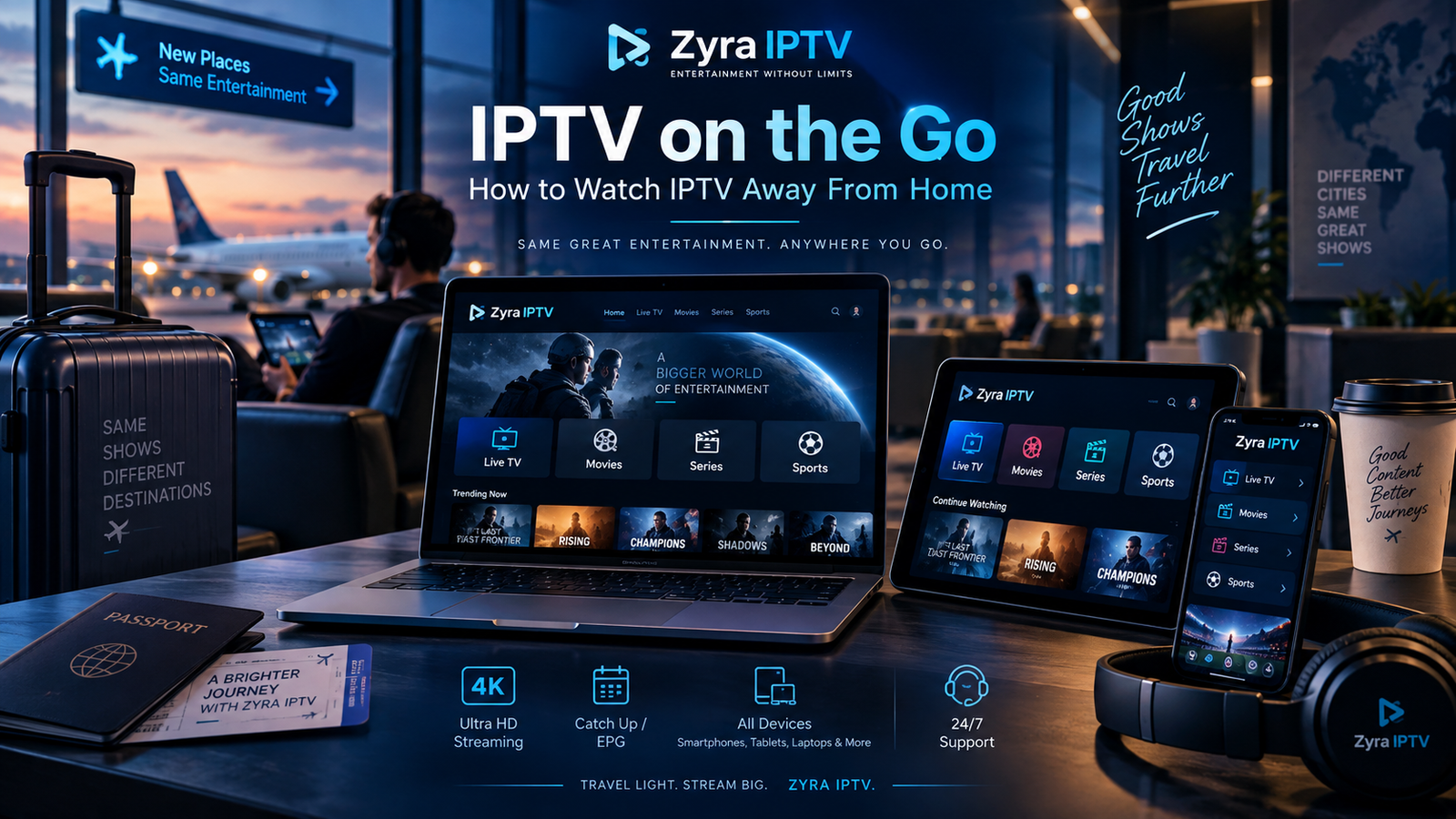
Want to watch your favourite television channels while travelling, staying in a hotel, or spending time away from home? On the go IPTV refers to using an internet television service on a portable device or another supported screen outside your usual home setup.
The process can be straightforward: install a compatible IPTV player, connect to the internet, and sign in using your existing subscription details. However, whether this works depends on your provider’s device rules, simultaneous connection limits, regional availability, and network restrictions.
This guide explains how to prepare your IPTV setup for travel, manage mobile data, and avoid common playback problems.
Can You Watch IPTV Away From Home?
Yes, some IPTV services allow subscribers to watch television away from home using compatible devices and an internet connection.
However, not every subscription includes unrestricted access from different locations.
Before travelling, confirm whether your provider permits:
- Streaming outside your home network
- Using mobile data
- Watching on a phone or tablet
- Access from hotel or public Wi-Fi
- Multiple devices or simultaneous streams
- Streaming from another country
A service that works perfectly on your home television may have different conditions when accessed from another network.
Do not assume that your subscription automatically includes worldwide access.
What Do You Need for IPTV on the Go?
You do not necessarily need a dedicated IPTV box when travelling.
Depending on your provider and subscription, an existing phone, tablet, laptop, or compatible streaming device may be sufficient.
| Requirement | What to check |
|---|---|
| IPTV subscription | Whether viewing away from home is permitted |
| Portable device | Compatibility with the required IPTV player |
| Internet connection | Wi-Fi, mobile data, or an approved hotspot |
| IPTV application | Correct app for your device |
| Login details | Valid credentials or playlist information |
| Location permissions | Whether the provider restricts certain regions |
Prepare these items before leaving home.
The most important precaution is to test your setup on a different network while you still have access to your provider’s support.
Step 1: Check Your IPTV Provider’s Travel Policy
Start by reviewing your subscription conditions.
Some services allow streaming on different networks, while others restrict access to a particular household, location, or number of simultaneous connections.
Ask your provider:
- Can I use my subscription outside my home?
- Can I switch between Wi-Fi and mobile data?
- Is my account restricted to one IP address?
- Can I use another device while my home television is active?
- Does the service work when travelling internationally?
These questions are particularly important for households where someone may continue watching television at home while another person travels.
A multiple-device subscription does not automatically mean unrestricted access from multiple locations.
Step 2: Choose the Right Portable Device
Your device should support the IPTV application or player required by your subscription.
Smartphone
A smartphone is convenient for watching television during commutes, trips, or breaks.
Before relying on it, check the app’s compatibility, login method, and mobile network requirements.
Tablet
A tablet provides a larger screen while remaining portable.
It can be useful for watching television in hotels or other temporary accommodation.
Laptop
A laptop may be suitable if your provider supports an appropriate computer application or playback method.
Avoid assuming that a player designed for Android will work on Windows or macOS.
Streaming Device
A portable streaming device may be useful when connecting to a television away from home, but compatibility is not guaranteed.
Hotel televisions, network restrictions, available HDMI ports, and device permissions can affect the setup.
For help understanding different installation methods, review the IPTV installation guides.
Step 3: Install the IPTV App Before Travelling
Installing and testing the required application at home is easier than troubleshooting it after arriving somewhere unfamiliar.
Follow this process:
- Identify the IPTV player supported by your provider.
- Download it from the official app store or developer.
- Install it on your portable device.
- Enter your subscription details.
- Load the available channels.
- Test playback.
Your provider may supply a username, password, server URL, M3U playlist, or another supported login method.
Keep those details private and securely accessible during your trip.
If you plan to use an Apple device, the Zyra IPTV iOS guide provides information about the brand’s Apple-platform installation options. Verify that your exact device and application are supported before travelling.
Step 4: Choose Between Wi-Fi and Mobile Data
Your internet connection can make a significant difference when watching IPTV away from home.
Hotel or Guest Wi-Fi
Hotel Wi-Fi may be convenient, but its performance can vary with signal strength, network congestion, and local restrictions.
Some networks require you to complete a sign-in page before internet access becomes available.
Open a browser and confirm that your connection is working before troubleshooting the IPTV application.
Mobile Data
Mobile data can provide an alternative when Wi-Fi is unavailable.
However, video streaming can consume a substantial amount of data, particularly at higher resolutions.
Check your mobile plan’s data allowance and any speed restrictions before streaming regularly.
Mobile Hotspot
A hotspot allows a phone to share its internet connection with another device.
This may help when using a laptop or streaming device, provided your mobile plan permits hotspot use.
Remember that the connected devices share the same underlying mobile connection.
How Much Mobile Data Does IPTV Use?
Data usage varies according to video bitrate, resolution, compression, and playback duration.
A lower-resolution stream will generally use less data than a higher-bitrate stream, although the exact difference depends on the source.
To manage consumption:
- Use an available lower-quality stream when appropriate.
- Monitor your phone’s mobile data statistics.
- Avoid unnecessary simultaneous streaming.
- Check whether your provider offers data-saving settings.
- Use a suitable Wi-Fi connection when available.
Do not assume that every channel labelled HD or 4K consumes exactly the same amount of data.
If your mobile plan has a limited allowance, test your typical viewing session and check the recorded usage before streaming for several hours.
Can You Watch IPTV While Travelling Abroad?
Possibly, but international access should always be confirmed with your provider.
Television rights and service availability can differ between countries.
For example, Google’s official YouTube regional availability guidance explains that video owners can restrict availability to particular countries because of licensing rights.
That example does not establish the rules for every IPTV provider, but it illustrates why internet access alone does not guarantee that all television content will remain available internationally.
Before travelling abroad, verify:
- Whether your provider permits international access
- Whether the channels you want remain available
- Whether your account has location restrictions
- Whether your mobile plan includes international data
- Whether additional roaming charges apply
Do not rely on a VPN to bypass a provider’s geographic or contractual restrictions.
Avoid Unexpected Roaming Charges
International roaming can make mobile streaming expensive if your travel plan does not include sufficient data.
Canada’s telecommunications regulator, the CRTC, advises travellers to check roaming options and charges before using mobile services abroad. Its international roaming guidance explains how roaming works and provides suggestions for managing costs.
Australia’s ACMA also advises travellers to investigate mobile data charges before leaving the country.
If you plan to stream IPTV internationally, review your carrier’s current terms and consider an appropriate travel data plan.
The cost of IPTV itself is separate from the mobile data charges you may incur while accessing it.
Is It Safe to Watch IPTV on Public Wi-Fi?
Public Wi-Fi can be useful in airports, hotels, cafés, and other locations, but security still matters.
The US Federal Trade Commission explains in its public Wi-Fi safety guidance that encryption helps protect information transmitted over public networks.
Before connecting your IPTV account:
- Confirm that you are using the correct Wi-Fi network.
- Keep your device and IPTV application updated.
- Avoid downloading applications from unfamiliar links.
- Check that account and payment pages use secure connections.
- Do not share your subscription credentials.
- Avoid entering sensitive information into suspicious websites.
A VPN can provide an additional layer of protection in some circumstances, but it cannot make an unsafe application trustworthy or override your subscription agreement.
Can You Watch IPTV on Your Phone While Someone Watches at Home?
This depends on the number of simultaneous connections included in your subscription and any restrictions on using different networks.
Consider two separate situations.
One active stream: You stop watching at home and open the service on your phone.
Two active streams: Someone continues watching at home while you start another stream on your phone.
The second situation requires a subscription that permits the necessary simultaneous connections. The provider must also allow the account to be used from those locations.
Do not assume that installing your account on multiple devices automatically permits simultaneous viewing.
Can You Cast IPTV to a Hotel TV?
Casting or screen sharing may be possible, but it depends on the device, television, application, and network.
A hotel television may restrict external connections. Its Wi-Fi network may also prevent devices from discovering one another.
Even if your IPTV app works on your phone, casting may be unavailable.
Before relying on hotel TV playback, check whether the television has accessible inputs and whether your device supports an appropriate connection method.
Also remember that some applications restrict casting or screen mirroring.
Using your phone or tablet directly may be simpler when television compatibility is uncertain.
Troubleshooting IPTV Away From Home
If IPTV stops working after you leave home, identify the likely cause before changing settings.
| Problem | What to check |
|---|---|
| Login rejected | Credentials, subscription status, location restrictions |
| Channels will not load | Internet connectivity and server information |
| Frequent buffering | Wi-Fi strength, mobile signal, network congestion |
| Works at home but not elsewhere | Provider’s location or network policy |
| Second device stops playing | Simultaneous connection limits |
| Missing channels | Regional availability and provider information |
| Hotel Wi-Fi will not connect | Browser sign-in page and network restrictions |
Test your internet connection with another application first.
If other online services work normally but your IPTV account does not, check the provider’s account and location rules.
Avoid repeatedly reinstalling the player when the problem may be related to your subscription or network.
IPTV on the Go: Travel Checklist
Before leaving home, confirm that you have:
- A subscription that permits your intended travel use
- A compatible portable device
- The correct IPTV application
- Working account credentials
- Tested playback outside your home Wi-Fi
- Sufficient mobile data or suitable Wi-Fi access
- Checked roaming arrangements
- Verified regional content availability
- Confirmed simultaneous connection limits
- Access to your provider’s support information
These preparations can help you identify problems before you depend on IPTV during your trip.
Frequently Asked Questions
Can I use IPTV away from home?
Some IPTV providers permit viewing away from home, but others apply device, location, network, or simultaneous connection restrictions. Check your subscription terms before travelling.
Can I watch IPTV using mobile data?
Potentially, yes, if your provider permits mobile access and your device has a suitable connection. Streaming can consume significant mobile data.
Does IPTV work on hotel Wi-Fi?
It may work, depending on your provider’s restrictions and the hotel’s network configuration, speed, and connectivity.
Can I use IPTV in another country?
International availability varies. Check your provider’s geographic restrictions, content availability, and roaming costs before travelling.
Do I need a VPN for IPTV on the go?
Not necessarily. A VPN is not a substitute for a secure app, authorized content, or compliance with your provider’s location rules.
Can I watch IPTV offline while travelling?
Live IPTV generally requires a network connection. Offline downloads are only available when the specific service and application explicitly support them.
Enjoy IPTV Away From Home With the Right Preparation
On the go IPTV can provide a flexible viewing experience when your subscription allows portable access and your device has a suitable internet connection.
The important steps are to verify your provider’s travel rules, install the correct application, test playback, understand simultaneous connection limits, and check mobile data or roaming costs.
Do not assume that every IPTV service permits unrestricted travel access or that the same content will be available in every country.
If you are comparing IPTV options for home and portable viewing, explore Zyra IPTV and confirm its current device compatibility, connection limits, and location policies before choosing a subscription.
