
If you are wondering how to get IPTV username and password details, the correct place to obtain them is your IPTV service provider. Depending on the service, your login information may arrive in a welcome email, appear in your customer account, or be supplied directly through an official support channel.
You may also receive a server URL, M3U playlist, activation code, or other connection details. These formats are not interchangeable, so understanding what your provider has supplied is essential.
This guide explains where to find your IPTV credentials, how to use them, what to do when they are missing, and how to protect your account.
What Are IPTV Username and Password Details?
An IPTV username and password are credentials used to authenticate your subscription with a compatible service or player.
Many IPTV applications require three pieces of information:
| Login detail | Purpose |
|---|---|
| Username | Identifies your IPTV subscription |
| Password | Authenticates your account |
| Server URL | Connects the application to the provider’s service |
Some providers supply an M3U playlist URL instead of separate login fields.
Other systems use device identifiers, portal information, or activation codes. The correct method depends on your provider and IPTV application.
Importantly, downloading an IPTV player does not automatically give you a subscription or login credentials.
For example, the official TiviMate Google Play listing explains that the application is a media player and does not include television content. Users must provide their own playlists.
Step 1: Obtain an IPTV Subscription From a Provider
The usual starting point is obtaining an account from an IPTV provider that supplies the content and setup method you need.
Before subscribing, check:
- Whether the provider supports your device
- What login method it uses
- Whether the necessary connection details are included
- How account information is delivered
- Whether customer support is available
- What the subscription and cancellation terms are
Do not assume every provider supplies a username and password.
Some services use their own applications, while others provide M3U playlists, portal access, or separate credentials for compatible players.
Confirm the authentication method before purchasing a subscription.
Step 2: Check Your IPTV Welcome Email
After your subscription is activated, check the email address used during registration or checkout.
Depending on the provider, you may receive an activation or welcome message containing your account information.
Look for terms such as:
- IPTV login details
- Account information
- Activation details
- Username
- Password
- Server URL
- M3U playlist
- Subscription details
The message might also include installation instructions or links to the provider’s support resources.
Important: Do not assume your IPTV password is the same as the password used to access your email or the provider’s website.
Some services use separate credentials for billing accounts and television playback.
Step 3: Check Your Spam and Junk Folders
If your login details have not arrived, check your email’s spam, junk, and promotional folders.
Search for the provider’s name or words such as “activation,” “subscription,” and “IPTV.”
Also verify that you entered the correct email address when purchasing.
If you have received a payment confirmation but no activation information, keep the receipt and contact the provider through its official support channel.
Do not send payment details or personal information to an unknown account claiming it can activate your subscription.
Step 4: Check Your Customer Account
Some providers make IPTV credentials available through a customer dashboard.
If your service has an account area, sign in through its official website and look for sections such as:
- My Account
- Active Subscriptions
- Service Details
- IPTV Credentials
- Playlist Information
- Connection Details
The exact wording varies.
You may find the server address, username, password, playlist link, or activation instructions there.
If the dashboard does not display these details, do not assume they are hidden somewhere in the website. Your provider may use a different delivery method.
Step 5: Contact Your IPTV Provider
If you cannot find your credentials, contact the provider directly.
Use the support information published on its official website or included in your original order confirmation.
Explain that you have an active subscription but cannot locate the login information needed for your IPTV player.
Include only the information reasonably necessary to identify your order, such as your order reference or registered email address.
Ask for:
- Your correct IPTV username
- Your IPTV password or the official recovery method
- Your server URL
- The supported login format
- Confirmation that your subscription is active
If the provider only supports its own application, ask whether a separate player is permitted before requesting additional credentials.
Where Do Zyra IPTV Login Details Come From?
Zyra IPTV’s published IPTV installation guide describes an activation process in which subscribers enter a username, password, and server URL provided by Zyra IPTV.
Its installation information also directs customers to contact the service for help with setup problems.
If you have already subscribed to Zyra IPTV but cannot locate your details, refer to your original order information and use the provider’s official support channel.
Do not attempt to obtain another customer’s credentials or use random passwords found online.
IPTV Username and Password vs M3U Playlist
One of the most common sources of confusion is receiving an M3U URL when your application asks for separate credentials.
These are different connection formats.
Username, Password and Server URL
Some IPTV players offer a login option labelled Xtream Codes or a similar name.
This method typically asks you to enter the server address, username, and password separately.
Use this method only when your provider supplies compatible credentials and authorizes that setup.
M3U Playlist URL
An M3U playlist may be provided as a single web address.
Depending on the service, this URL can contain account information within the link itself.
Because such links may provide access to your subscription, treat them as private credentials.
Do not publish an M3U URL on Reddit, in YouTube comments, or on public troubleshooting websites.
If you received an M3U playlist but your player requires separate login fields, ask the provider for the appropriate format.
Avoid guessing or reconstructing credentials when you do not know whether the service supports that method.
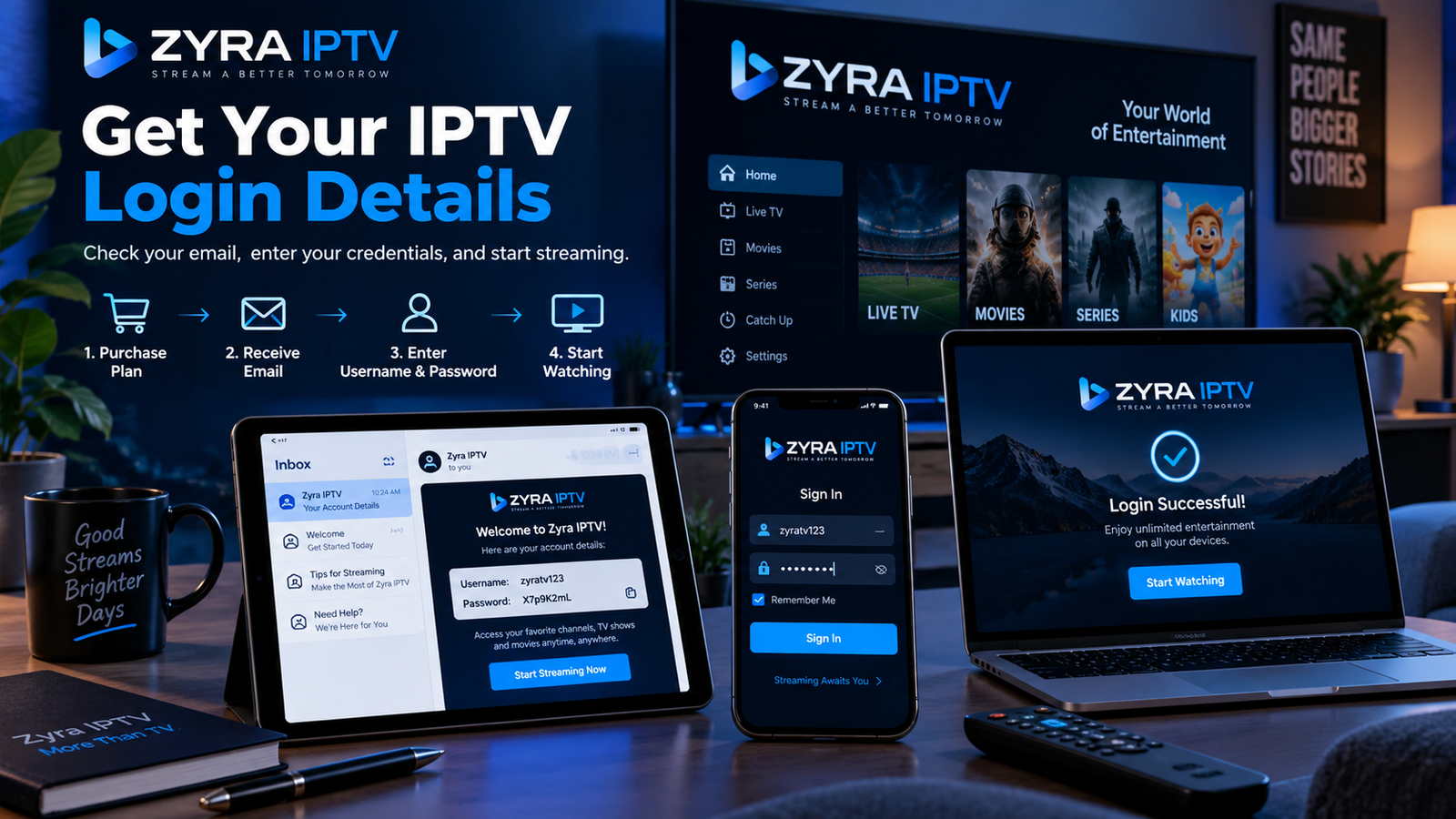
How to Enter Your IPTV Username and Password
Once you have the correct details, the general setup process is straightforward.
Step 1: Open Your IPTV Player
Install and open the application supported by your provider.
Use the official app store or developer source whenever possible.
Step 2: Select the Correct Login Method
Look for an option such as:
- Add User
- Provider Login
- Xtream Codes Login
- Add Account
The wording depends on your application.
Step 3: Enter Your Details
Enter the username, password, and server URL into the corresponding fields.
Copy the information exactly as provided.
Pay attention to capitalization, punctuation, and any port number included in the server address.
Step 4: Save and Connect
Select the application’s login, save, or add-user option.
If authentication succeeds, the player should attempt to retrieve the content available to your account.
The categories and features displayed depend on your subscription and application.
For platform-specific instructions, the Android TV IPTV guide provides additional setup information for supported Android-based viewing devices.
Why Is My IPTV Username or Password Not Working?
Login problems do not always mean your subscription has expired.
Check the following possibilities before reinstalling the application.
| Problem | What to check |
|---|---|
| Incorrect username | Spelling and capitalization |
| Incorrect password | Missing characters or extra spaces |
| Invalid server URL | Address and port supplied by your provider |
| Wrong login method | Whether your service uses M3U or separate credentials |
| Expired subscription | Account status and renewal date |
| Connection limit | Whether another device is already using the permitted stream |
| Network problem | Whether your internet connection works |
| Unsupported player | Provider’s application requirements |
If the information appears correct but the login still fails, contact your provider.
Avoid repeatedly guessing passwords or making unnecessary changes to your device settings.
How to Recover a Forgotten IPTV Password
Password recovery depends on the provider.
Start by checking whether the official customer portal offers a password reset option.
However, remember that your website account password and IPTV streaming password may be different.
Resetting one does not necessarily change the other.
If there is no dedicated IPTV password reset feature, contact support and request the approved recovery or credential-reissue procedure.
The provider may need to verify that you own the subscription before supplying or changing account information.
Can You Get a Free IPTV Username and Password?
A free IPTV username and password is not automatically available simply because you have installed an IPTV app.
Some services may offer trials or authorized free content, but the credentials must come from the legitimate provider or content owner.
Avoid websites or videos advertising unlimited free IPTV passwords, shared accounts, or password generators.
These offers may involve expired credentials, unauthorized account access, scams, or unsafe downloads.
Use your own valid account and follow the provider’s subscription conditions.
How to Keep Your IPTV Login Details Secure
Your IPTV credentials may give someone access to your subscription, so protect them as you would other account information.
Follow these precautions:
- Keep usernames, passwords, and private playlist URLs out of public posts.
- Avoid sending credentials to strangers offering technical support.
- Do not enter your details on unfamiliar login websites.
- Use trusted applications.
- Protect the email account associated with your subscription.
- Check the provider’s policy before sharing access across devices.
The US Federal Trade Commission’s account security guidance recommends using strong, unique passwords and additional authentication methods where available.
If you believe your IPTV credentials have been exposed, contact your provider and request a reset or replacement.
Also change any other account passwords you reused.
Frequently Asked Questions
How do I get IPTV username and password details?
Obtain them from your IPTV provider. Check your welcome email, customer dashboard, or official support channel for the credentials associated with your subscription.
Does an IPTV player provide a username and password?
Not necessarily. Many IPTV players only display content from a separate service. You must obtain the required subscription details from your provider.
Where can I find my IPTV server URL?
Check the activation email, customer account, or setup instructions supplied by your provider. If it is missing, request it through official support.
Can I use my email password as my IPTV password?
Do not assume so. Your email, customer dashboard, and IPTV player may use separate credentials.
What if my provider only gave me an M3U link?
Use a compatible player’s M3U option or ask your provider whether separate username, password, and server details are available.
Can I use the same IPTV username and password on multiple devices?
That depends on your provider’s device, connection, and account-sharing rules. Check the subscription terms before using credentials on additional devices.
Why does my IPTV app say invalid credentials?
Possible reasons include an incorrect username, password, server address, unsupported login method, or inactive subscription. Verify your details and contact the provider if necessary.
Get Your IPTV Login Details From the Correct Source
Learning how to get IPTV username and password details begins with understanding that your credentials come from your IPTV provider, not from the player you install.
Check your activation email, customer account, and original subscription information first. If anything is missing, request assistance through the provider’s official support channel.
Use the correct login format, enter your details carefully, and keep your credentials private.
If you are considering a new IPTV subscription and want to understand the account activation process, explore Zyra IPTV and review its current service and installation information before subscribing.
