
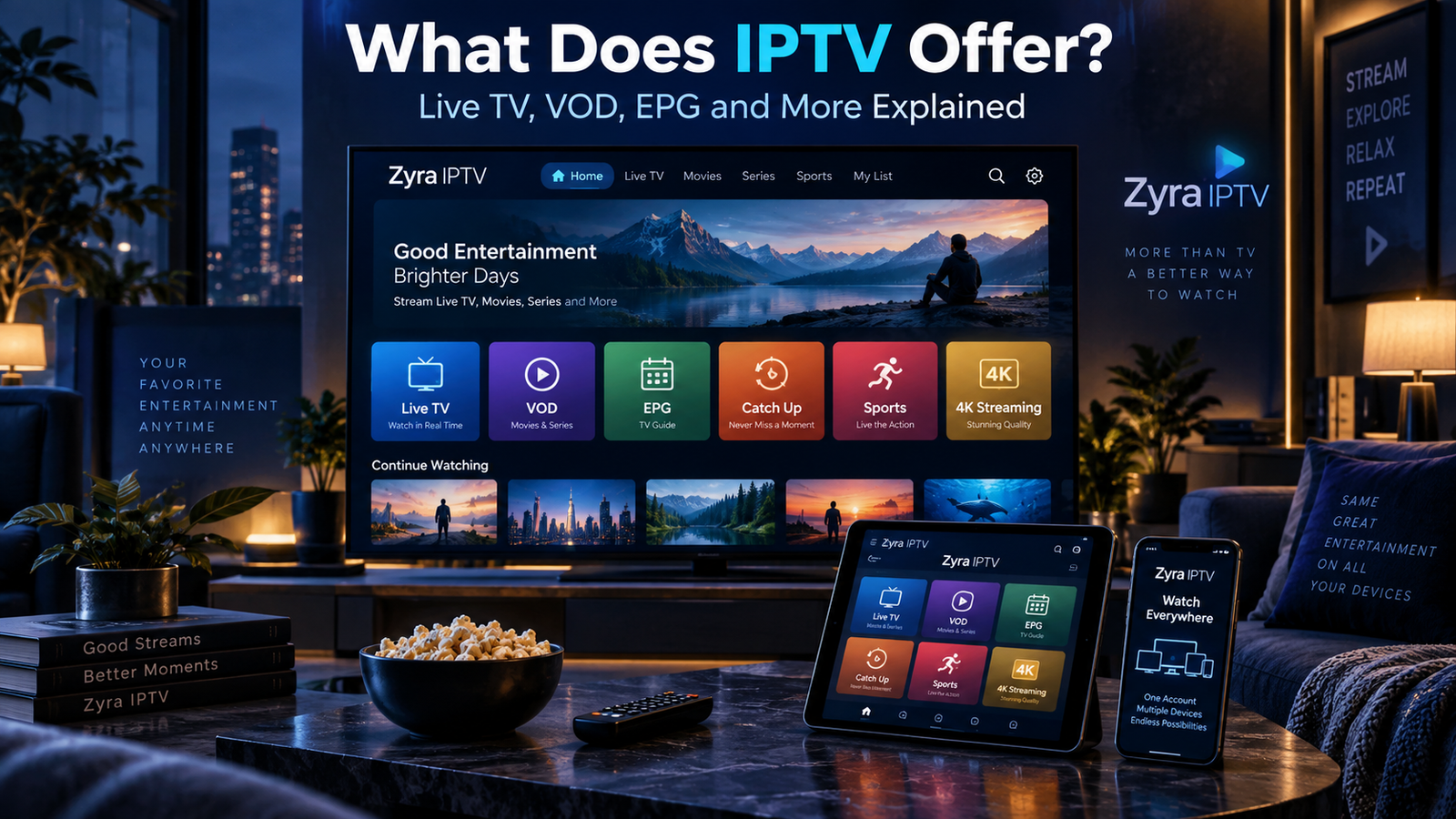
What does IPTV offer? IPTV can provide live television channels, movies, TV series, video on demand (VOD), an Electronic Programme Guide (EPG), and features such as catch-up TV or recording. Depending on the service, viewers may also have access to different device options, favourite channel lists, subtitles, and multiple simultaneous connections.
However, IPTV is a television delivery technology, not a standard package with identical features across every provider. One subscription might include live channels and movies, while another may offer additional playback features or different content.
This guide explains the main IPTV features, how they work, and what to check before choosing a subscription.
IPTV Features at a Glance
IPTV stands for Internet Protocol Television. It delivers television through IP-based networks rather than relying exclusively on traditional cable, satellite, or antenna broadcasting.
The exact experience depends on the provider, subscription, application, and device.
| IPTV feature | What it offers |
|---|---|
| Live TV | Television channels playing according to a schedule |
| Video on demand | Movies and programmes you can start when you choose |
| TV series | Episode-based content when included |
| EPG | An on-screen television schedule |
| Catch-up TV | Access to previously aired programmes when supported |
| Recording | The ability to save programmes on supported systems |
| Device options | Viewing through compatible televisions and other devices |
| Favourites | A personalised list of frequently watched channels |
These are potential capabilities, not guarantees that every IPTV subscription includes all of them.
1. Live TV Channels
Live television is one of the main features associated with IPTV.
Instead of receiving channels through a conventional satellite or cable connection, your device receives the television stream through an IP network.
Depending on the provider, available categories may include news, entertainment, sports, documentaries, children’s programming, and international television.
You generally select a channel from the IPTV player’s interface and start watching.
Does IPTV Include Local and International Channels?
It can, but availability varies significantly between providers and countries.
A viewer in Canada may want Canadian television and French-language programming, while someone in Australia or the United States may prioritise different channels.
Do not assume that a large advertised channel count guarantees the specific programming you want.
Before subscribing, compare the provider’s published lineup with your actual viewing preferences. You can use the Zyra IPTV channel information as a starting point for checking listed programming.
Remember that a channel’s presence on a list does not independently establish its current availability or distribution rights.
2. Video on Demand (VOD)
VOD stands for Video on Demand.
Unlike live television, where the broadcaster determines the schedule, VOD allows you to select available content and start it at a time that suits you.
An IPTV service with VOD may organise content into categories such as movies, TV series, documentaries, or other programme types.
Depending on the application and content, you may be able to pause, resume, rewind, or fast-forward.
Is VOD Included With Every IPTV Subscription?
No.
Some subscriptions include on-demand content, while others focus primarily on live television.
Even when VOD is included, the catalogue can change and may differ between regions or subscription packages.
Check which titles are actually available instead of relying only on advertised library sizes.
3. TV Series and Episode Libraries
Some IPTV services provide a separate TV series section.
Rather than showing every episode as an individual item, a compatible player may organise programmes by season and episode.
Possible features include programme descriptions, search, episode selection, and playback progress.
However, these functions depend on the player and the information supplied by the provider.
A service advertising TV series does not automatically guarantee complete seasons, every episode, or a particular programme.
If there is a specific series you want to watch, verify its current availability before purchasing.
4. Electronic Programme Guide (EPG)
An EPG, or Electronic Programme Guide, provides scheduling information for television channels.
It functions similarly to the on-screen guide used by traditional television providers.
An EPG may display programme titles, start times, end times, current shows, and upcoming broadcasts.
This makes it easier to decide what to watch without opening each channel individually.
What Happens if the IPTV EPG Is Missing?
An IPTV player may display channels even when programme-guide information is unavailable.
Missing or incorrect EPG information can result from incomplete data, configuration problems, or incorrect device time-zone settings.
An EPG also does not guarantee that every channel has complete schedule information.
Before choosing a service, check whether programme-guide data is available for the channels you regularly watch.
5. Catch-Up TV and Replay
Catch-up TV allows viewers to access certain programmes after their original broadcast.
For example, if a programme aired earlier in the day, a provider with catch-up functionality may allow you to replay it without waiting for another scheduled broadcast.
However, catch-up is not necessarily available for every channel or programme.
The length of the replay window also depends on the service.
Is Catch-Up the Same as VOD?
No. The two features serve different purposes.
VOD usually provides a separate catalogue of programmes that you select whenever they are available.
Catch-up gives access to content that previously aired on a live television channel.
A subscription can offer both, either one, or neither.
6. Recording and Playback Controls
Some IPTV systems include recording, pausing live television, restarting programmes, or rewinding supported streams.
These capabilities are not automatic.
Recording may depend on a compatible set-top box, storage space, provider functionality, recording permissions, and application support.
For example, BT’s official television help explains that recording capabilities differ between its television box models.
The same distinction matters when comparing IPTV services: an app may display a recording button, but that does not mean your subscription supports recording.
Confirm exactly which playback and recording features are included.
7. Watching IPTV on Different Devices
Another potential benefit of IPTV is the ability to use compatible devices instead of relying on one particular television receiver.
Depending on the provider, supported options may include Smart TVs, Android TV devices, streaming boxes, smartphones, tablets, and computers.
However, compatibility must be checked for each service and application.
An IPTV player available on Android TV may not exist on every Smart TV operating system.
Before subscribing, check the provider’s IPTV installation guides to understand the available setup methods.
Also confirm whether an additional device or paid application is required.
8. Multiple Devices and Simultaneous Connections
Device compatibility and simultaneous streaming are different features.
A provider might permit account installation on several devices but restrict how many can stream at the same time.
For example, having IPTV configured on a living room television and a tablet does not automatically mean both devices can play content simultaneously.
Check the subscription’s device allowance, concurrent connection limit, and account-sharing rules.
For households with several viewers, simultaneous connections may be more important than the total number of supported device types.
9. HD, Full HD and 4K Streaming
IPTV services may provide streams at different video resolutions.
Common terms include HD, Full HD, and 4K or Ultra HD.
However, an advertised resolution does not guarantee that every channel or movie is available in that format.
Picture quality depends on several factors, including the source video, bitrate, provider infrastructure, device capabilities, and internet connection.
A higher-resolution stream may also require more bandwidth than a lower-resolution alternative.
If picture quality matters to you, test the actual channels you intend to watch rather than assuming every stream will match the provider’s highest advertised resolution.
10. Search, Favourites and Personalisation
An IPTV player can make large channel lists easier to navigate.
Depending on the application, useful interface features may include search, favourite channels, recently watched content, category filters, and programme information.
These functions can help viewers find content without repeatedly scrolling through long lists.
Some players also offer parental controls or accessibility settings.
However, these are application-specific capabilities and should not be assumed to be included with every subscription.
What Does an IPTV Subscription Actually Include?
There is no universal IPTV package.
Some providers combine live television, movies, series, EPG information, and catch-up functionality. Others offer a narrower set of features.
Before purchasing, compare the following:
| What to check | Why it matters |
|---|---|
| Channel lineup | Confirms whether your preferred programming is listed |
| VOD catalogue | Shows whether on-demand content meets your needs |
| EPG coverage | Helps you navigate scheduled television |
| Catch-up availability | Determines whether missed programmes can be replayed |
| Device compatibility | Confirms whether your existing equipment can be used |
| Connection allowance | Determines how many screens can stream together |
| Subscription terms | Clarifies duration, renewal, and cancellation |
| Content rights | Helps establish whether programming is authorised for distribution |
Zyra IPTV’s published subscription information lists live television, on-demand content, EPG, and catch-up among its advertised features. Availability should still be confirmed for the specific package and content you want.
What IPTV Does Not Automatically Offer
Understanding the limitations is just as important as understanding the features.
IPTV does not automatically guarantee:
- Every television channel or streaming service
- Every live sporting event
- Unlimited simultaneous devices
- A complete movie or series catalogue
- Catch-up and recording on every channel
- Uninterrupted playback
- 4K resolution for all content
- Worldwide access without restrictions
- Licensed distribution of every advertised channel
A reliable comparison should focus on verifiable features rather than broad promotional promises.
Frequently Asked Questions
What does IPTV offer?
IPTV can offer live television, video on demand, TV series, EPG information, catch-up television, and additional playback or device features. The exact package depends on the provider.
Does IPTV include movies and TV shows?
Some IPTV subscriptions include movies and TV series through a VOD library. Others may provide live channels only.
Does every IPTV service have EPG?
No. EPG support and programme-guide coverage depend on the service, application, and available scheduling data.
Can IPTV record live TV?
Some IPTV systems support recording, but compatibility, storage, content restrictions, and provider functionality determine whether it is available.
Does IPTV include Netflix or other streaming subscriptions?
Not automatically. A listing that mentions a programme or platform does not establish that a separate streaming subscription is included or that the IPTV provider has distribution rights.
Does IPTV work without an internet connection?
IPTV requires access to an appropriate IP network. Consumer internet-based IPTV services generally need an active connection for live streaming.
Conclusion: Understanding What IPTV Offers
So, what does IPTV offer? Its potential features extend beyond live television to include movies, TV series, on-demand viewing, programme guides, catch-up services, and flexible device options.
The key is understanding which features belong to IPTV technology, which come from the IPTV player, and which are actually included in your subscription.
Before choosing a provider, verify its content lineup, supported devices, connection limits, playback features, and subscription conditions.
If you want to explore a current service and compare its published features with your viewing needs, visit Zyra IPTV and review the available subscription and installation information.
