
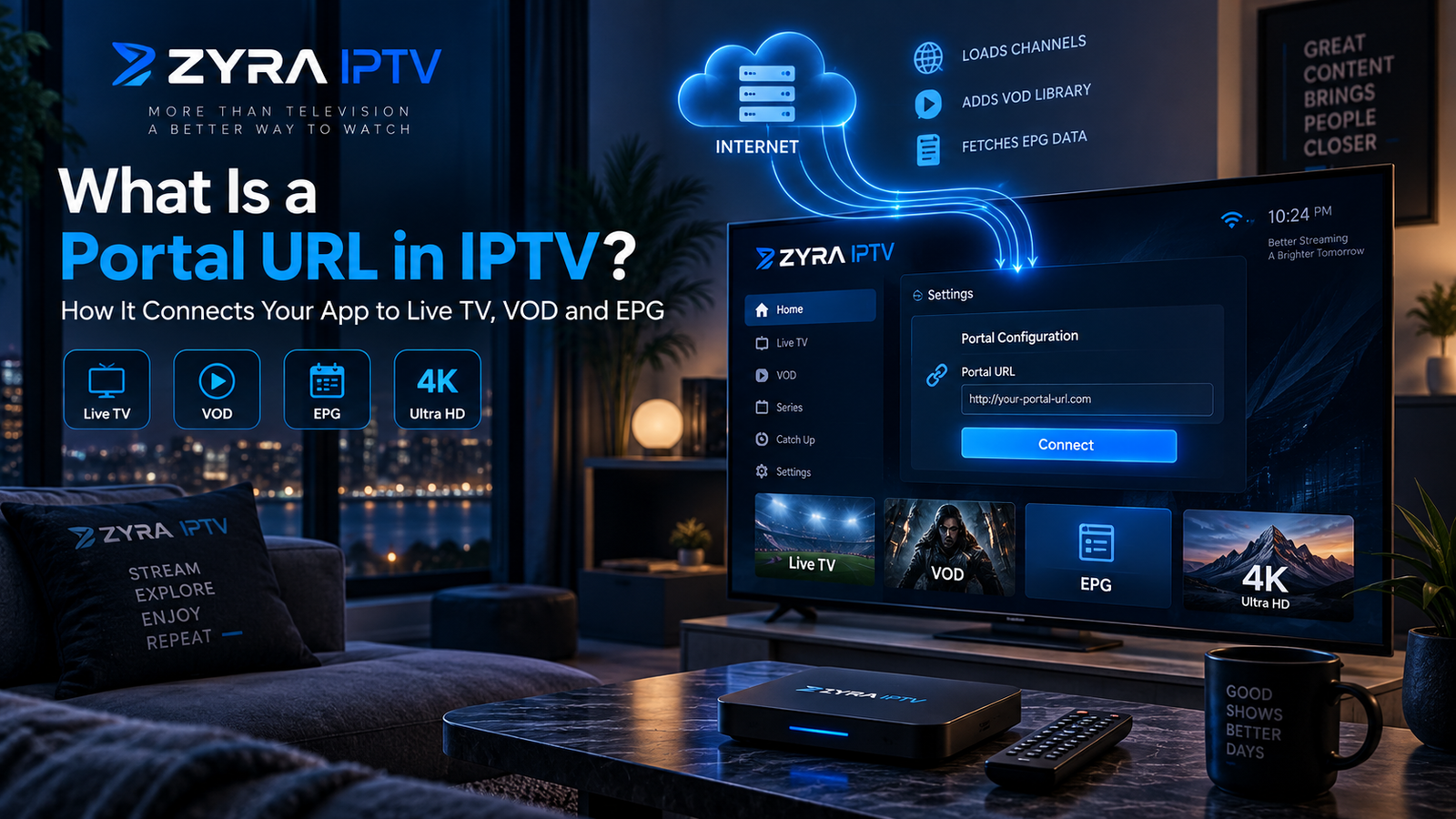
If your IPTV player or set-top box asks for a portal URL, you might wonder what information belongs in that field. A portal URL is a web address that connects a compatible device or application to an IPTV provider’s portal system.
In a Stalker or Ministra-based setup, the portal manages communication between the device and the provider’s service. Depending on the system, it can authenticate the device and provide access to available channels, programme information, and other supported features.
However, not every IPTV service uses a portal URL. Some require an M3U playlist, while others use a server URL, username, and password.
This guide explains what an IPTV portal URL does, where to obtain it, how to enter it, and what to check when the connection fails.
What Is a Portal URL in IPTV?
An IPTV portal URL is the address of a provider’s portal interface. A compatible IPTV set-top box or player uses this address to connect to the service.
The address normally includes a domain name or IP address. It may also contain a port number or a specific path.
For illustration, a portal address might resemble:
This is only a fictional example. It is not a working IPTV portal, and you should never substitute it for the address supplied by your provider.
The term portal URL is especially associated with Stalker and Ministra IPTV systems. These systems have historically been used with MAG set-top boxes and compatible applications.
Infomir, the manufacturer associated with MAG devices and the Ministra platform, documents portal configuration in its official external portal setup instructions.
How Does an IPTV Portal URL Work?
A portal URL acts as the connection point between your IPTV device and the provider’s portal system.
The process generally works as follows:
- You enter the portal URL into a compatible device or application.
- The device contacts the provider’s portal.
- The system checks the device or account information using its configured authentication method.
- If access is authorized, the portal loads the available interface and service information.
- You can browse and play content included in your subscription.
The portal may also supply channel categories, an Electronic Programme Guide (EPG), and video-on-demand information when the service supports those features.
A portal address does not automatically provide access to television. You still need a valid account or properly authorized device.
What Is the Difference Between a Portal URL, M3U and Xtream Codes?
These terms refer to different ways of connecting an IPTV player to a service.
They are related, but they are not interchangeable.
| Connection method | Information normally required | How it works |
|---|---|---|
| Stalker or Ministra portal | Portal URL and registered device information, often a MAC address | Connects a compatible device to a portal system |
| M3U playlist | Playlist URL or file | Supplies playlist information to a compatible player |
| Xtream Codes-style login | Server URL, username, and password | Uses account credentials to access a compatible service |
A provider may offer more than one method, but this should never be assumed.
Portal URL
A Stalker-style portal commonly identifies an authorized device using its registered MAC address. Some implementations also require a username, password, or another authentication method.
M3U Playlist
An M3U playlist contains information that an IPTV player can use to locate streams.
A provider may supply it as a file or URL. An M3U link can also contain account credentials, so keep it private.
Xtream Codes Login
A compatible Xtream Codes-style player typically asks for a server address, username, and password.
Some people informally call that server address a portal URL. However, it is not necessarily a Stalker or Ministra portal.
Use the connection method specified by your provider instead of entering an M3U link into a portal field or assuming an Xtream server URL will work as a Stalker portal.
What Is a MAC Address in IPTV?
A MAC address is a network identifier associated with a network interface.
In certain portal-based IPTV systems, a provider registers a device identifier or MAC address as part of the authorization process.
When the device connects, the portal checks whether that identifier is permitted to access the service.
This means that a correct portal URL may still fail if your device is not registered or authorized.
Not every IPTV setup uses MAC-based authentication. Some portals require additional credentials, while M3U and Xtream Codes-style connections use different access methods.
If your provider requests a MAC address, follow its official instructions for identifying and registering the correct device.
Do not publish your device identifiers or subscription information in public troubleshooting posts.
Where Can You Find Your IPTV Portal URL?
The correct portal URL must come from your IPTV provider.
It may be included in your activation email, customer dashboard, installation instructions, or official support correspondence.
Look for terms such as:
- Portal URL
- Stalker portal
- Ministra portal
- Portal address
- MAG portal
- Server information
If you cannot locate the address, contact the provider and ask which connection method your subscription supports.
For example, Zyra IPTV’s published IPTV installation instructions describe entering a username, password, and server URL. That information alone does not establish that every Zyra IPTV subscription supports Stalker or Ministra portal access.
If you need a portal specifically, confirm availability with the provider before selecting a portal-based player.
Avoid websites advertising random portal URLs, shared MAC addresses, or unauthorized login credentials.
How to Enter a Portal URL on an IPTV Device
The exact process depends on your device and application.
For a compatible MAG set-top box using the relevant Infomir interface, the manufacturer’s documented setup process provides a useful example.
Step 1: Connect Your Device to the Internet
Confirm that the device has a working Ethernet or Wi-Fi connection, depending on its capabilities.
Step 2: Open the Portal Settings
On supported MAG interfaces, navigate to:
System Settings > Servers > Portals
The menu may differ on other device models or software versions.
Step 3: Enter the Portal Information
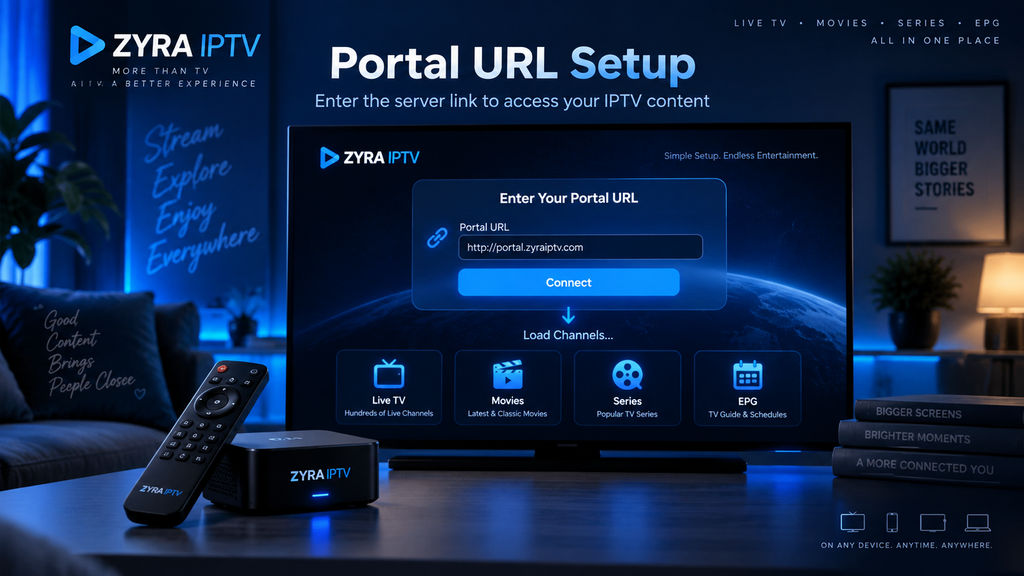
Choose the appropriate portal field and enter the address supplied by your provider.
You may also be able to assign the portal a recognizable name.
Copy the complete address carefully, including its protocol, port, and path when supplied.
Step 4: Save and Reload
Save your changes and restart or reload the portal using the device’s documented procedure.
Step 5: Confirm Account Authorization
If your device is registered and the portal is available, the service should attempt to load.
If an authorization error appears, contact your provider rather than trying unrelated device identifiers.
These steps are based on Infomir’s official documentation for supported MAG interfaces. Other boxes and IPTV apps may require a different procedure.
Can You Use a Portal URL on a Smart TV?
Only if your television has access to an appropriate application that supports the specific portal connection method.
A Smart TV does not automatically support Stalker or Ministra simply because it can install IPTV players.
Some applications accept M3U playlists or Xtream Codes-style credentials but do not support MAC-based portals.
Before downloading an application, verify its supported formats and your television’s operating system.
If you primarily watch on a Smart TV, the Smart TV IPTV guide provides additional information about the available installation approaches.
Why Is My IPTV Portal URL Not Working?
A portal may fail to load for several reasons.
| Problem | What to check |
|---|---|
| Incorrect portal URL | Check the exact address, port, and path |
| Internet connection failure | Test your network connection |
| Unsupported application | Confirm that the player supports your portal type |
| Device not authorized | Ask the provider to verify registration |
| Expired or inactive account | Check your subscription status |
| Portal unavailable | Contact the provider |
| Wrong connection method | Confirm whether you should use M3U, Xtream, or Stalker |
Infomir’s MAG troubleshooting documentation identifies incorrect portal addresses, network problems, unavailable portals, and provider access restrictions among possible causes of portal-loading failures.
Start by checking the address and your internet connection. If those are correct, confirm the account and device registration with your provider.
Do not factory-reset your set-top box simply because the portal fails once. A reset can erase settings without resolving a server-side problem.
Is a Portal URL the Same as a Website Address?
A portal URL is technically a web address, but it is not necessarily a normal website intended for browsing.
It may point to a service interface designed specifically for IPTV hardware or software.
Opening the address in a regular browser might display an error or a page that does not resemble the IPTV interface.
That does not, by itself, prove the portal is invalid.
Use the address with the compatible application or device specified by the provider.
Is an IPTV Portal URL Safe to Share?
You should avoid sharing portal information publicly, particularly when it is combined with account credentials or device identifiers.
A portal address alone may not authenticate a subscription, but it can reveal information about the service’s infrastructure.
Never publish a complete login configuration containing your portal URL, MAC address, username, or password.
If you need troubleshooting assistance, describe the error without exposing sensitive account information.
Also remember that a working portal does not prove that a provider has the necessary rights to distribute its advertised content. Verify the service independently before subscribing.
Frequently Asked Questions
What is a portal URL IPTV setup asks for?
It is the web address of the IPTV provider’s portal system. A compatible device or application uses it to connect to the service, usually alongside the required device registration or account information.
Where do I get my IPTV portal URL?
Get it from your provider’s official activation message, customer dashboard, installation instructions, or support team.
Can I use an M3U URL as a portal URL?
Not automatically. M3U playlists and Stalker portal addresses use different connection methods. Ask your provider which format your application requires.
Does every IPTV subscription include a portal URL?
No. Some services provide only M3U playlists, Xtream Codes-style credentials, or their own application login.
Can a portal URL work without a MAC address?
It depends on the system. Some portal implementations use MAC-based registration, while others require additional authentication. Follow the provider’s instructions.
Is a portal URL the same as a server URL?
Not always. A portal URL points to a particular portal system, while “server URL” is a broader term that can refer to different IPTV connection methods.
Why does my device say the portal is unavailable?
Possible causes include an incorrect address, connection problems, server downtime, unsupported software, or account restrictions.
Understanding IPTV Portal URLs Before Setup
A portal URL is an address that connects a compatible IPTV device or application to a provider’s portal system. In Stalker and Ministra setups, it often works alongside registered device information, while M3U and Xtream Codes-style connections use different methods.
The essential steps are to identify your provider’s supported format, obtain the correct address directly from the provider, enter it into a compatible device, and verify that your account is authorized.
If you are considering a subscription and want to understand the available login and installation methods, explore Zyra IPTV and confirm the supported connection options before purchasing.
