
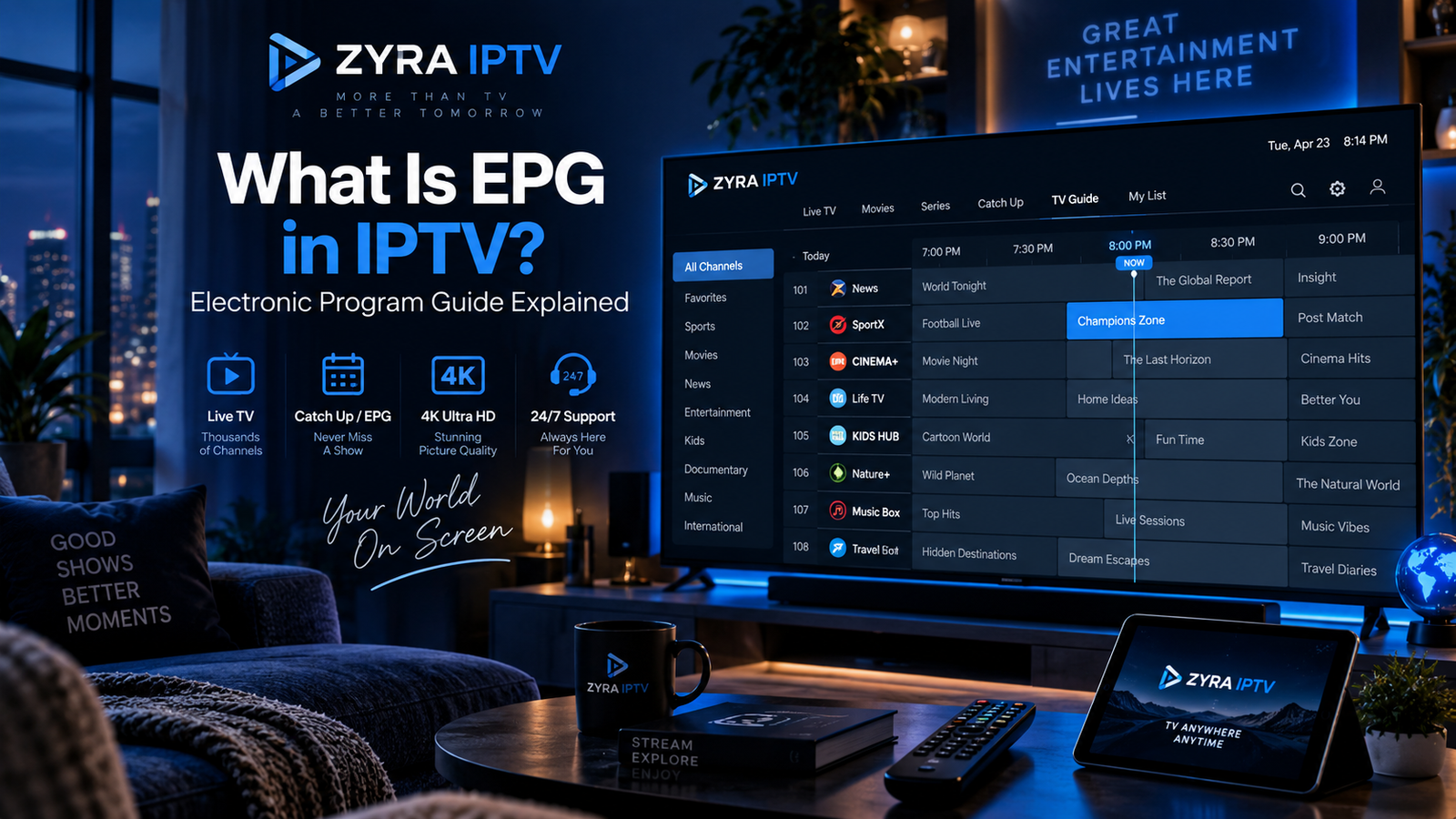
What is EPG IPTV? EPG stands for Electronic Program Guide. It is the on-screen television schedule that shows what is currently playing, what comes next, and when programmes are scheduled to start and finish.
When you open an IPTV player, the EPG may appear as a grid with channel names on one side and programme times across the screen. It helps you browse live television without opening every channel individually.
However, an EPG is not the same as an IPTV playlist, and installing an IPTV player does not automatically guarantee that programme information will appear.
This guide explains how an IPTV EPG works, where its information comes from, how to configure it, and what to do when listings are missing or incorrect.
What Does EPG Stand for in IPTV?
EPG stands for Electronic Program Guide, sometimes written as Electronic Programme Guide.
It is the digital equivalent of a traditional television listings guide.
Instead of checking a printed schedule, you can open the guide inside a compatible IPTV application and browse programmes directly on your television or another device.
An EPG may display:
- Channel names and logos
- Current programmes
- Upcoming programmes
- Start and end times
- Programme descriptions
- Episode information
- Programme categories
The information available depends on the EPG data source, IPTV provider, and application.
Some guides only show basic titles and times, while others provide more detailed information.
How Does an IPTV EPG Work?
An IPTV EPG works by connecting programme schedule information to the channels available in your IPTV player.
The process generally involves four stages.
1. Programme Information Is Created
A broadcaster or scheduling provider prepares information about television programmes.
This may include a programme’s title, channel, start time, end time, and description.
2. The Information Is Distributed
The schedule is made available through an EPG data feed.
XMLTV is one common format used to distribute television listings.
3. Your IPTV Player Loads the Data
A compatible IPTV application retrieves the scheduling information from the configured source.
Depending on the setup, the application may receive this information automatically or require a separate EPG URL.
4. The Guide Matches Programmes to Channels
The application associates the schedule entries with the corresponding channels and displays them in a navigable television guide.
The official Kodi IPTV Simple Client documentation explains how its player uses M3U playlists for live television sources and XMLTV data for EPG information.
This distinction is important when troubleshooting an IPTV setup.
What Does an IPTV EPG Look Like?
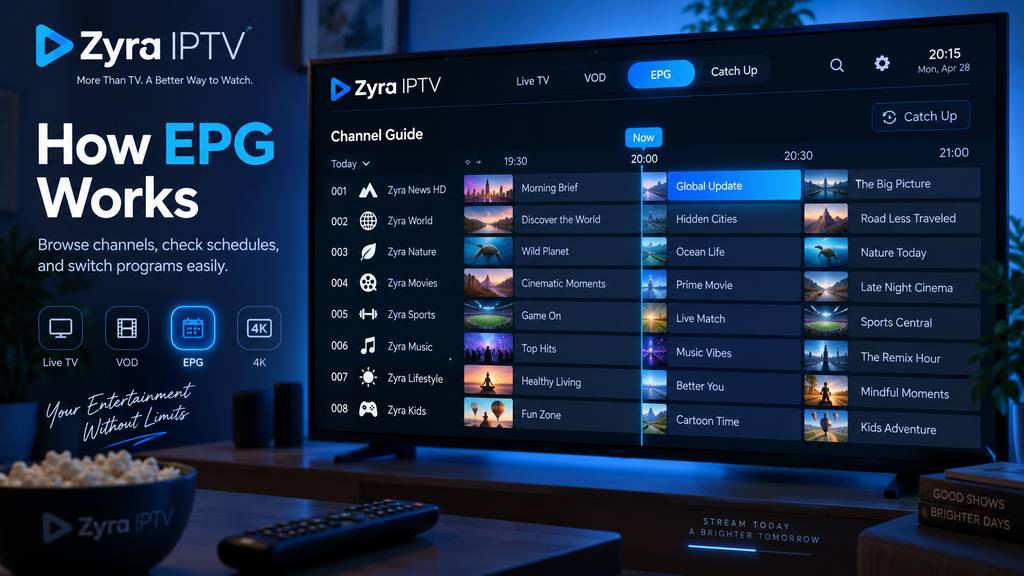
Most electronic programme guides display a television schedule in a grid.
A simplified example looks like this:
| Channel | 7:00 PM | 8:00 PM | 9:00 PM |
|---|---|---|---|
| News Channel | Evening News | Current Affairs | Documentary |
| Sports Channel | Sports Update | Live Match | Match Analysis |
| Movie Channel | Film A | Film A | Film B |
Illustrative example only. These are not actual channel listings.
You can generally move through the guide to see what is currently playing and what will air later.
Some applications also allow you to select a programme, search the guide, or view additional details.
The available controls depend on the player.
What Is the Difference Between an IPTV Playlist and EPG?
An IPTV playlist and an EPG serve different purposes.
An IPTV playlist provides information about the channels or streams available to your player.
An EPG provides scheduling information for those channels.
| Feature | IPTV playlist | EPG |
|---|---|---|
| Main purpose | Identifies available streams | Displays programme schedules |
| Typical information | Channel names and stream addresses | Titles, times, and descriptions |
| Common format | M3U | XMLTV |
| Required for programme listings | Not sufficient by itself | Supplies schedule information |
| Can work independently? | Channels may play without EPG | EPG data alone does not supply television streams |
For example, your IPTV application may successfully display and play channels while showing “No information” in the programme guide.
This usually means the video source is working, but the scheduling information is unavailable, has not loaded, or cannot be matched to the channels.
What Is an EPG URL?
An EPG URL is a web address that points to programme-guide data.
An IPTV provider may supply this address alongside your subscription information.
The URL allows a compatible application to retrieve television schedules.
A simplified example might look like:
https://example.com/guide.xml
This is a fictional example, not a working EPG address.
Real EPG URLs may use different paths or formats. Some contain account information, so they should be treated as private.
Where Do You Find Your IPTV EPG URL?
Check your provider’s activation email, customer dashboard, or official installation instructions.
Look for terms such as EPG URL, XMLTV URL, TV Guide, or Programme Guide.
If you received an IPTV username, password, and server URL but no separate EPG information, ask your provider whether its supported application retrieves guide data automatically.
Do not assume that the server URL and EPG URL are interchangeable.
How to Set Up EPG on IPTV
The exact steps vary by application, but the general configuration process is straightforward.
Step 1: Confirm That Your Service Provides EPG Data
Check whether programme-guide information is included with your IPTV subscription.
Not every service provides the same EPG coverage.
Step 2: Obtain the Correct EPG Source
If your player requires a separate source, request the appropriate XMLTV or EPG URL from your provider.
Avoid guessing the address or using an unrelated feed without verifying compatibility and permission.
Step 3: Open Your IPTV Player’s Settings
Look for a section labelled EPG, TV Guide, Programme Guide, or EPG Sources.
The exact menu depends on the application.
Step 4: Add the EPG Information
Enter the URL if the application requires one.
Some players retrieve the guide through an account-based connection without needing a manually entered address.
Step 5: Refresh the Guide
Save your settings and use the application’s refresh or update option.
Allow the player to retrieve and process the data.
Step 6: Check Several Channels
Open the guide and verify that programme information appears for your preferred channels.
If some channels remain empty, the problem may involve missing schedule data or incorrect channel matching.
For broader installation instructions, see the Zyra IPTV setup guides. Confirm the specific EPG method supported by your chosen player and subscription.
What Is XMLTV in IPTV?
XMLTV is a structured format used to describe television schedules.
It can contain channel identifiers, programme names, start and end times, and additional information.
A compatible IPTV player reads this information and displays it in its programme-guide interface.
The Muvi explanation of EPG technology describes how schedule information can be distributed to television applications through data feeds, including XMLTV.
You do not normally need to understand XML programming to use an EPG.
For most viewers, obtaining the correct guide source and configuring the player is sufficient.
Why Does My IPTV Show No EPG Information?
A blank programme guide does not automatically mean your entire IPTV service has stopped working.
Several different problems can cause missing information.
| Problem | What to check |
|---|---|
| EPG source is missing | Ask your provider for the correct guide source |
| Incorrect EPG URL | Recheck the supplied address |
| Guide has not updated | Refresh the data in your player |
| Channel mapping is incorrect | Check channel and EPG matching settings |
| Incomplete provider data | Ask whether the affected channels have listings |
| Internet connection problem | Confirm that your device is connected |
| App issue | Restart the application and check for updates |
If live television works but the guide is blank, concentrate on the EPG settings before changing your streaming configuration.
Why Is My IPTV EPG Showing the Wrong Time?
Incorrect programme times are often associated with time-zone settings, daylight saving changes, or an incorrectly configured EPG time offset.
Start by checking your device’s date, time, and time zone.
Next, check whether the IPTV application has a separate EPG time-offset setting.
Some applications allow manual adjustments, but changing the offset unnecessarily may make correct channels display incorrect times.
Kodi’s IPTV Simple Client documentation includes EPG time-shift and channel-matching settings, illustrating how guide timing can be configured separately from the video streams.
This can be particularly relevant when viewing channels from different countries.
What Is EPG Channel Mapping?
Channel mapping connects a television channel in your playlist to the corresponding schedule entry in the EPG.
For example, your playlist may identify a channel using one name, while the schedule source uses another identifier.
Some applications use information such as tvg-id to match playlist entries with EPG channels.
If the identifiers do not match, a channel may play correctly but display no programme information.
The official Kodi IPTV Simple Client documentation explains how channel identifiers in an M3U playlist correspond to entries in XMLTV guide data.
If your player supports manual mapping, use the correct channel identifiers rather than assigning unrelated schedule information.
Does EPG Include Catch-Up TV or Recording?
Not automatically.
An EPG displays scheduling information. Catch-up television and recording are separate capabilities.
Some IPTV systems integrate these functions into the programme-guide interface.
For example, a supported application might allow you to select an earlier programme and open its catch-up stream.
However, that requires the provider to offer the relevant content and the player to support the feature.
An EPG alone does not create recordings or provide access to programmes that have already aired.
Does EPG Work on Every IPTV Device?
EPG availability depends on the IPTV application, provider, and supported data format.
A compatible Smart TV application may display scheduling information, while another player may have limited EPG functionality.
Before choosing an application, check whether it supports the type of guide data your provider supplies.
If you are configuring IPTV on a television, review the Smart TV installation information and confirm the available programme-guide features for your specific application.
How to Choose an IPTV Service With EPG
If programme schedules matter to you, check more than whether a provider simply advertises EPG support.
Consider whether your preferred channels have listings, whether schedules display the correct times, and whether the guide updates properly.
Also confirm compatibility with your intended IPTV player.
A provider may advertise a large channel lineup without offering complete scheduling data for every channel. Use the published channel information to identify the programming you want, then ask the provider about EPG coverage for those particular channels.
Frequently Asked Questions
What is EPG on IPTV?
EPG stands for Electronic Program Guide. It is an on-screen schedule showing current and upcoming programmes for television channels.
Is EPG the same as IPTV?
No. IPTV delivers television through IP-based networks, while EPG provides scheduling information for channels.
Do I need an EPG URL?
Only if your IPTV application requires a separate guide source. Some supported account-based setups retrieve EPG information automatically.
Is EPG free?
It depends on the provider and data source. Some programme-guide information is included with a television service, while other sources may have separate conditions.
Why does IPTV work without EPG?
The channel streams and programme-guide information can be delivered separately. Live television may work even when scheduling data is unavailable.
How do I refresh my IPTV EPG?
Open your IPTV player’s EPG or TV Guide settings and look for its refresh or update option. The exact process varies by application.
Understanding EPG Before Choosing an IPTV Service
An Electronic Program Guide makes IPTV easier to navigate by displaying programme titles, schedules, and upcoming broadcasts.
Understanding the difference between a playlist, an EPG URL, and XMLTV data can also help you troubleshoot missing listings or incorrect programme times.
Before choosing an IPTV subscription, verify that the service supports your preferred application and provides suitable EPG coverage for the channels you intend to watch.
If you are comparing an IPTV service and its installation options, explore Zyra IPTV and confirm its current programme-guide features and compatibility with your device.
