
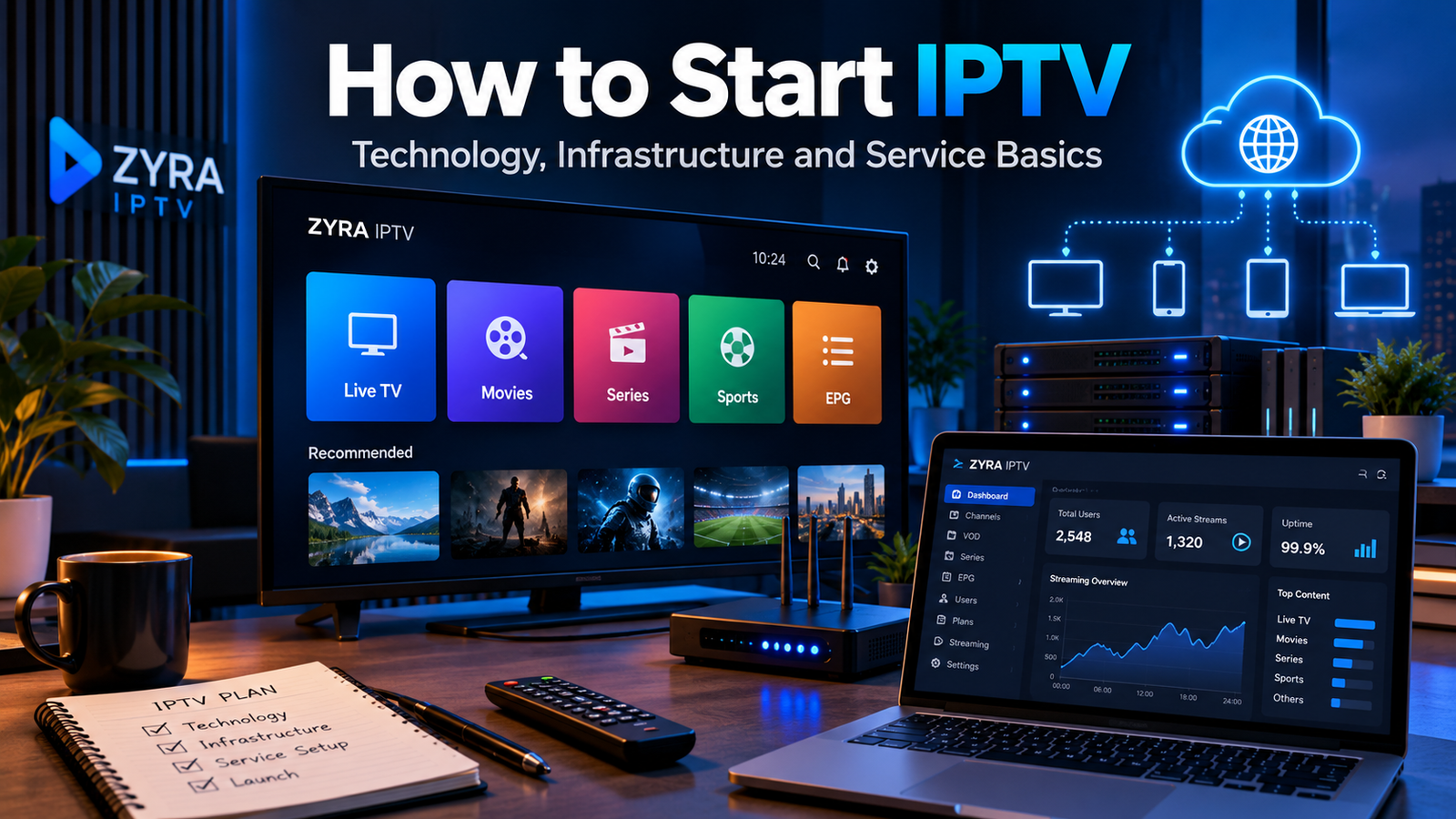
If you want to understand how to start IPTV from a technical perspective, begin with the complete delivery chain: an authorized video source is ingested, encoded into suitable quality levels, packaged into streaming formats, delivered through an origin and content delivery network, controlled through middleware and authentication, and finally played through compatible apps or devices.
This is different from simply installing an IPTV player to watch an existing subscription. Starting an IPTV platform means creating the infrastructure that delivers live or on-demand video to viewers.
If your goal is only to configure an existing IPTV subscription on a device, the Zyra IPTV installation guides cover that process separately.
What Do You Need to Start IPTV?
A basic IPTV delivery system contains several connected components.
| Component | Main purpose |
|---|---|
| Content source | Provides authorized live or recorded video |
| Ingest | Brings the source into the streaming system |
| Encoder | Compresses video into suitable formats and bitrates |
| Packager | Creates streaming manifests and segments |
| Origin | Hosts or serves the prepared streams |
| CDN | Distributes video closer to viewers |
| Middleware | Manages users, channels and entitlements |
| EPG | Provides programme schedule information |
| IPTV app | Gives viewers the playback interface |
| Monitoring | Detects stream, server and playback problems |
You do not necessarily have to build every component yourself. Cloud services, commercial middleware and managed video platforms can provide individual parts of the workflow.
Step 1: Define the IPTV Service
Before choosing servers, decide what the platform actually needs to deliver.
Possible service types include:
- live television
- internal company broadcasts
- educational streams
- video on demand
- scheduled channels
- live events
- broadcaster-owned programming
The content source should be content that you own or are authorized to distribute.
This decision affects nearly every technical choice that follows. A small private training platform has very different requirements from a public live television service with viewers in several countries.
Step 2: Create the Content Ingest Workflow
Ingest is the point where video enters your IPTV system.
A source might come from a studio encoder, camera, contribution feed, stored video file or another authorized broadcast source.
For live streaming, the incoming video normally needs to be sent reliably to an encoding platform. Depending on the workflow, contribution technologies can include protocols designed for live video transport.
The important goal is to deliver a stable source to your encoder.
For a commercial platform, consider redundancy at this stage. If the only incoming feed fails, every downstream component can still be operating normally while viewers receive no video.
Step 3: Encode and Transcode the Video
Raw or high-bitrate source video is usually unsuitable for direct internet delivery.
An encoder compresses the video, while transcoding can create several versions of the same stream at different resolutions and bitrates.
For example, a platform might create several quality levels so a player can choose a version appropriate for the viewer’s available bandwidth and device.
This approach is known as adaptive bitrate streaming.
Apple’s HLS documentation explains that HTTP Live Streaming can provide multiple alternate streams at different bitrates and allow playback software to change streams as network conditions change.
This is important because every viewer does not have the same internet speed.
Step 4: Package the Stream for IPTV Delivery
Once video is encoded, it needs to be packaged into a format that compatible applications can request and play.
Common technologies include:
HLS: HTTP Live Streaming, widely used for live and on-demand streaming.
MPEG-DASH: Another adaptive streaming format used across compatible platforms.
CMAF: A media format that can help standardize delivery across modern streaming workflows.
A packaged stream normally contains small media segments plus a manifest that tells the player which segments and quality levels are available.
AWS’s current live-streaming architecture, for example, shows video being ingested and transcoded before being packaged into HLS, DASH and CMAF for downstream delivery.
Step 5: Set Up the Origin and CDN
The origin is where your prepared streams become available for distribution.
Sending every viewer directly to one origin server can create capacity and geographic-performance problems as traffic grows.
A Content Delivery Network, or CDN, distributes requests across geographically distributed infrastructure instead of requiring every viewer to retrieve content directly from the same server.
A simplified delivery path looks like this:
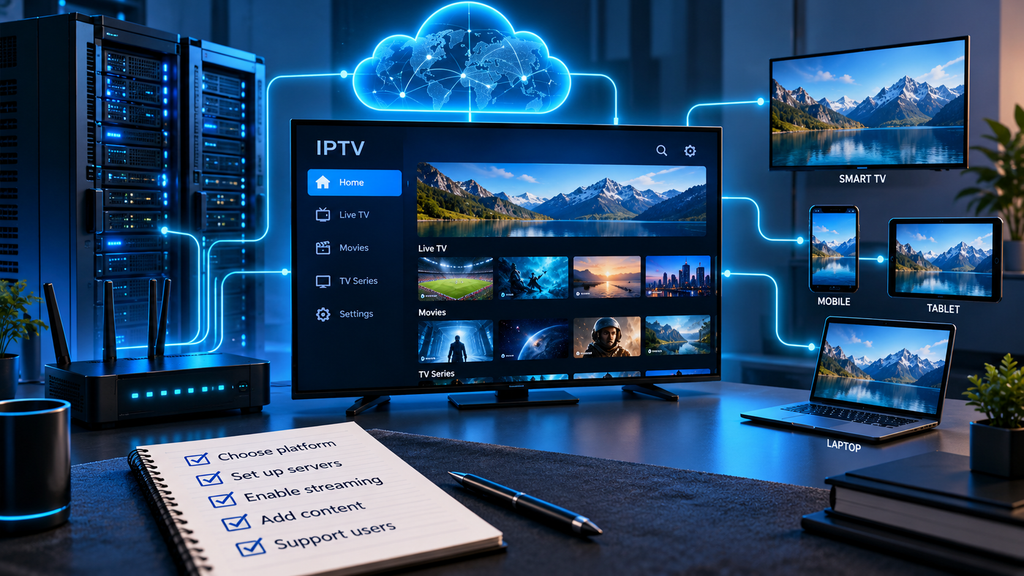
Video source > Encoder > Packager > Origin > CDN > IPTV app
Apple notes that HLS can operate through ordinary web servers and CDNs, while AWS documents CDN-based delivery for both live streams and video-on-demand workflows.
CDN design becomes increasingly important when audiences are located in several regions.
Step 6: Add Middleware and Subscriber Management
Video delivery alone does not create a complete IPTV service.
Middleware connects the streaming infrastructure with the customer-facing system.
Depending on the platform, middleware may manage:
- subscriber accounts
- channel packages
- authentication
- subscription status
- content entitlements
- device access
- EPG information
- favourites
- VOD metadata
- user profiles
- billing integration
This layer determines whether a particular viewer is allowed to access a particular stream.
A private IPTV system may use relatively simple authentication, while a larger commercial service may require a much more detailed subscriber-management platform.
Step 7: Add an EPG and Channel Metadata
An Electronic Program Guide helps viewers understand what is playing now and what comes next.
The EPG is separate from the video itself.
A channel can stream correctly even when programme-guide information is missing.
A structured IPTV service may need information such as:
- channel name
- channel logo
- programme title
- programme start time
- programme end time
- description
- category
- language
Keeping EPG data synchronized is important because incorrect timestamps can make the guide confusing even when the underlying live streams work correctly.
Step 8: Choose IPTV Apps and Supported Devices
Viewers need an interface that can authenticate, retrieve the available content and play the streams.
Rather than attempting to support every device immediately, define a smaller tested device list.
That might include:
- Smart TVs
- Android TV
- mobile devices
- computers
- web browsers
- dedicated streaming hardware
Different platforms have different application environments.
For example, a television app is not automatically interchangeable with an Android application. If you are studying television-side installation workflows, the Smart TV IPTV guide provides a useful example of how end users interact with television applications.
For Android-based television platforms, see the separate Android TV IPTV setup guide.
Understanding the customer setup experience can help you design better login and activation flows.
Step 9: Protect Streams and Accounts
A production IPTV platform needs access controls.
Basic authentication may determine whether a viewer can log in, while premium licensed media may require more advanced content protection.
Google’s Widevine documentation describes DRM as a system used to protect premium media distributed digitally and notes its use of standards including Common Encryption.
Depending on your content agreements and platform, protection may include:
- subscriber authentication
- encrypted media
- DRM
- signed playback requests
- session controls
- secure APIs
- account access limits
Protect administrative systems as carefully as playback infrastructure. A weak management panel can be more damaging than a playback problem.
Step 10: Monitor IPTV Performance
Do not wait for viewers to report every failure.
Monitor the entire streaming chain.
Important areas include:
- source availability
- encoder health
- packaging errors
- origin response
- CDN performance
- authentication
- application errors
- stream start failures
- buffering
- bitrate switching
- individual channel availability
These measurements help determine where a problem actually originates.
For example, if one channel fails but every other channel works, restarting the entire platform would be unnecessary. If authentication fails for every user, troubleshooting individual streams would be equally ineffective.
Start Small Before Scaling
A practical way to learn IPTV infrastructure is to begin with a controlled stream using content you are authorized to distribute.
Create a simple workflow:
- Prepare one authorized live or recorded source.
- Encode it at a few quality levels.
- Package it for adaptive streaming.
- Serve it through an origin.
- Deliver it through a CDN.
- Test playback on a supported player.
- Add authentication.
- Monitor performance.
- Introduce additional channels only after the first workflow is reliable.
This makes problems easier to diagnose than trying to launch dozens of streams at once.
Once the basic architecture works, you can consider redundancy, more devices, additional geographic regions, VOD, EPG data and subscriber management.
IPTV Infrastructure vs a Normal IPTV Setup
It is useful to separate two very different meanings of “starting IPTV.”
| Goal | What you need |
|---|---|
| Start watching IPTV | Internet, compatible device, service and player |
| Start an IPTV platform | Source, encoding, packaging, origin, CDN, middleware and apps |
| Start an IPTV business | Technical platform plus licensing, business operations, billing and compliance |
This distinction prevents beginners from confusing an IPTV player with the actual infrastructure behind the service.
Installing an app does not create an IPTV network. Likewise, owning a streaming server does not automatically provide television programming.
Frequently Asked Questions
How to start IPTV?
From the technical side, start with an authorized video source, ingest it into an encoder, create suitable streaming renditions, package the video into formats such as HLS or DASH, deliver it through an origin and CDN, then add authentication, middleware and compatible player applications.
Do you need a server to start IPTV?
You need infrastructure capable of receiving, processing and delivering the video, but it does not have to be a physical server you own. Cloud and managed streaming services can provide many parts of the workflow.
What is the difference between an IPTV server and IPTV player?
The server-side platform prepares and delivers streams. The player is the application viewers use to authenticate, browse available content and play those streams.
Is an M3U playlist the IPTV system?
No. An M3U playlist is a playlist format that can reference media streams. It does not replace the ingest, encoding, delivery, authentication and monitoring infrastructure behind a streaming service.
Why does IPTV use a CDN?
A CDN helps distribute streaming traffic across infrastructure closer to viewers instead of sending every request to a single origin server.
Can IPTV include live TV and VOD?
Yes. IPTV architectures can support live streams and video-on-demand content. The storage, encoding and delivery workflow differs depending on whether the source is live or prerecorded.
Start IPTV With the Right Technical Foundation
Understanding how to start IPTV begins with understanding the complete streaming path. A dependable system needs more than an IPTV player or playlist. It requires an authorized content source, encoding, adaptive streaming formats, reliable origin infrastructure, CDN delivery, subscriber management, security, compatible applications and monitoring.
Building the platform in stages makes it easier to test each component before increasing the number of channels, devices or viewers.
If you are researching IPTV from the end-user side as well as the infrastructure behind it, Zyra IPTV provides additional setup and device guidance that can help you understand how viewers ultimately interact with an IPTV service.