
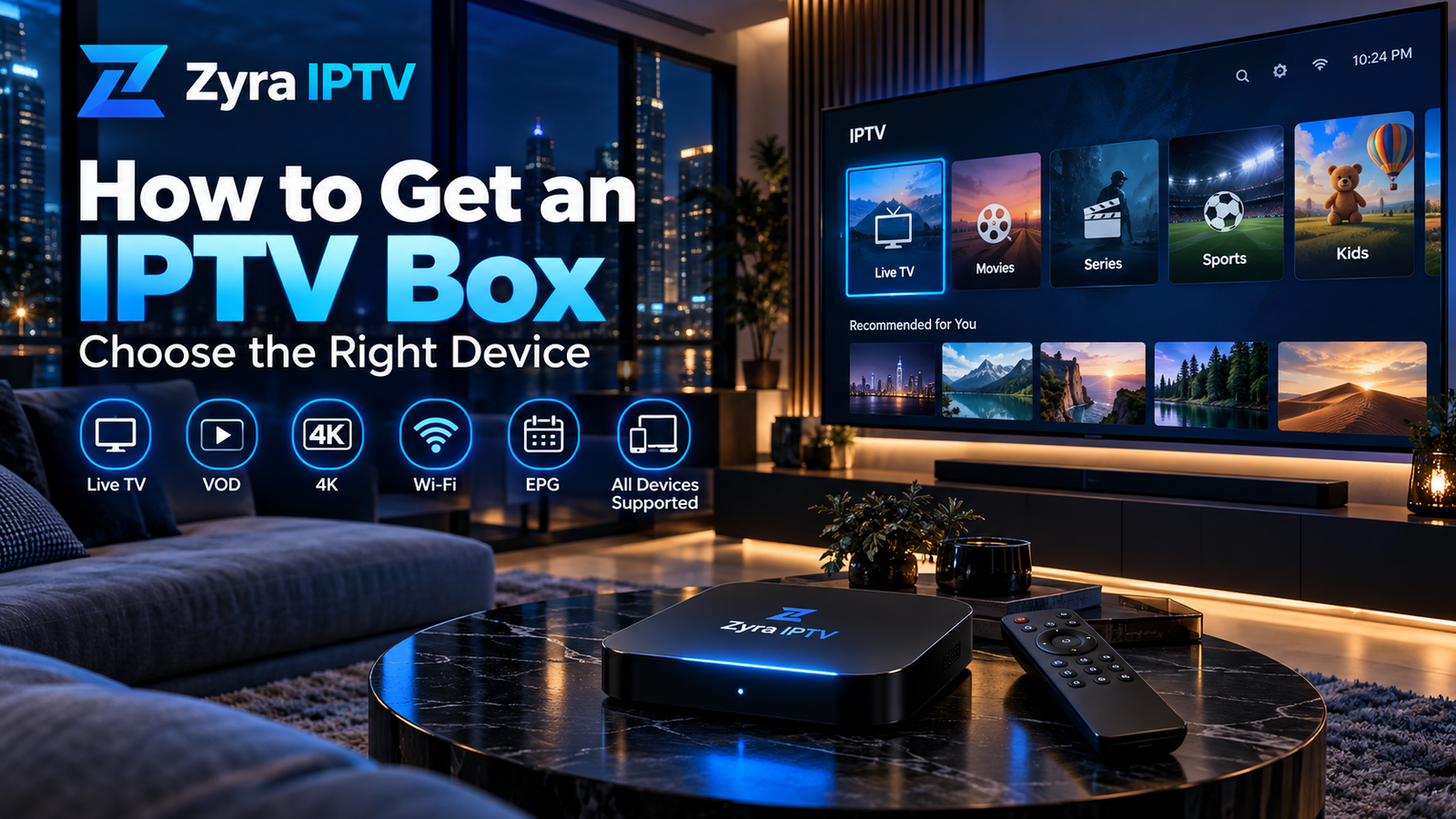
If you are wondering how much is IPTV box hardware, the answer depends on the type of device you choose. Streaming devices range from inexpensive sticks and basic boxes to higher-end set-top boxes with Ethernet, more storage, faster processors, and advanced video support.
As a current reference, official US prices for mainstream streaming hardware range from about US$40 for an entry-level Roku Streaming Stick to US$249 for a higher-capacity Apple TV 4K configuration. Devices specifically suitable for your IPTV setup may fall anywhere within or beyond that range, depending on the required app and connection method. Roku
The important point is that the box price and IPTV subscription price are separate. Buying a streaming box does not automatically include television channels or an IPTV account.
How Much Does an IPTV Box Cost?
There is no standard IPTV box price because “IPTV box” covers several types of hardware.
A useful way to think about costs is by device category:
| Device category | Typical position | What you are paying for |
|---|---|---|
| Basic streaming stick | Entry level | Simple HD or 4K streaming |
| Mainstream streaming box | Mid-range | More storage, stronger hardware, broader connectivity |
| Premium set-top box | Higher end | Extra storage, Ethernet, advanced audio/video features |
| Specialist IPTV box | Varies | Portal support or provider-specific features |
For example, Roku currently lists US streaming players from $39.99 to $149.99, while Google’s US store lists the Google TV Streamer (4K) at $149.99. NVIDIA currently lists SHIELD TV at $149.99 and SHIELD TV Pro at $199.99 in the US. Roku
These examples illustrate hardware pricing only. They do not guarantee compatibility with a particular IPTV provider or application.
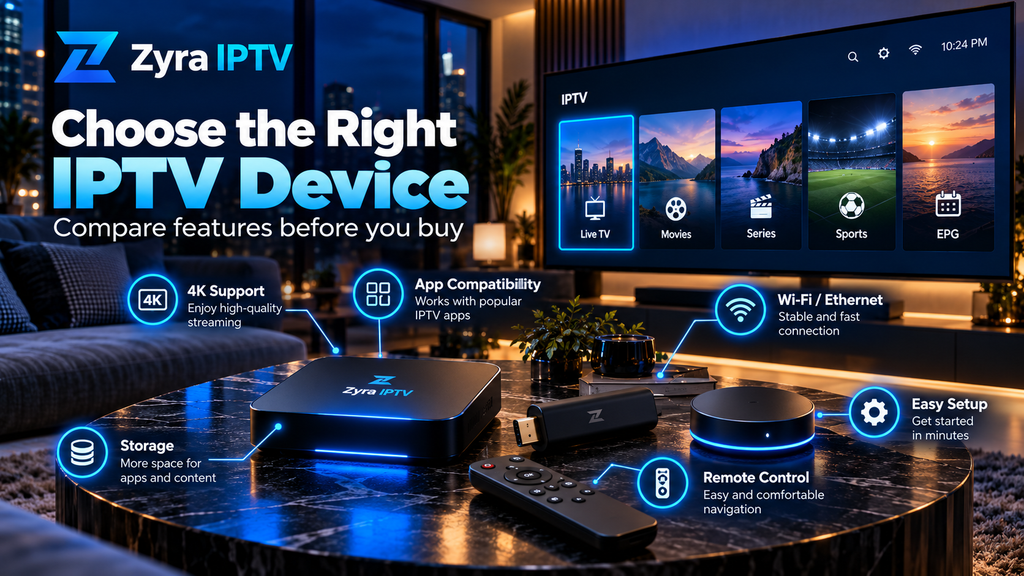
Why IPTV Box Prices Vary So Much
Two devices may both be described as IPTV boxes while offering very different hardware.
Price can be affected by:
- processor performance
- RAM and storage
- Wi-Fi standard
- Ethernet support
- 4K and HDR support
- video codec compatibility
- operating system
- remote control features
- USB or additional ports
- software support and security updates
- manufacturer support
A higher price does not automatically mean better IPTV playback.
If a cheaper device supports your required app, stream format, television resolution, and network connection, you may gain little from spending much more.
IPTV Box Price vs IPTV Subscription Cost
This distinction is important.
An IPTV box is hardware. An IPTV subscription is the television service.
Paying for a box does not automatically provide:
- live television channels
- movies or series
- an M3U playlist
- IPTV username and password
- server URL
- EPG information
- portal credentials
Those are associated with the content service or provider.
When budgeting for IPTV, treat hardware and the service as separate costs.
Before buying a box, review the Zyra IPTV installation guides to understand the type of device and login method your setup may require.
How Much Are Popular Streaming Boxes?
Current manufacturer pricing shows how widely device costs can differ.
Google TV Streamer
Google currently lists the Google TV Streamer (4K) at US$149.99 on its US store. It includes 32 GB storage, 4 GB memory, Gigabit Ethernet, Wi-Fi, Android TV OS, and support for up to 4K HDR at 60 fps. Google Store
Canadian pricing is different, demonstrating why prices should not simply be converted or assumed to be identical across markets. Google’s Canadian store currently lists the device at CA$129.99. Google Store
Apple TV 4K
Apple currently lists Apple TV 4K in the US at:
- US$199 for the 64 GB Wi-Fi version
- US$249 for the 128 GB Wi-Fi + Ethernet version Apple
In Australia, Apple’s official pricing is A$299 and A$399 respectively. Apple
In Canada, Apple currently lists those configurations at CA$279 and CA$349. Apple
These regional differences are why a general IPTV box article should not present one currency as universal.
NVIDIA SHIELD
NVIDIA currently lists:
- SHIELD TV at US$149.99
- SHIELD TV Pro at US$199.99
Its official page also shows Canadian reference pricing of CA$199.99 and CA$259.99. NVIDIA
Again, check your required IPTV application before purchasing. Hardware specifications alone do not confirm app compatibility.
Is a Cheap IPTV Box Good Enough?
Sometimes.
A basic device may be sufficient if you only need straightforward streaming and the required IPTV application runs correctly.
Before choosing the cheapest option, check:
Operating system: Make sure your IPTV player is available.
Network connectivity: Stable Wi-Fi may be enough, while Ethernet can be useful for a fixed television setup.
Video support: Check the resolutions and codecs you actually need.
Storage: More storage can be useful if you install several applications.
Software updates: Manufacturer support matters over the life of the device.
Remote usability: IPTV involves frequent channel and menu navigation, so remote quality can affect everyday use.
Be cautious with extremely cheap generic boxes that provide little information about software support or manufacturer updates.
Should You Pay More for Ethernet?
Not necessarily, but Ethernet can be valuable.
A wired connection can eliminate issues caused by weak Wi-Fi signals or wireless interference.
Some devices include Ethernet as standard, while others restrict it to a more expensive model.
For example, Apple’s current 64 GB Apple TV 4K uses Wi-Fi, while the 128 GB version adds Ethernet. Apple
Google TV Streamer includes Gigabit Ethernet on the device itself. Google Store
If your router is near your television and you want a permanent streaming setup, Ethernet may justify paying more.
If your Wi-Fi is already stable, it may not.
Do You Need to Pay More for 4K?
Only if 4K matters to your setup.
A 4K-capable IPTV box makes sense when:
- your television supports 4K
- your application supports the relevant formats
- your content source actually provides suitable 4K streams
Buying a 4K box does not turn HD television into native 4K.
Likewise, terms such as HDR10, Dolby Vision, and Dolby Atmos only matter when your television, audio equipment, application, and content support them.
Do not pay extra for specifications you will never use.
Is a Streaming Stick Cheaper Than an IPTV Box?
Usually, compact streaming sticks are positioned toward the lower end of the streaming-device market.
Roku’s current US lineup illustrates this clearly:
| Device | Current US price |
|---|---|
| Roku Streaming Stick | $39.99 |
| Roku Streaming Stick Plus | $59.99 |
| Roku Streaming Stick 4K | $79.99 |
| Roku Ultra | $149.99 |
However, price alone does not determine whether a device is appropriate for IPTV.
Before buying any stick, verify that the IPTV application and login method you require are supported.
A slightly more expensive Android TV box may be more useful than a cheaper device if your preferred player is only available on Android TV.
For Android-based setups, review the Android TV IPTV guide before choosing hardware.
Can You Avoid Buying an IPTV Box Completely?
Yes.
If your Smart TV already runs a compatible IPTV application, you may not need an external box at all.
This can reduce the initial hardware cost to zero.
A separate box is usually worth considering when:
- your Smart TV lacks the required app
- menus are slow
- the TV no longer receives useful software updates
- you want Ethernet
- you need a different operating system
- you want additional storage or ports
Check the Smart TV IPTV setup options before purchasing another device.
Watch for Extra Costs
The advertised box price may not be your complete setup cost.
Possible additional expenses include:
- HDMI cable
- Ethernet cable
- paid IPTV player app
- USB storage
- Ethernet adapter
- shipping
- local tax
- IPTV subscription
For example, Google states that the HDMI 2.1 cable required for its current Google TV Streamer is sold separately. Google Store Apple likewise states that HDMI cables are sold separately with Apple TV 4K. Apple
Check what is included before comparing two devices purely by their advertised price.
Avoid “Lifetime IPTV Box” Pricing Claims
Be cautious when a seller bundles inexpensive hardware with promises such as:
- lifetime IPTV
- every premium channel forever
- permanent sports access
- no subscription ever
- thousands of premium channels included automatically
A streaming box and content distribution rights are separate issues.
Instead, evaluate the hardware based on its manufacturer, software, connectivity, and application compatibility. Evaluate the IPTV service separately based on its actual subscription terms and available content.
Frequently Asked Questions
How much is IPTV box hardware?
Streaming hardware can range from lower-cost sticks to premium set-top boxes costing several hundred dollars. Current official US examples range from about $40 for a basic Roku streaming device to $249 for Apple’s higher-capacity Apple TV 4K configuration. Roku
Does the price of an IPTV box include a subscription?
Usually not. The box is hardware, while the IPTV subscription is a separate service unless a seller specifically states otherwise.
Is a $50 IPTV box good enough?
It may be, provided it supports your IPTV application, login method, video formats, and network requirements. Price alone cannot determine compatibility.
Do I need an IPTV box for a Smart TV?
Not always. If your Smart TV already supports the IPTV player you need and performs well, you may not need external hardware.
Is a more expensive IPTV box faster?
It may include a faster processor, more memory, or better networking, but a higher price does not guarantee better IPTV streaming. Source quality and network performance also matter.
Should I buy an IPTV box with Ethernet?
Ethernet is useful for a fixed setup where you want a wired connection. Stable Wi-Fi can also work well.
Understanding IPTV Box Costs Before You Buy
So, how much is IPTV box hardware? There is no single price. Entry-level streaming devices can cost relatively little, while premium set-top boxes can cost several hundred dollars depending on the country, platform, storage, and connectivity.
Before spending more, identify the IPTV app you need, confirm device compatibility, decide whether Ethernet or 4K matters, and check whether your existing Smart TV can already do the job.
If you are planning an IPTV setup and want to understand the available device options before buying hardware, visit Zyra IPTV and review the current installation information for your preferred platform.
Is this conversation helpful so far?
