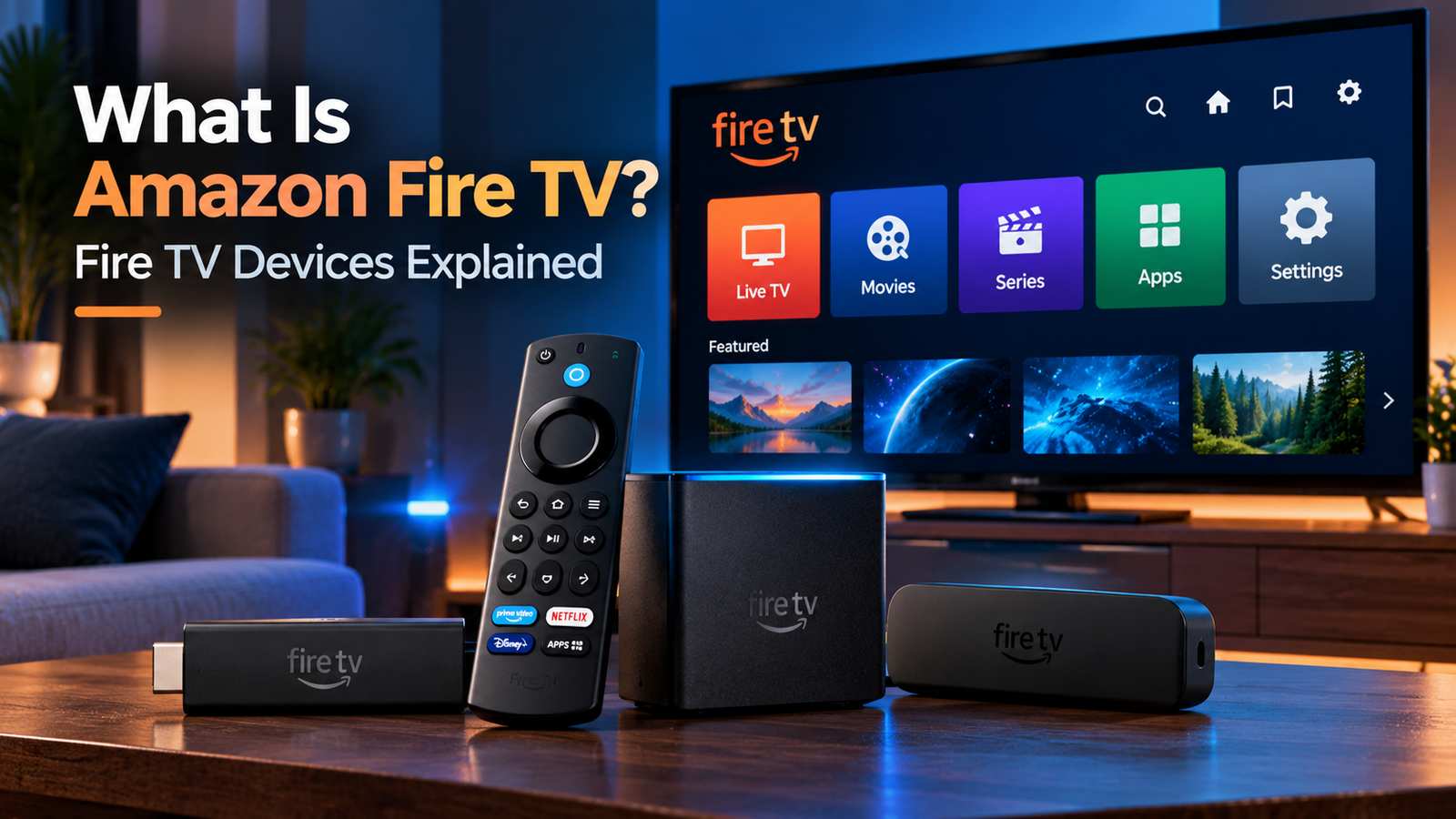
If you are asking what is the Amazon Fire TV, it is Amazon’s streaming television platform and a family of devices that let you watch internet-based video, use streaming apps, play music, access live TV services, and control compatible entertainment equipment.
Fire TV is not just one product. The Fire TV family includes Fire TV Stick streaming devices, Fire TV Cube, televisions with Fire TV built in, and other compatible Fire TV hardware. Amazon’s current device documentation lists multiple Fire TV Stick models, Fire TV Cube, Amazon Fire TV televisions, and Fire TV televisions from other manufacturers.
The content you can watch depends on the apps, subscriptions, country, device model, and streaming services you use.
What Does Amazon Fire TV Do?
Fire TV provides a television interface for accessing internet-based entertainment.
Depending on the device and apps available, you can use Fire TV for:
- movies and TV series
- live television
- music and audio
- YouTube and other video apps
- supported games
- IPTV players
- Alexa voice search and control
- free and subscription-based streaming services
Fire TV itself should not be confused with a television subscription.
Buying a Fire TV device does not automatically give you access to every movie, sports channel, IPTV service, or premium streaming platform. Individual services may require separate accounts or subscriptions.
Is Fire TV a Device or a Platform?
It is both a platform and the name used for a family of compatible devices.
This distinction is useful because people often use “Fire TV” and “Firestick” as if they mean exactly the same thing.
A Fire TV Stick is one type of Fire TV device.
Fire TV is the wider ecosystem.
Amazon’s current Fire TV portfolio includes streaming sticks, Fire TV Cube, smart televisions with Fire TV built in, and other supported screen-based devices.
So, every Fire TV Stick belongs to the Fire TV ecosystem, but not every Fire TV device is a Fire TV Stick.
What Types of Amazon Fire TV Devices Are Available?
Amazon’s Fire TV family has several main device categories.
| Fire TV device | What it is |
|---|---|
| Fire TV Stick | Compact streaming device that connects to a TV |
| Fire TV Stick 4K | Stick designed for supported 4K streaming |
| Fire TV Cube | More powerful set-top streaming device with hands-free Alexa |
| Fire TV Smart TV | Television with Fire TV software built in |
| Fire TV built-in devices | Other compatible hardware using the Fire TV platform |
Amazon’s current specifications list 2026 Fire TV Stick HD and Fire TV Stick 4K models alongside older Fire TV Sticks, current Fire TV smart televisions, and the Fire TV Cube.
Exact availability can differ between Australia, Canada, the United States, and other markets.
How Does Amazon Fire TV Work?
Fire TV uses an internet connection to run applications and stream content.
For a Fire TV Stick or Cube, the process is generally:
Internet > Fire TV device > streaming app > television
The Fire TV device runs its own software and apps. When you select a movie, live channel, or programme, the relevant app contacts its online service and retrieves the stream.
The device processes the video and audio and sends the result to your television.
For a television with Fire TV built in, the same general streaming experience is integrated directly into the TV rather than requiring a separate stick.
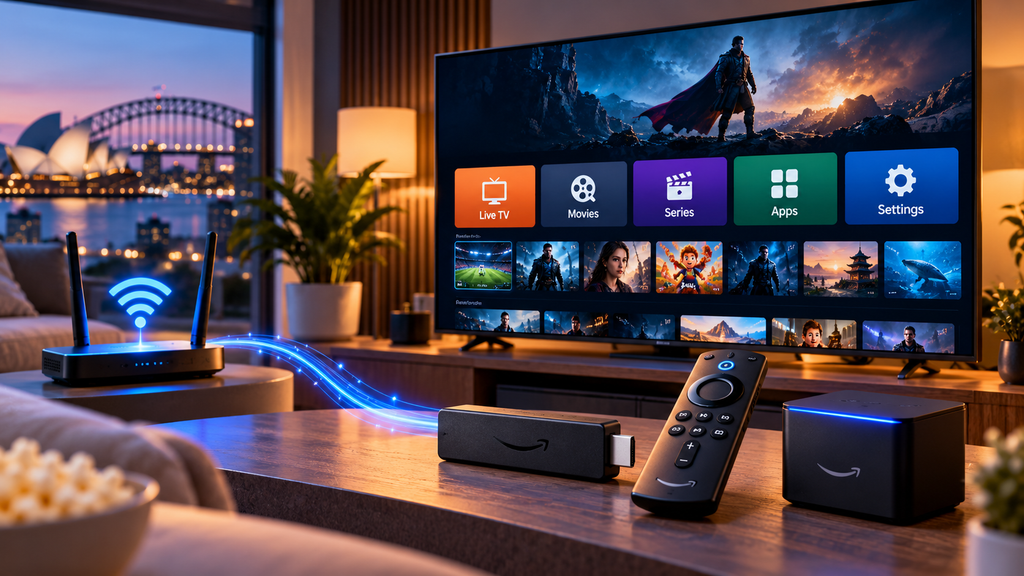
Amazon’s current setup guidance instructs users to power the Fire TV device, connect it to the television when required, join a Wi-Fi network, sign in to an Amazon account, and complete the on-screen setup process.
Fire TV vs Fire TV Stick: What Is the Difference?
The biggest difference is scope.
Fire TV refers to Amazon’s broader streaming platform and device ecosystem.
Fire TV Stick refers specifically to Amazon’s compact stick-shaped streaming hardware.
For example:
- Fire TV Stick is a Fire TV device
- Fire TV Cube is a Fire TV device
- a Smart TV with Fire TV built in is also a Fire TV device
If you already have a television and want to add the Fire TV interface, a Fire TV Stick is one possible solution.
If you are buying a new television, you may instead choose one with Fire TV software built directly into it.
What Is Fire TV Cube?
Fire TV Cube is a more advanced Fire TV streaming device in a box-shaped form factor.
Amazon’s current third-generation Fire TV Cube specifications list an octa-core processor, Wi-Fi 6E, 4K support, Ethernet, HDMI input and output, and built-in far-field Alexa voice control.
Unlike a Fire TV Stick, the Cube can provide hands-free Alexa control without requiring you to press the microphone button on the remote.
It can also interact with compatible televisions, soundbars, and AV receivers.
The additional features do not change the basic concept. It is still a Fire TV streaming device that runs apps and retrieves entertainment through supported online services.
What Is a Fire TV Smart TV?
A Fire TV Smart TV has Amazon’s Fire TV experience integrated into the television.
You do not need to connect a Fire TV Stick simply to access the Fire TV interface because the streaming platform is already built into the TV.
Amazon’s current device list includes its own Fire TV television ranges as well as Fire TV televisions from manufacturers such as Hisense, TCL, Panasonic, and others in various markets.
If you use IPTV directly on a compatible television, the Zyra IPTV Smart TV guide covers broader television setup considerations.
Does Amazon Fire TV Need Internet?
Yes, normal streaming features require an internet connection.
Fire TV applications retrieve video, music, account information, images, updates, and other data online.
Wi-Fi is common across Fire TV devices. Some models also support Ethernet directly or through compatible accessories.
For example, Amazon’s current Fire TV Cube specification includes built-in Ethernet, while connectivity options for Fire TV Sticks vary by model.
A fast advertised internet plan alone does not guarantee smooth streaming. Wi-Fi strength, network congestion, service performance, and video quality also affect playback.
What Operating System Does Fire TV Use?
This is an important area because the Fire TV ecosystem is changing.
Historically, many Fire TV products have used Amazon’s Fire OS, which is based on Android.
However, Amazon’s current documentation also lists newer Fire TV Stick models running Vega OS.
For example, Amazon currently identifies the 2026 Fire TV Stick HD as using Vega OS 1.1, while many other Fire TV televisions and older Fire TV devices continue to use versions of Fire OS.
This matters for application compatibility.
An installation method designed for an older Fire OS device should not automatically be assumed to work on every new Fire TV product.
Always check your exact model before installing an app.
Can You Watch Live TV on Amazon Fire TV?
Yes, through compatible applications and services.
Fire TV can run apps that provide:
- live television
- news
- sports
- streaming channels
- broadcaster services
- IPTV
What you can watch depends on the service and your location.
A channel available through a Fire TV app in the United States may not necessarily be offered through the same service in Australia or Canada because streaming and broadcasting rights can differ by country.
Can You Use IPTV on Amazon Fire TV?
Yes, provided your particular Fire TV device supports a compatible IPTV player.
The basic arrangement is:
IPTV service > IPTV player > Fire TV device > television
The IPTV provider supplies the account, playlist, server details, or other supported access information. The player provides the interface used to organize and play those streams.
Installing an IPTV player does not automatically give you an IPTV subscription or television channels.
Because Fire TV models now use different software environments, check current compatibility before following an older Firestick tutorial.
Zyra’s IPTV setup guides provide broader information about installing and configuring IPTV across supported devices.
Fire TV vs Android TV
Fire TV and Android TV are separate streaming platforms.
They can look similar because many older Fire TV devices use Android-based Fire OS, but their app stores, interfaces, device features, and installation methods are not identical.
The distinction has become even more important as Amazon introduces Vega OS on selected newer Fire TV devices.
If your IPTV player is available for Android TV, do not assume that the same installation package automatically works on every Fire TV.
For Android-specific configuration, use the Android TV IPTV guide.
Does Fire TV Require a Monthly Subscription?
There is no single universal subscription required simply because you own Fire TV hardware.
However, many apps available through Fire TV have their own payment models.
You may encounter:
- free apps
- advertising-supported services
- paid streaming subscriptions
- movie rentals
- purchases
- live TV subscriptions
- IPTV subscriptions
Amazon Prime is also separate from the basic concept of owning a Fire TV device.
Your total cost therefore depends on which services you choose to use.
Can Fire TV Turn an Older Television Into a Smart TV?
A Fire TV Stick or Fire TV Cube can add modern streaming features to many compatible televisions with an HDMI input.
Instead of relying on the TV’s original software, the external Fire TV device handles the apps, processing, internet streaming, and interface.
This can be useful when an older television still has a good display but its built-in smart platform is outdated or limited.
The Fire TV device does not permanently modify the television. You can switch back to another HDMI input or the TV’s original interface whenever you want.
Frequently Asked Questions
What is the Amazon Fire TV?
Amazon Fire TV is Amazon’s streaming platform and family of devices for accessing apps, movies, series, live TV, music, IPTV, and other internet-based entertainment on compatible screens.
Is Amazon Fire TV the same as Firestick?
No. Fire TV is the broader platform. A Fire TV Stick is one type of Fire TV device.
Is Fire TV built into some televisions?
Yes. Amazon’s current Fire TV device documentation includes smart televisions with Fire TV built directly into the television.
Does Fire TV give you free channels?
Fire TV provides access to compatible apps. Some apps may offer free content, while other television and streaming services require subscriptions.
Do you need an Amazon account for Fire TV?
Amazon’s current setup process includes signing in to an Amazon account or creating one as part of normal Fire TV setup.
Can I install IPTV on Fire TV?
Yes, when a compatible IPTV player is available for your particular Fire TV model and operating system. You still need valid access from an IPTV provider.
Is Amazon Fire TV Useful for IPTV and Streaming?
Understanding what is the Amazon Fire TV is easier once you separate the platform from individual devices. Fire TV is Amazon’s wider streaming ecosystem, while products such as Fire TV Stick, Fire TV Cube, and Fire TV smart televisions are different ways to access that ecosystem.
Fire TV can provide apps, streaming video, live TV, voice control, music, and IPTV playback, but the exact features depend on your device, operating system, region, and chosen services.
If IPTV is one of the main reasons you are considering Fire TV, visit Zyra IPTV for additional device setup and IPTV guidance.