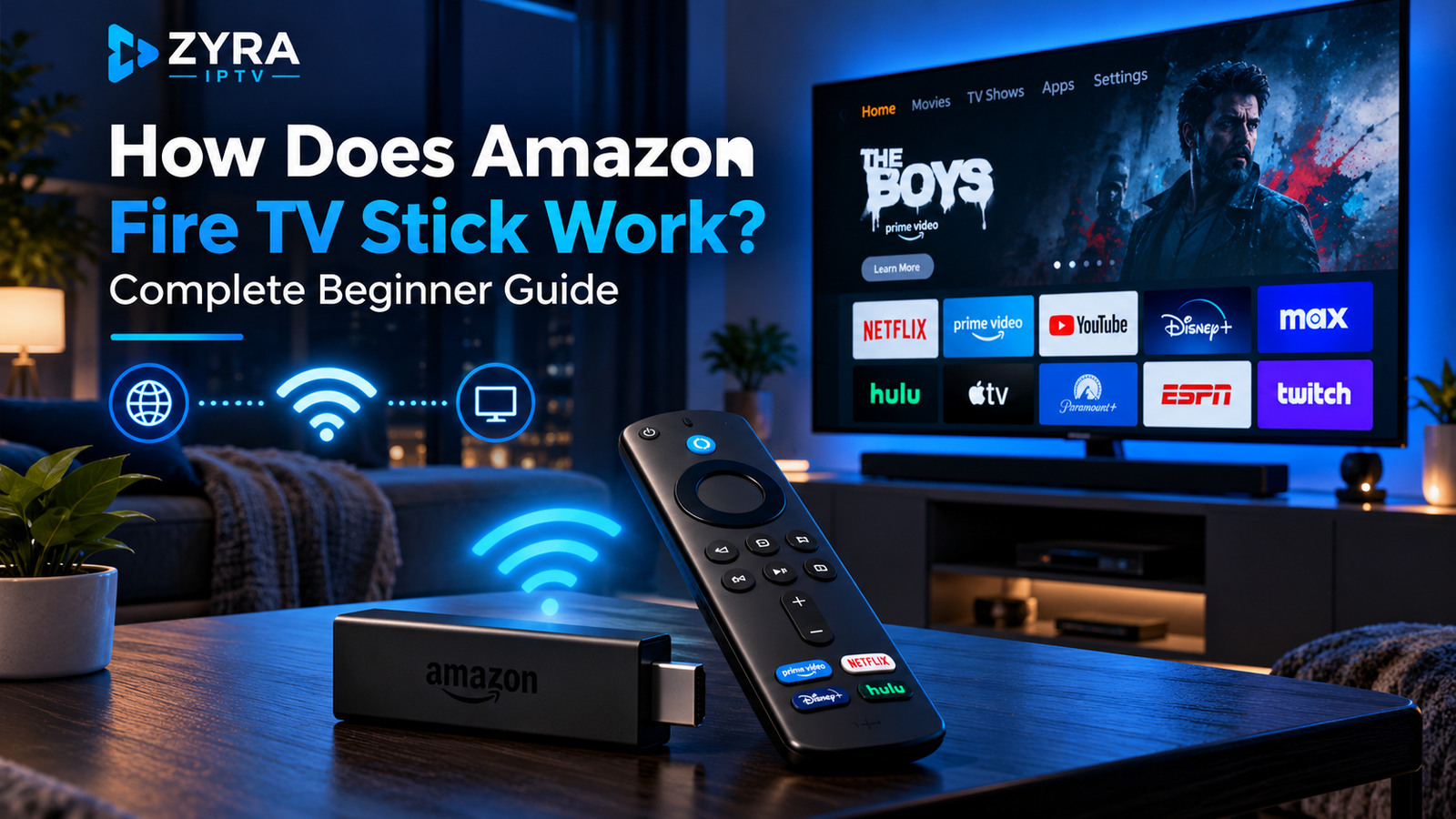
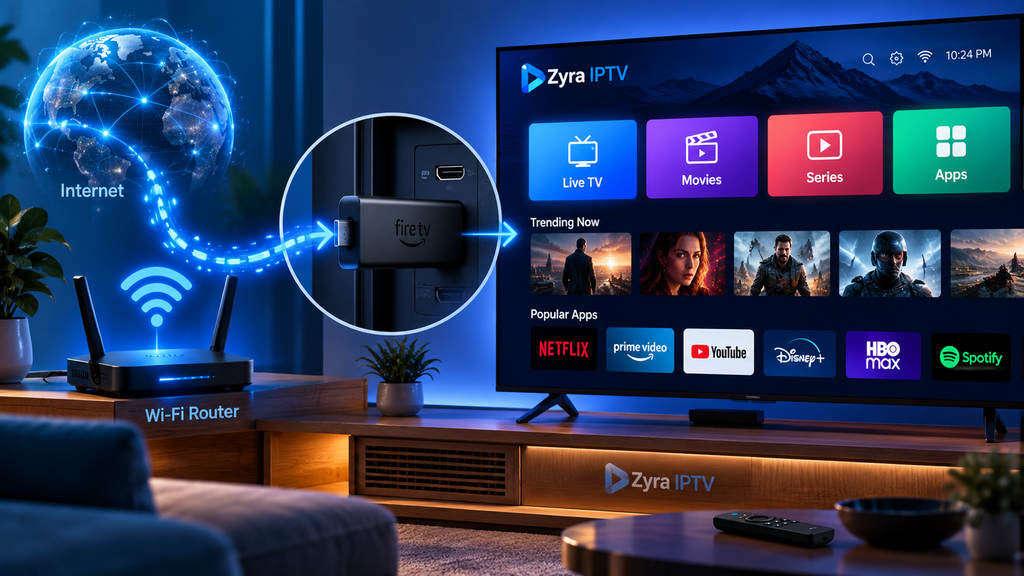
If you are wondering how does Amazon Fire TV Stick work, the basic idea is simple. The Fire TV Stick plugs into an HDMI port on your television, connects to the internet, runs streaming applications, receives video and audio from online services, processes that content, and sends the finished picture and sound to your TV.
The television mainly acts as the display. The Fire TV Stick provides the streaming interface, apps, processor, network connection, storage, and software needed to access compatible online entertainment.
You still need an internet connection, an Amazon account for normal setup, and separate accounts or subscriptions for paid streaming services.
What Is an Amazon Fire TV Stick?
An Amazon Fire TV Stick is a compact streaming media device designed to connect directly to a television.
It gives you access to Amazon’s Fire TV interface and compatible applications without requiring those apps to be built into the television itself.
This makes a Fire TV Stick useful for both older televisions with HDMI inputs and Smart TVs whose built-in streaming software may not offer the apps or interface you prefer.
Amazon currently lists multiple Fire TV Stick generations, including HD and 4K models, so features vary depending on the exact device.
How Does Amazon Fire TV Stick Work Step by Step?
The process can be divided into five simple stages.
1. The Fire TV Stick Connects to Your TV
The device connects through an available HDMI port.
HDMI carries the digital video and audio produced by the Fire TV Stick to the television.
Once connected, you select the matching HDMI input using your TV remote.
Amazon’s current setup instructions list an available HDMI port as one of the basic requirements for Fire TV Stick setup.
2. The Fire TV Stick Gets Power
The device also needs electrical power.
The exact power arrangement depends on your Fire TV Stick model. Amazon’s general Fire TV Stick instructions describe connecting the device to its power adapter and a wall outlet, while some newer models have different power arrangements.
For this reason, follow the instructions provided for your specific generation instead of assuming every Fire TV Stick is powered in exactly the same way.
3. It Connects to the Internet
During setup, the Fire TV Stick connects to your Wi-Fi network.
Your internet connection is what allows streaming applications to communicate with their online servers.
When you select a movie, television programme, live channel, or music stream, the Fire TV Stick requests that content through the internet.
Amazon’s setup process requires an internet connection and asks users to select and connect to their Wi-Fi network during initial configuration.
4. Streaming Apps Deliver the Content
After setup, you install or open compatible applications.
The app communicates with its streaming service and sends video data to the Fire TV Stick.
For example, a movie streaming app supplies its own catalogue, while a live television application supplies the channels available through that service.
The Fire TV Stick itself does not provide every movie, channel, or subscription.
Think of it like a small computer connected to your TV. The hardware runs the apps, while the individual services provide the content.
5. The Stick Processes the Video and Sends It to Your TV
The Fire TV Stick contains its own processor and supports various video and audio formats.
It decodes the stream received through the internet and outputs the resulting picture and sound through HDMI.
Capabilities depend on the model. Amazon’s current Fire TV device specifications, for example, show that the 2026 Fire TV Stick 4K third generation supports video formats including AV1, HEVC, H.264 and VP9, along with output up to 4K for supported formats.
What Do You Need for a Fire TV Stick to Work?
For a normal setup, you generally need:
- a compatible television with an available HDMI input
- the Fire TV Stick
- the appropriate power connection for your model
- an internet connection
- Wi-Fi network details
- the Fire TV remote
- an Amazon account
- accounts for any paid streaming services you want to use
Amazon’s current setup guidance specifically lists a television with HDMI, an Amazon account, internet access, and the accessories supplied with the Fire TV Stick.
Does a Fire TV Stick Make a TV Smart?
In practical terms, yes.
A television does not need its own modern streaming platform for the Fire TV Stick to provide apps and internet-based entertainment.
The Fire TV Stick runs the software itself, while your television displays the output.
However, it does not permanently change your television’s operating system.
If you switch from the Fire TV Stick’s HDMI input back to regular television or another HDMI device, the TV continues using its original software.
How Do Fire TV Stick Apps Work?
Apps are installed on the Fire TV platform and provide access to different services.
An application might offer:
- movies and TV series
- live television
- music
- video sharing
- news
- games
- IPTV playback
Some apps are free to install but require a paid account. Others may provide free content supported by advertising or another business model.
Installing an app should therefore not be confused with subscribing to its service.
How Does the Fire TV Remote Work?
Fire TV Sticks are normally controlled with a Fire TV remote.
Amazon’s current setup documentation shows that Fire TV remotes can provide navigation, playback controls and Alexa voice commands, although exact buttons and features vary between models.
You can use the remote to:
- move through menus
- open apps
- play or pause video
- rewind or fast-forward
- search
- use supported Alexa commands
- control compatible television functions on supported setups
Some functions depend on the Fire TV model, remote version and connected television.
How Does Alexa Work on a Fire TV Stick?
Supported Fire TV remotes include voice functionality.
Instead of typing a title manually, you can use the voice button and ask Alexa to search for content, launch supported apps, or perform compatible Fire TV actions.
Current Amazon specifications also show that some Fire TV Stick models support additional Alexa functionality through linked Echo devices.
Voice control does not mean Alexa can provide access to content you have not subscribed to. The relevant app and account still determine what you can watch.
Does a Fire TV Stick Need a Smart TV?
No.
The main television requirement is a compatible HDMI connection and suitable display capability.
This is one reason streaming sticks are useful for older televisions. Instead of replacing a working screen simply because its built-in apps are outdated, you can use the Fire TV Stick as the streaming platform.
The Fire TV Stick can also be used with a Smart TV if you prefer the Fire TV interface.
Does Fire TV Stick Require Wi-Fi?
For normal streaming, it needs an internet connection.
Wi-Fi is the standard connection method, although Amazon’s specifications show Ethernet support through compatible adapters on some models.
A weak or unstable network can cause:
- slow app loading
- buffering
- reduced video quality
- delayed stream starts
- connection errors
The Fire TV Stick does not create an internet connection by itself.
How Does 4K Work on a Fire TV Stick?
A 4K-capable Fire TV Stick can output 4K video when the complete viewing setup supports it.
That usually means you need:
- a Fire TV Stick model capable of 4K
- a compatible 4K television
- a streaming app that provides 4K content
- a subscription tier that includes the required quality when applicable
- sufficient network performance
Owning a 4K Fire TV Stick does not automatically turn every video into 4K.
Amazon’s current 2026 Fire TV Stick 4K specifications list 4K playback support and technologies including HDR10 and HDR10+.
Can You Watch Live TV on Fire TV Stick?
Yes, through supported applications that provide live television.
The Fire TV Stick can run live TV apps just as it runs movie and music services.
The available channels depend on the application, subscription, country and broadcasting rights.
Fire TV itself should therefore be viewed as the platform running the app, not as a universal television subscription.
How Does IPTV Work on a Fire TV Stick?
IPTV can work through a compatible IPTV player installed on the Fire TV device.
A typical IPTV setup looks like this:
Internet > IPTV service > IPTV player > Fire TV Stick > Television
The IPTV provider supplies the authorized account or playlist information, while the player organizes and plays the available streams.
The player and subscription are separate. Installing an IPTV player does not automatically provide channels.
Fire TV models also differ in their software platforms. Zyra’s current Firestick IPTV installation guide explains why you should identify your exact Fire TV model before following app installation instructions.
Amazon’s device specifications currently show both older Fire OS devices and newer models using Vega OS, including the 2026 Fire TV Stick 4K third generation.
This means instructions written for one Firestick generation may not apply exactly to another.
Fire TV Stick vs Built-In Smart TV Apps
Both approaches can provide internet streaming, but the hardware is different.
| Fire TV Stick | Smart TV Apps |
|---|---|
| Separate streaming hardware | Built into the television |
| Connects through HDMI | No external HDMI device needed |
| Can be moved between compatible TVs | Remains with the television |
| Uses Fire TV interface | Uses TV manufacturer’s interface |
| Can be replaced independently | Hardware is part of TV |
| App support depends on Fire TV model | App support depends on TV platform |
If you already have a Smart TV, you do not necessarily need a Fire TV Stick. It is an additional streaming option.
For IPTV installed directly on a television instead, see the Smart TV IPTV setup guide.
Does a Fire TV Stick Have a Monthly Fee?
The Fire TV Stick is hardware, so owning one does not automatically create a universal monthly Fire TV fee.
However, individual streaming applications may require separate paid subscriptions.
You may therefore pay for:
- movie streaming services
- sports subscriptions
- live TV services
- IPTV subscriptions
- premium applications or content
Costs and availability vary between services and countries.
Frequently Asked Questions
How does Amazon Fire TV Stick work?
It connects to your television through HDMI, connects to the internet, runs compatible streaming apps, receives video from online services, processes the stream and sends the picture and sound to your TV.
Does a Fire TV Stick work on a normal TV?
A non-smart television can use a Fire TV Stick if it has the required compatible HDMI connection and supports the device’s output.
Does Firestick need internet?
Yes, normal streaming functions require an internet connection.
Does Firestick give you free Netflix?
No. A Fire TV Stick can run the Netflix app where supported, but Netflix access requires its own appropriate account or subscription.
Can Fire TV Stick show live channels?
Yes, compatible live television and IPTV applications can provide live channels. The Fire TV Stick itself does not automatically include those channels.
Can I use IPTV on a Fire TV Stick?
Yes, when your Fire TV device supports an appropriate IPTV player and you have valid access details from an IPTV provider.
Understanding How Fire TV Stick Works
The answer to how does Amazon Fire TV Stick work comes down to a simple streaming chain. The device connects your television to internet-based applications, processes the video and audio those services send, and displays the result through HDMI.
It can turn an older HDMI-equipped TV into a modern streaming screen or provide an alternative interface on an existing Smart TV. What you can watch depends on the apps, subscriptions, region and Fire TV model you use.
If you plan to use Fire TV specifically for IPTV, visit Zyra IPTV and explore the available IPTV setup guidance for supported streaming devices.