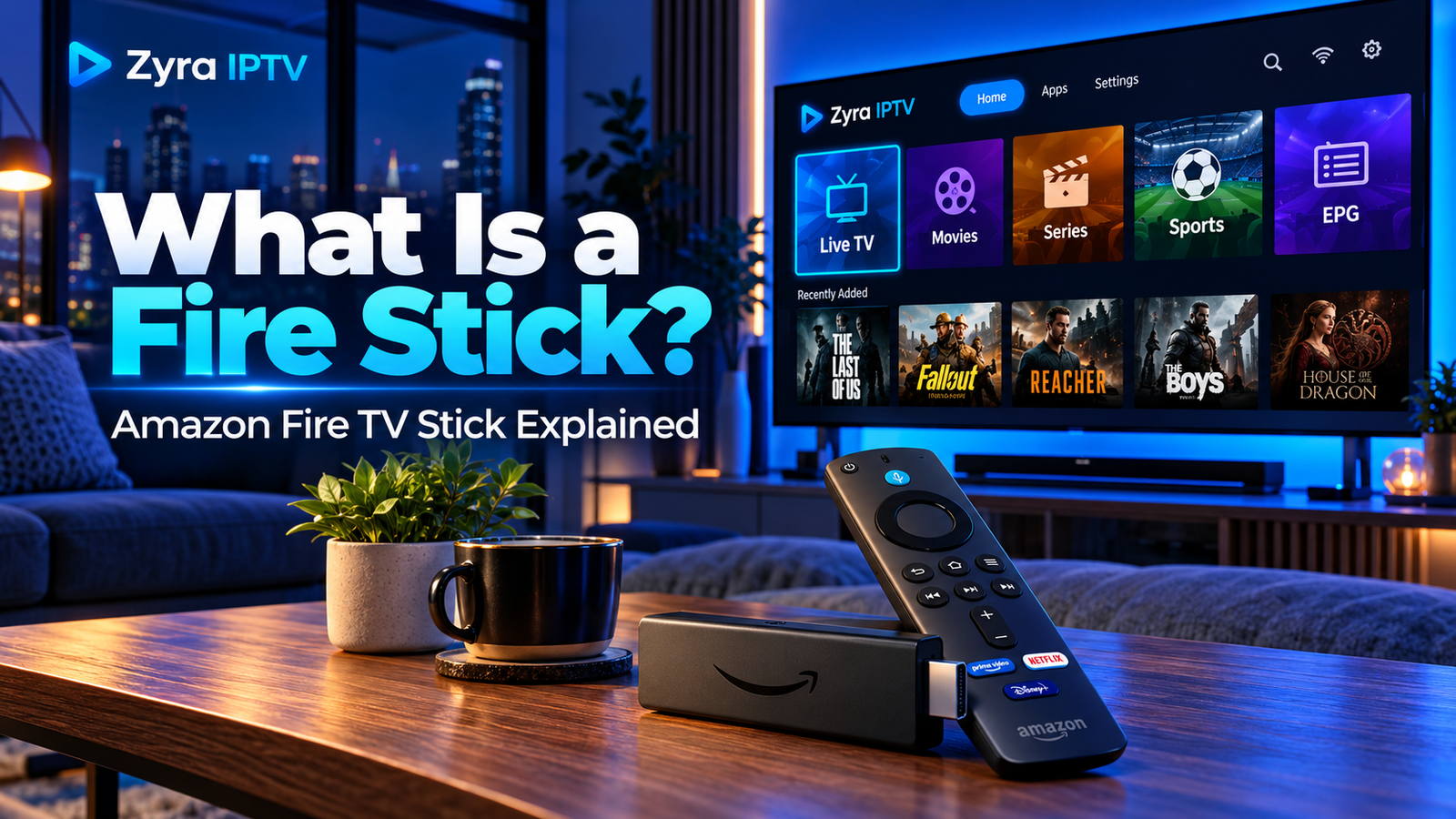
If you are wondering what is a Fire Stick, it is a compact streaming device from Amazon that connects to a compatible television and gives you access to streaming apps, online video, music, live TV services and other supported applications.
The official name is Amazon Fire TV Stick, although people commonly call it a Fire Stick or Firestick.
Instead of relying only on the apps built into your television, a Fire TV Stick provides Amazon’s Fire TV interface, its own remote and access to compatible apps. Amazon currently offers several Fire TV Stick generations and models, including HD and 4K devices.
What Does a Fire Stick Do?
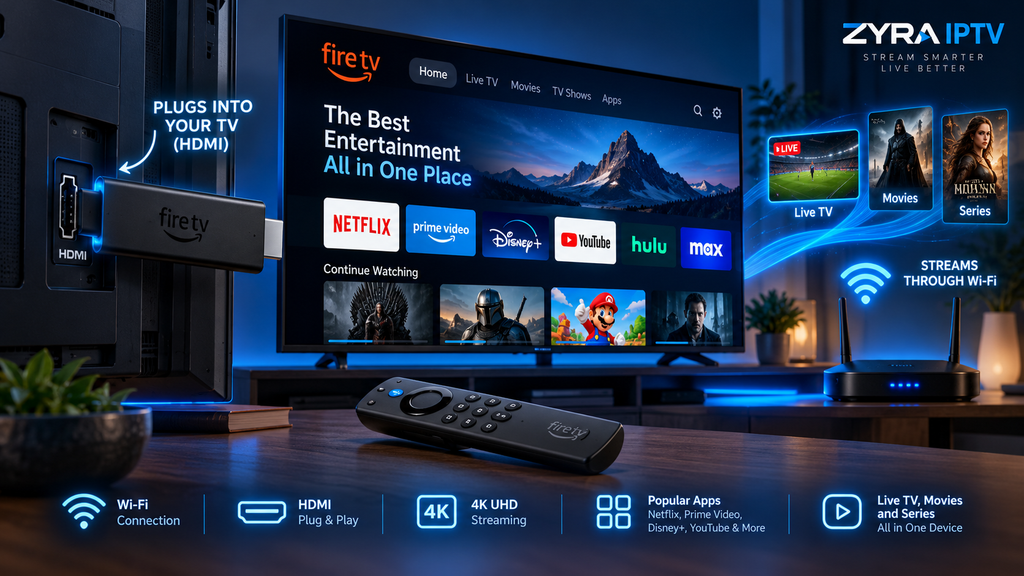
A Fire TV Stick adds streaming capabilities to a television through its HDMI connection.
After setup, you can use compatible applications for activities such as:
- streaming movies and TV series
- watching live television through supported services
- using music and audio apps
- accessing YouTube and other video platforms
- installing compatible Fire TV applications
- searching for entertainment
- using supported Alexa voice features
- using compatible IPTV players
The device does not automatically include subscriptions to every streaming platform. Services such as video subscriptions, IPTV subscriptions or premium channels remain separate from the Fire TV Stick itself.
Think of the Fire Stick as the device that runs the apps, rather than the company that supplies all the content.
How Does a Fire Stick Work?
The basic process is straightforward.
A Fire TV Stick connects to your television through HDMI, connects to the internet, and runs streaming applications that retrieve video or audio over that internet connection.
A typical setup works like this:
Internet connection > Fire TV Stick > Streaming app > Television
Amazon’s support information confirms that Fire TV Stick models connect through Wi-Fi, run compatible applications and support streaming features based on the capabilities of the particular model.
To use one, you normally:
- Connect the Fire TV Stick to a television’s HDMI input.
- Connect power according to the requirements of your model.
- Select the correct HDMI input on the TV.
- Follow the on-screen setup instructions.
- Connect the device to Wi-Fi.
- Sign in with the required Amazon account.
- Install compatible streaming apps.
- Sign in to the services you want to use.
Newer models can differ from older Fire TV Sticks, so the exact power, software and setup details depend on the generation.
What Do You Need to Use a Fire Stick?
You generally need:
- a television or display with a compatible HDMI input
- an internet connection
- Wi-Fi, or another supported network connection
- the Fire TV Stick
- its remote
- appropriate power for the model
- an Amazon account for normal Fire TV setup
- subscriptions or accounts for paid streaming services you choose
The Fire TV Stick itself does not replace your internet connection.
Streaming requires network access because the device retrieves content from online services rather than receiving conventional terrestrial television by itself.
Does a Fire Stick Turn a Normal TV Into a Smart TV?
In practical terms, a Fire TV Stick can add many smart streaming functions to a television that has a suitable HDMI connection.
For example, an older TV might have a good screen but outdated built-in apps. Adding a Fire TV Stick lets you use the Fire TV interface and supported streaming applications without replacing the television.
However, the Fire Stick does not change the television’s original operating system. It works as a separate device connected to an HDMI input.
When you switch back to the TV’s own interface, its original software remains unchanged.
Fire Stick vs Smart TV
A Smart TV has streaming software built into the television itself.
A Fire TV Stick is an external streaming device.
| Feature | Fire TV Stick | Smart TV |
|---|---|---|
| Streaming interface | Runs on external device | Built into television |
| HDMI connection | Required | Not required for built-in apps |
| Separate remote | Usually yes | Uses TV remote |
| Easy to move | Yes | No |
| Apps | Depends on Fire TV platform | Depends on TV operating system |
| Hardware upgrade | Replace streaming stick | Often requires replacing TV or adding a device |
Even people who already own a Smart TV sometimes use an external streaming device because they prefer its interface or supported apps.
What Is the Difference Between Fire TV and Fire TV Stick?
Fire TV is Amazon’s broader television and streaming platform.
Fire TV Stick refers to Amazon’s stick-shaped streaming hardware that plugs into a television.
Amazon’s Fire TV ecosystem also includes other device categories, including televisions with Fire TV built in and Fire TV Cube models.
So every Fire TV Stick belongs to the Fire TV ecosystem, but not every Fire TV device is a Fire TV Stick.
Are All Fire Sticks the Same?
No.
Amazon has released many Fire TV Stick generations since the original model appeared in 2014. Current and previous devices differ in areas such as:
- maximum video resolution
- processor
- Wi-Fi capability
- storage
- audio support
- HDR formats
- remote design
- operating system
- app compatibility
Amazon’s current device documentation lists multiple Fire TV Stick generations, including HD and 4K versions. The current specifications also show that newer models can use different software environments from older Fire TV devices.
This matters when following installation guides. Instructions written for an older Firestick may not work exactly the same way on a newer device.
What Is a Fire Stick 4K?
A Fire TV Stick 4K is a Fire TV Stick designed to support 4K video output with a compatible television and content source.
Amazon’s current 2026 Fire TV Stick 4K specification includes 4K playback capabilities, HDR support and Wi-Fi 6 connectivity.
Having a 4K Fire Stick does not mean everything you watch will automatically appear in 4K.
You also need:
- a compatible 4K television
- content available in 4K
- a streaming service that provides that quality
- sufficient network performance
- compatible HDMI and display settings
If any part of that chain does not support 4K, playback may use a lower resolution.
Does a Fire Stick Require a Monthly Fee?
There is not necessarily a monthly fee simply for owning the hardware.
However, many applications available through Fire TV use separate subscriptions.
For example, you may need separate accounts for:
- movie and series streaming services
- sports platforms
- live television services
- music subscriptions
- IPTV services
Some apps and content may be free, while others require payment.
The Fire TV Stick should therefore be viewed as streaming hardware, not as a subscription that automatically includes every service.
Can You Watch Live TV on a Fire Stick?
Yes, when you use a compatible application or service that provides live television.
The Fire TV platform supports live TV applications, but the channels available depend on the service, region, subscription and content rights.
A Fire Stick does not automatically unlock local, premium or international television channels.
You need an appropriate authorized service for the channels you want to watch.
Can You Use IPTV on a Fire Stick?
Yes, compatible Fire TV devices can be used with supported IPTV applications.
The normal process is to install an IPTV player that works with your particular Fire TV model and then enter the credentials or playlist supplied by your IPTV provider.
The IPTV player and IPTV subscription are separate.
Installing a player does not automatically provide:
- television channels
- movies
- sports
- IPTV credentials
- an M3U playlist
- an IPTV subscription
Fire TV software has also changed across generations. Some devices use Android-based Fire OS, while selected newer models use Amazon’s newer software environment. As a result, an APK installation method from an older Firestick tutorial should not automatically be assumed to work on every current model.
For current IPTV-specific instructions, see the guide to installing IPTV on Firestick.
Can You Take a Fire Stick to Another TV?
One advantage of the stick format is portability.
You can disconnect the device and connect it to another compatible television, provided you have the necessary network connection and power arrangement.
However, streaming-service availability can depend on location, account rules and regional licensing.
Moving the hardware does not guarantee that every application or piece of content will be available everywhere.
Does a Fire Stick Need Wi-Fi?
A Fire TV Stick needs an internet connection for normal streaming.
Wi-Fi is the standard connection method for Fire TV Stick models, while some configurations and models can use compatible Ethernet accessories. Amazon’s device support documentation lists Wi-Fi connectivity across Fire TV Stick generations and Ethernet support for certain devices through compatible adapters.
If your Wi-Fi signal is weak, streaming may buffer, take longer to start or drop in quality.
For a television that is far from the router, improving Wi-Fi coverage or using a supported wired connection can help.
Can a Fire Stick Be Used on Any TV?
Not literally every television.
You need a compatible display with an appropriate HDMI connection and the ability to display the resolution produced by the Fire TV Stick.
Older televisions without HDMI generally cannot accept a Fire TV Stick directly.
The television does not necessarily need to be a Smart TV, which is one reason streaming sticks are useful for otherwise functional older displays.
Is a Fire Stick the Same as an IPTV Box?
No.
A Fire TV Stick is a general streaming device made by Amazon.
It can run many types of applications, including entertainment, music and compatible IPTV players.
An IPTV box is a broader term that usually describes hardware intended primarily for IPTV or internet television.
A Fire Stick can therefore be used for IPTV, but IPTV is only one of its possible uses.
For more information about IPTV applications and device setup, the Zyra IPTV guides cover different streaming platforms.
Frequently Asked Questions
What is a Fire Stick?
A Fire Stick, officially called an Amazon Fire TV Stick, is a compact streaming device that connects to a compatible television and runs streaming apps using an internet connection.
What is a Firestick do?
A Firestick lets you use supported streaming applications for movies, TV series, live television, music and other online content on your television.
Do you need a Smart TV for a Fire Stick?
No. A compatible television with an HDMI connection can generally use a Fire TV Stick even if the television does not have modern smart apps built in.
Does a Fire Stick give you free TV?
The device itself does not automatically provide every television service. Some apps offer free content, while others require separate subscriptions or accounts.
Can I install apps on a Fire Stick?
Yes. Fire TV supports compatible applications, although availability depends on your device model, operating system and region.
Is a Fire Stick good for IPTV?
A Fire TV Stick can run compatible IPTV players and is commonly used as a streaming device. The exact installation method depends on the Fire TV model and software.
Does a Fire Stick work without the internet?
Most streaming functions require internet access. Without a connection, the device cannot normally retrieve online streaming content.
Is a Fire Stick Useful for IPTV and Streaming?
Understanding what is a Fire Stick is simple: it is Amazon’s compact streaming hardware for adding the Fire TV experience and compatible apps to a television.
It can be useful for movies, series, music, live television and IPTV, but the Fire TV Stick itself is not a content subscription. You still need the appropriate streaming accounts or authorized IPTV service for the content you want to watch.
If you plan to use a Fire TV Stick for IPTV, visit Zyra IPTV for additional device guidance and IPTV setup information.