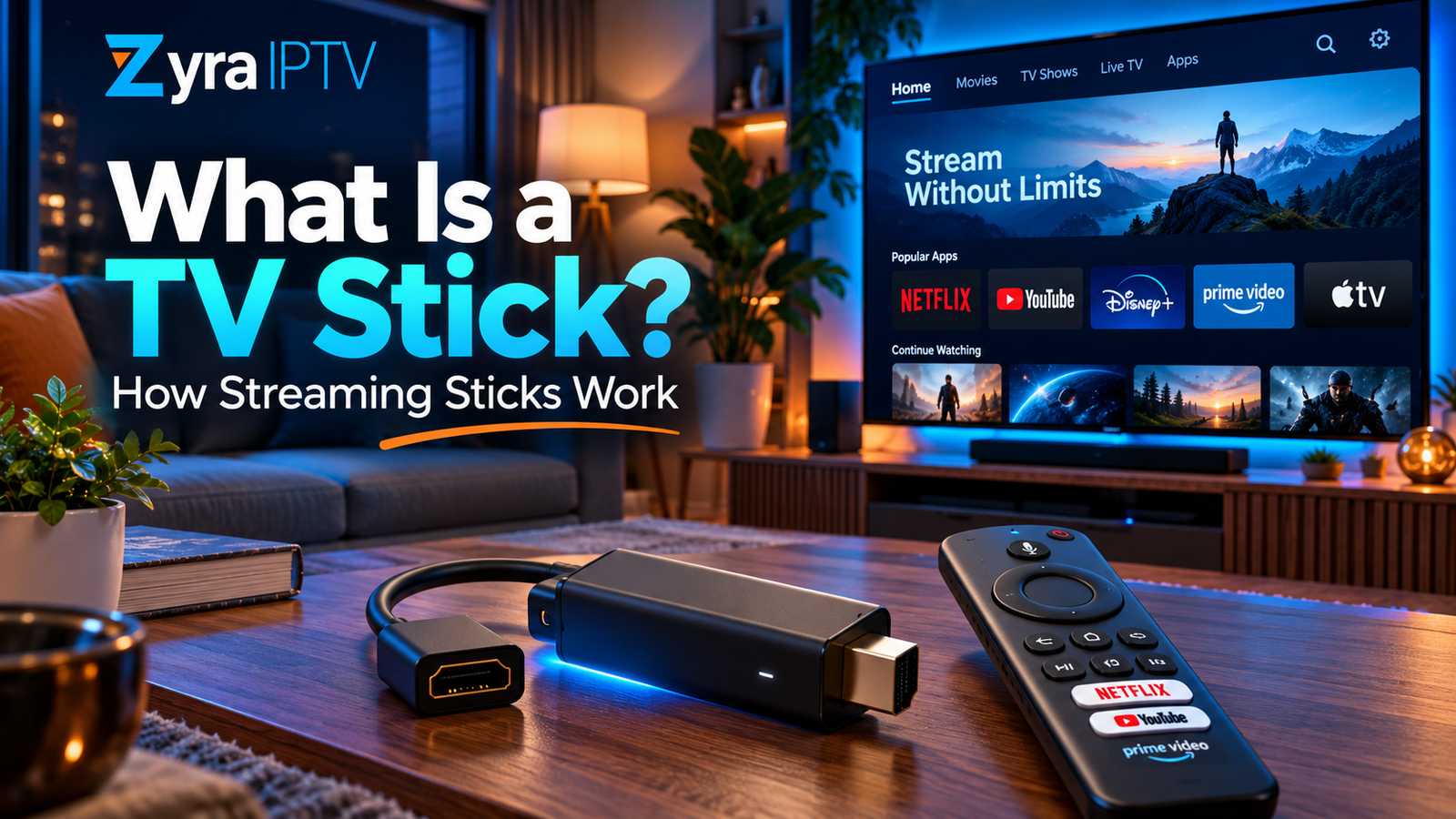
If you are searching what is TV stick, a TV stick is a small streaming media device that plugs into a television, usually through an HDMI port, and adds an internet-connected streaming platform to the screen.
Instead of relying only on the software built into your television, the stick has its own processor, operating system, apps, Wi-Fi connection, storage and remote control. It can be used for movies, TV series, live television, music, IPTV and other supported streaming services.
Amazon Fire TV Stick and Roku Streaming Stick are two current examples of this type of device.
What Does a TV Stick Do?
A TV stick essentially turns your television into a screen for a separate streaming device.
Once connected to the internet, the stick can run compatible apps and retrieve video or audio from online services.
Depending on the device and region, that may include:
- movie and TV streaming apps
- live television services
- music applications
- YouTube and similar video platforms
- IPTV players
- free streaming services
- subscription-based entertainment
- voice search
- screen casting or other supported connectivity features
The TV stick itself does not automatically include every streaming service.
For example, installing a streaming service’s app does not necessarily mean its paid content becomes free. You still need any account or subscription required by that service.
How Does a TV Stick Work?
Most streaming sticks follow the same basic process:
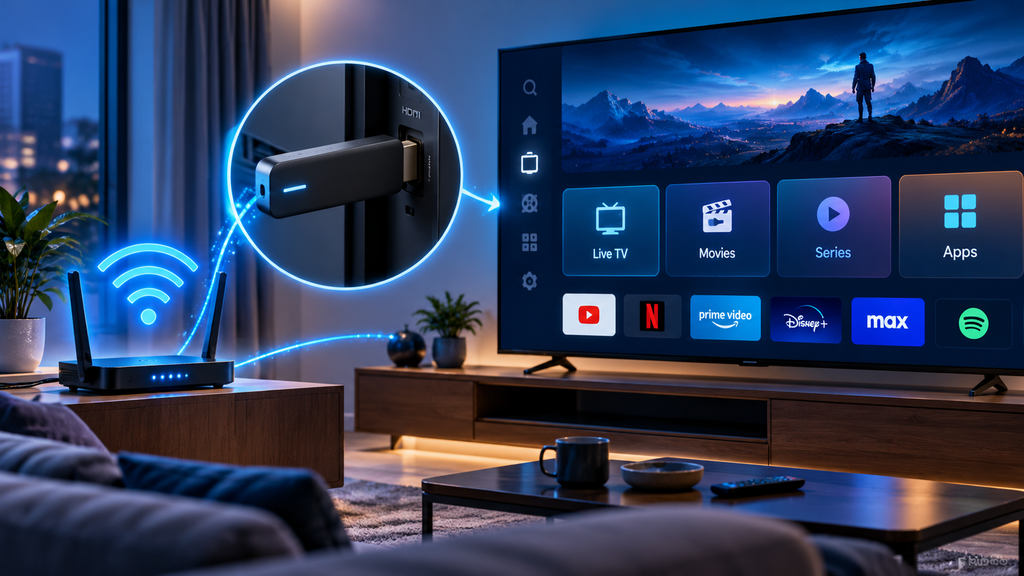
Internet > TV stick > streaming app > HDMI > television
The stick connects to your home network, usually using Wi-Fi. When you choose a movie, programme or live channel, the relevant application requests that content from its online service.
The TV stick receives the stream, processes the video and audio, and sends the resulting picture and sound to the television through HDMI.
The television is primarily displaying what the streaming stick produces.
Amazon’s current Fire TV Stick specifications show that Fire TV Stick devices contain their own processors, storage, wireless networking and video-decoding capabilities.
Roku similarly describes its Streaming Stick as a compact player that connects directly to a television and streams content through an internet connection.
What Do You Need to Use a TV Stick?
The exact requirements vary by model, but a typical setup needs:
- a compatible television with an HDMI input
- a streaming stick
- an internet connection
- Wi-Fi network details
- the stick’s remote or supported control method
- appropriate power for that model
- an account for the streaming platform when required
- subscriptions for any paid services you want to use
Power arrangements are not identical across all TV sticks.
Some current models can draw power directly from a compatible television connection, while others may use a separate power cable or adapter. Always follow the manufacturer’s instructions for your particular device.
Does a TV Stick Make a Normal TV Smart?
In practical terms, yes.
If an older television has a compatible HDMI port, a streaming stick can add many of the functions normally associated with a Smart TV.
The stick can provide:
- a modern streaming interface
- app installation
- internet video
- live streaming
- search
- account profiles
- software updates
- supported voice controls
However, the stick does not permanently change your television’s original operating system.
You simply switch the TV to the HDMI input where the stick is connected. If you switch back to another input, the television continues operating normally.
Why Use a TV Stick on a Smart TV?
This is a common question because modern Smart TVs already include streaming applications.
A TV stick can still be useful.
For example, a television’s built-in software may become slow or stop receiving certain app updates while the physical screen continues working well.
A separate streaming stick gives you another software platform without replacing the television.
People may also prefer a particular streaming ecosystem, remote design, app selection or interface.
Because the device is separate from the television, replacing the streaming hardware can also be easier than replacing an entire TV.
If you prefer using apps directly on your television instead, the Smart TV IPTV setup guide explains how IPTV installation works on supported Smart TV platforms.
TV Stick vs Smart TV
A TV stick and a Smart TV can perform many similar streaming tasks, but they are not the same thing.
| TV Stick | Smart TV |
|---|---|
| Separate streaming device | Streaming platform built into TV |
| Connects through HDMI | No external stick required |
| Has its own software | Uses TV manufacturer’s software |
| Can often move between TVs | Remains part of one television |
| Can be replaced separately | Platform is tied to the TV |
| App support depends on stick platform | App support depends on TV platform |
You do not necessarily need a streaming stick if you are happy with your Smart TV’s built-in applications.
What Are Common Types of TV Sticks?
Streaming sticks are available from different platform providers.
Amazon Fire TV Stick
Amazon currently offers multiple Fire TV Stick models and generations.
Amazon’s official device documentation currently lists Fire TV Stick HD and several Fire TV Stick 4K models, alongside earlier generations.
Features vary by model, including:
- supported resolution
- Wi-Fi technology
- storage
- processor
- HDR formats
- operating system
Some current Fire TV Stick models use Fire OS, while selected newer devices use Amazon’s Vega OS. This is important for app compatibility and installation instructions.
If IPTV is your main reason for using Amazon’s device, Zyra has a separate Firestick IPTV installation guide for the setup process.
Roku Streaming Stick
Roku also offers compact streaming sticks.
Its current Streaming Stick line includes models designed for HD and 4K televisions. Roku states that its current sticks connect directly through HDMI and use Wi-Fi for streaming.
The operating system and app ecosystem differ from Amazon Fire TV, so an app supported on one platform should not automatically be assumed to work on another.
HD vs 4K TV Sticks
Streaming sticks can support different maximum video resolutions.
An HD model may be suitable for an HD television, while a 4K-capable model can output higher-resolution video when the rest of the setup supports it.
To actually watch something in 4K, you normally need:
- a 4K-capable streaming stick
- a compatible 4K television
- content available in 4K
- a streaming service that provides that version
- enough network performance for the stream
Buying a 4K streaming stick does not convert every programme into native 4K.
Does a TV Stick Need Wi-Fi?
A TV stick normally requires an internet connection for online streaming.
Wi-Fi is the standard connection method for most stick-style devices.
Some streaming hardware can also support Ethernet through built-in connections or compatible accessories, depending on the product.
Poor Wi-Fi can affect streaming performance. Common symptoms include:
- buffering
- slow app loading
- reduced picture quality
- streams taking longer to begin
- connection errors
Moving the router, improving Wi-Fi coverage or using a supported wired connection can help in some homes.
Can a TV Stick Be Used for IPTV?
Yes, when the streaming stick supports a compatible IPTV player.
A typical setup is:
IPTV service > IPTV player > TV stick > television
The IPTV service provides access to authorized streams. The IPTV player is the application that organizes and plays them.
Installing an IPTV player does not automatically provide:
- an IPTV subscription
- live channels
- movies
- an M3U playlist
- account credentials
Those details must come from the service or another authorized source.
Because app compatibility varies between platforms and generations, check the specific TV stick before choosing an IPTV player. The Zyra IPTV guides cover setup information for different device types.
TV Stick vs Streaming Box
A TV stick is not the only kind of external streaming hardware.
Streaming boxes perform a similar basic function but use a larger set-top form factor.
| Streaming Stick | Streaming Box |
|---|---|
| Small and compact | Larger external unit |
| Usually plugs directly into HDMI | Usually connects by HDMI cable |
| Easy to move | Normally stays beside television |
| Designed to remain behind TV | Sits near the television |
| Hardware varies by model | Hardware also varies by model |
Neither design is automatically better. The right choice depends on the platform, apps and features you need.
Can You Take a TV Stick to Another Television?
Usually, yes.
Portability is one of the advantages of the stick design.
You can disconnect the device and connect it to another compatible television, then connect it to an available network.
However, streaming availability can depend on your location.
A service available in the United States may have different content or availability in Canada or Australia because licensing agreements differ between markets.
The streaming stick can travel, but that does not guarantee that every app or programme will work everywhere.
Does a TV Stick Have a Monthly Fee?
A streaming stick is hardware, so the device itself should not be confused with a universal monthly entertainment subscription.
Individual applications may have their own payment requirements.
You might use:
- completely free apps
- advertising-supported services
- paid streaming subscriptions
- live TV subscriptions
- IPTV subscriptions
- movie rentals or purchases
Your ongoing cost therefore depends on which services you choose rather than simply owning the stick.
Frequently Asked Questions
What is TV stick?
A TV stick is a compact streaming device that connects to a compatible television, normally through HDMI, and uses the internet to run streaming apps for movies, television, music, live TV and other online content.
What is the purpose of a TV stick?
Its main purpose is to provide an external streaming platform. It can add smart streaming features to an older television or provide an alternative platform for an existing Smart TV.
Does a TV stick work on any television?
Not every television. The TV needs the connections and display compatibility required by the particular stick, typically including a suitable HDMI input.
Does a TV stick give you free channels?
Not automatically. Some supported apps offer free content, while other services require subscriptions.
Is a Firestick a TV stick?
Yes. Amazon Fire TV Stick is one brand and family of streaming sticks.
Can IPTV work on a TV stick?
Yes, if the particular streaming stick supports a compatible IPTV player and you have valid service credentials or playlist information.
Is a TV stick better than a Smart TV?
Not necessarily. A Smart TV can already provide streaming apps. A TV stick is useful when you prefer another platform, need different app support, or want to upgrade the streaming experience without replacing the television.
Is a TV Stick Useful for Streaming and IPTV?
Understanding what is TV stick comes down to one simple idea: it is a small external computer designed mainly for television streaming.
It connects a compatible TV to internet-based apps and can be used for movies, series, live television, music and IPTV. The exact features depend on the model, operating system, available applications and country.
If IPTV is one of the reasons you are considering a streaming stick, visit Zyra IPTV for additional IPTV setup and device guidance.